Exporting illustrations
An illustration leaves the library as files: a still for a slide or a PDF, and one script that draws any scene live on a web page. Both are made from the same definition and both are on All illustrations.
The still
Section titled “The still”Every scene and every object — 49 pictures — is two files:
| File | What it is |
|---|---|
<name>.svg |
the picture as a vector, its words kept as text, with Poppins inside the file |
<name>@2x.png |
the same picture at twice the size, on a transparent ground |
A scene drawn in another palette is <scene>--<palette>. The font travels in the file: Each is an SVG with the design system’s Poppins inside, cut to the characters it uses, so it renders correctly placed as an image in a slide or a PDF; a still without words carries no font. So a still looks the same on a machine that has never had Poppins installed.
Use the SVG wherever a tool takes one — it stays sharp at any size — and the PNG where it does not.
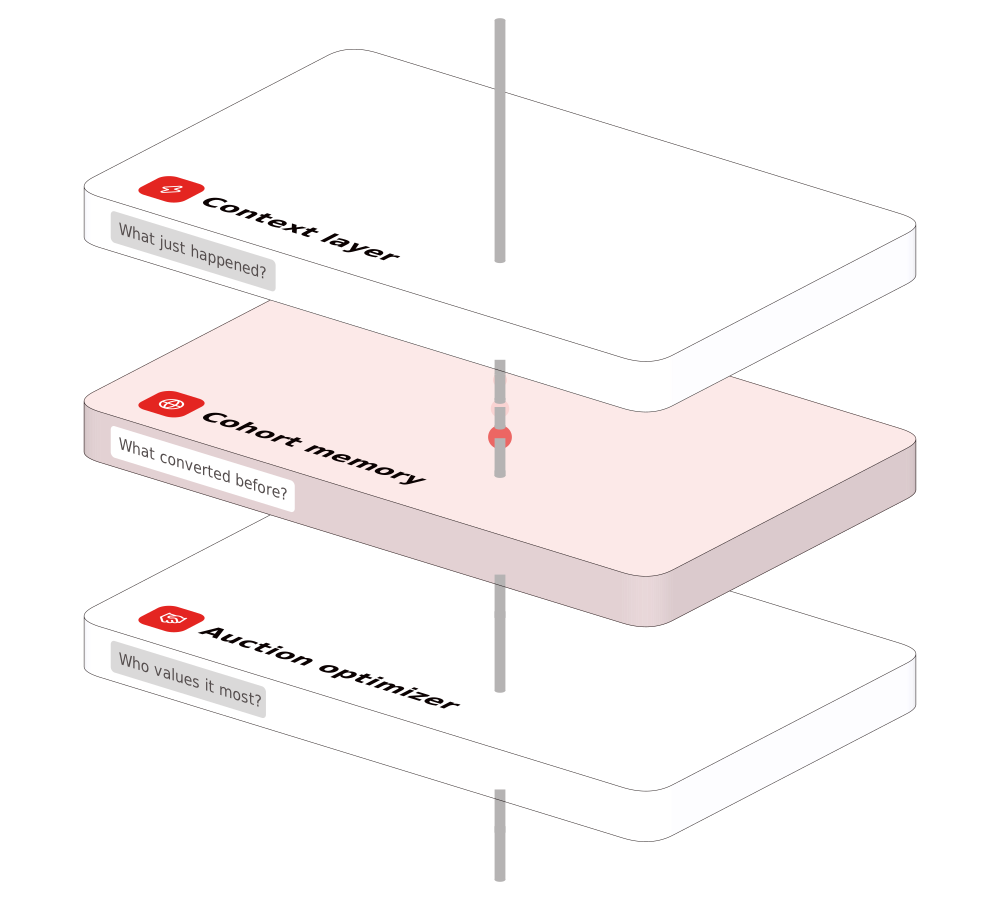
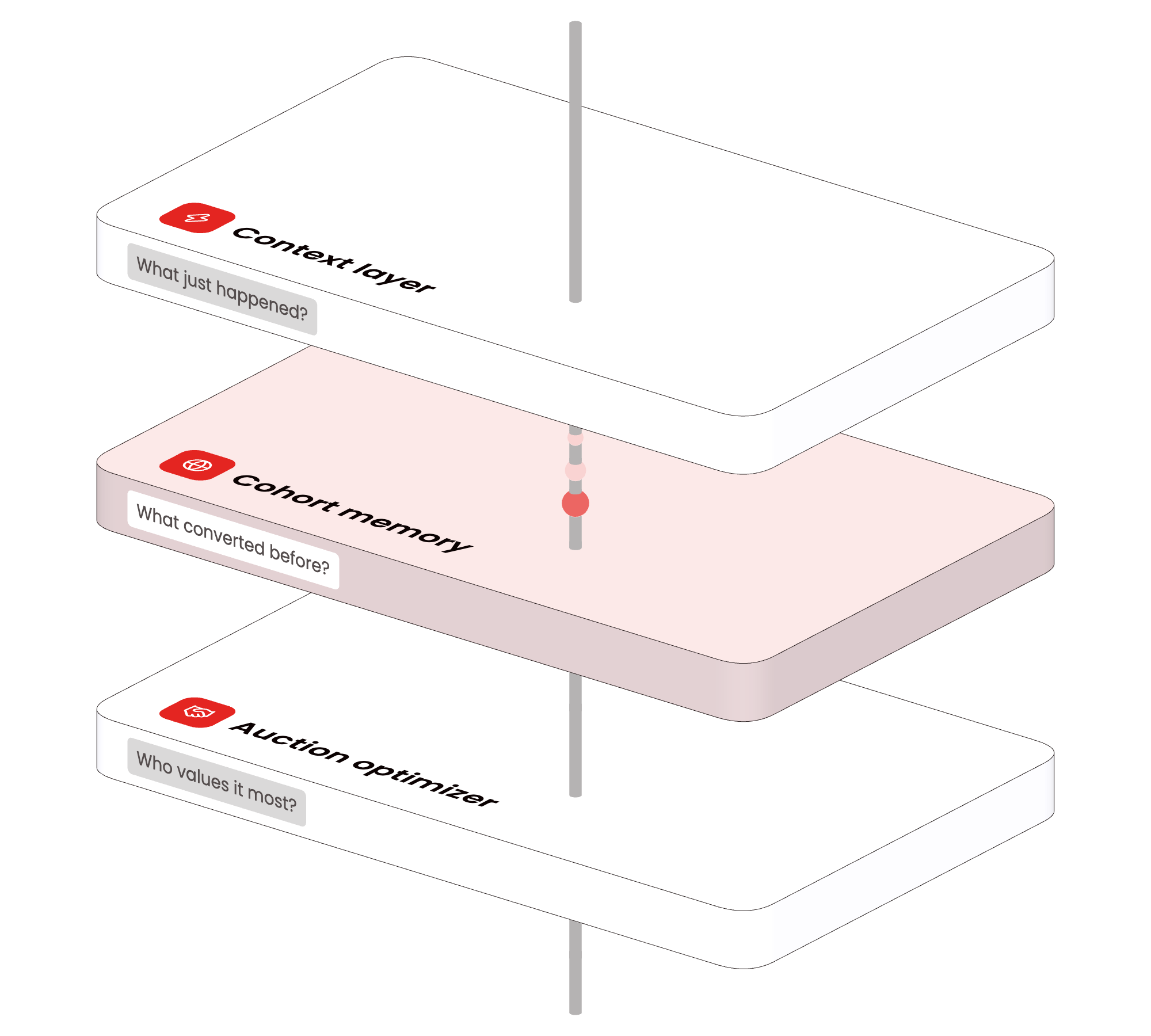
The live version
Section titled “The live version”The library is one package. Install it, serve its dist/ folder as it is, and place a scene by its name:
npm install @pepperui/illustrations<pepper-illustration scene="cross-screen" palette="red" label="One user across three screens"></pepper-illustration><script src="node_modules/@pepperui/illustrations/dist/pepper-illustration.js"></script>pepper-illustration.js (8 KB) is the element alone. It finds the engine, pepper-illustration-engine.js (888 KB), and the stills beside its own script, and catalogue.json beside them lists every scene, every object and the attributes below.
| Attribute | What it takes |
|---|---|
scene |
a library scene, by its name — cross-screen · intelligence · flow · infra · release · screens · booking-window · city-map · creative-rotation · cross-screen-close · deep-link · demand-board · geo-holdout · one-event · source-pricing |
object |
one library object alone, by its name, in place of a scene — see All illustrations |
palette |
red · yellow · blue · three — the scene’s own without it; the three for an object alone |
direction |
left · right — which way the objects face; the scene’s own without it; left for an object alone |
still |
present: the still, drawn at build time — no engine, no motion |
idle |
on · off — the slow drift on its own; on without it |
interactive |
on · off — the pointer turns the picture; on without it |
label |
what the picture shows, for a screen reader |
loading |
lazy · eager — lazy without it: the engine starts when the picture comes into view |
src |
the address of a description (JSON) for a scene not in the library — see A scene is a description |
- Width is the element’s, and its height follows the picture’s proportions.
- The still comes first: the page’s first paint never waits for the engine. Every scene is drawn at build time in every palette and facing both ways — 120 files in
stills/— and the element shows that file at once. - A still’s line is never thinner than one device pixel, as the live picture’s never is: the outline’s width is its own width at the picture’s size, or one CSS pixel, whichever is wider, and one device pixel on a denser screen, which the element asks for. Shown small, a still keeps its lines.
- The engine loads only for a picture that moves, after the page has loaded, the first time a live picture comes into view: a page of stills downloads no engine at all.
- It moves only while it is in view, and under reduced motion it shows the still.
- One renderer for the page: every live picture on a page shares one WebGL renderer, so a page holds any number of them.
- It brings its own font — The engine carries Poppins 400, 500 and 600 cut to Latin — so its words are Poppins on any page, even one opened from disk.
- It is an image to a screen reader: give it a
label.
The page pattern: one live scene per page, the rest stills. The hero moves; the others are the same scenes with still, in the same palette and direction, so the page matches exactly.
A new scene on a page
Section titled “A new scene on a page”The library is a bank that grows, and a new scene reaches a page the way a new icon does:
- It is composed and approved — a description on the library’s objects, never a drawing. An object the library lacks is added to the library first, never drawn on a page.
- It joins the library as one file, its description named for the scene — the full run draws a new scene in every palette and direction, runs every check and adds its still.
- A new version of the package is released — a scene added is a minor.
- The page installs that version and names the scene:
<pepper-illustration scene="…">— live where it is the page’s one moving picture,stilleverywhere else.
Every scene in every palette
Section titled “Every scene in every palette”These are the stills the element paints — each scene in each palette, facing left and facing right. They are files like any other still, with Poppins inside, so one can go into a slide as it is.
| Scene | Red | Yellow | Blue | Three |
|---|---|---|---|---|
| Cross-screen: TV, phone and laptop on a ring | left · right | left · right | left · right | left · right |
| Three layers of intelligence (a slide) | left · right | left · right | left · right | left · right |
| A data flow: storage, processing, results | left · right | left · right | left · right | left · right |
| Infrastructure: a server rack and a cloud | left · right | left · right | left · right | left · right |
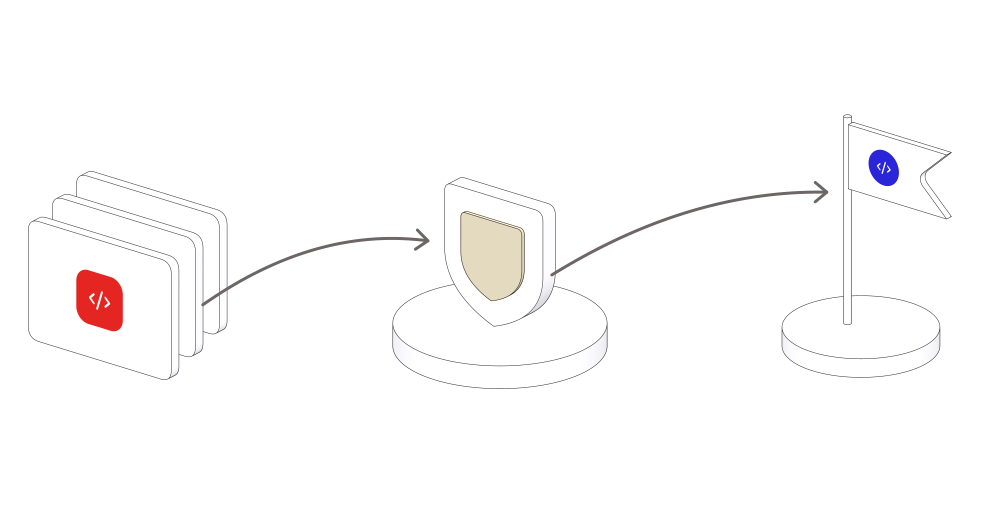
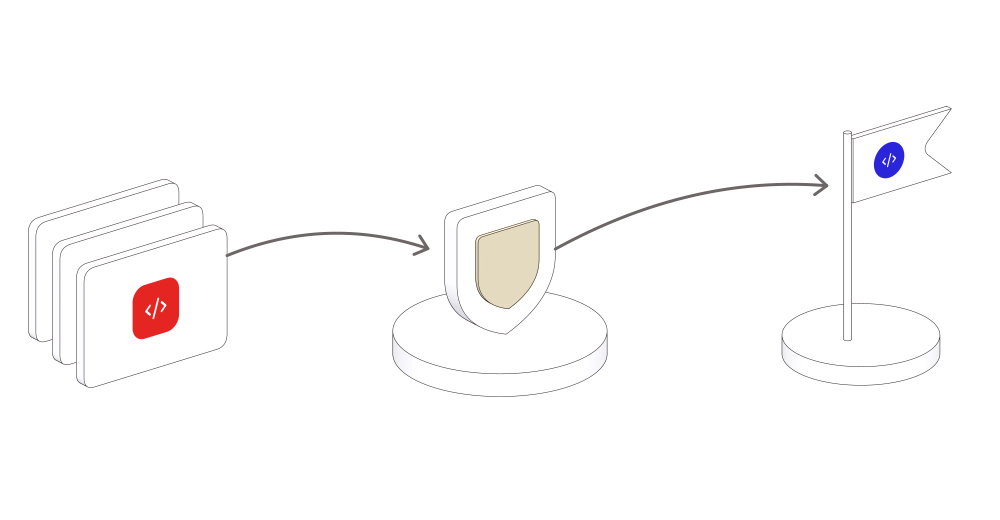
| Release: code, secured, released | left · right | left · right | left · right | left · right |
| Two phones, each showing a page | left · right | left · right | left · right | left · right |
| Spend follows the booking window | left · right | left · right | left · right | left · right |
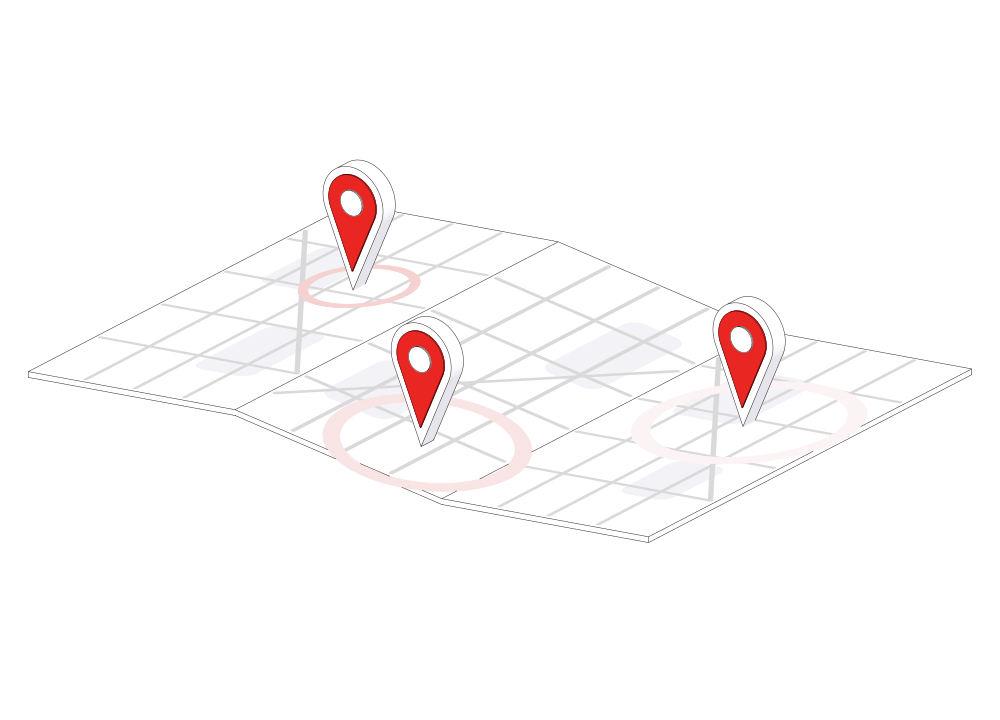
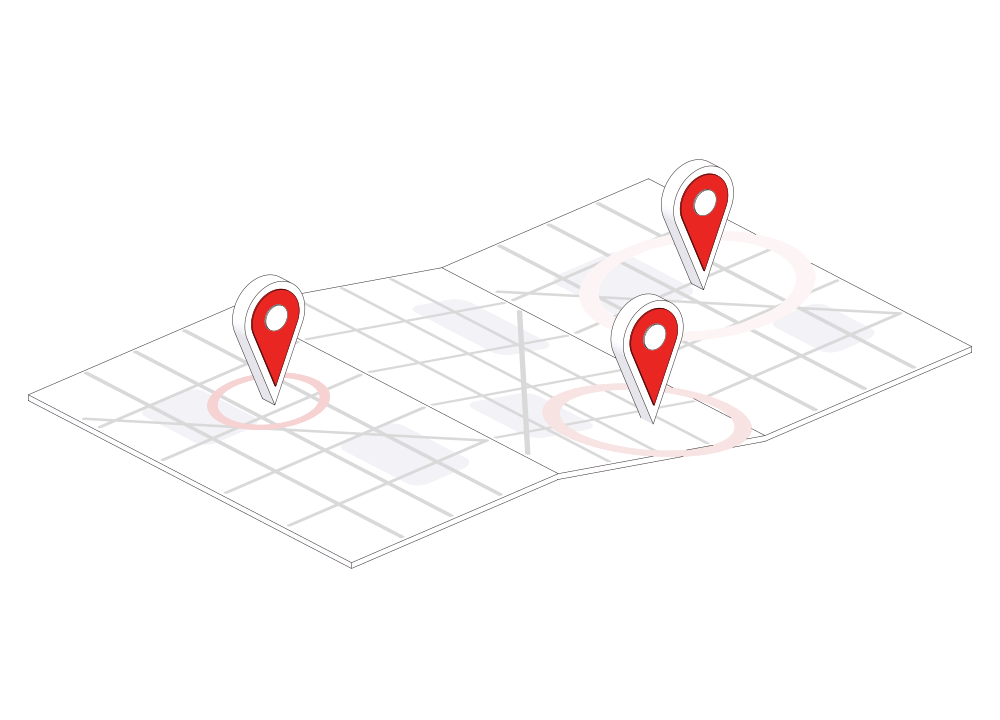
| City by city: pins with a radar ping on a folded map | left · right | left · right | left · right | left · right |
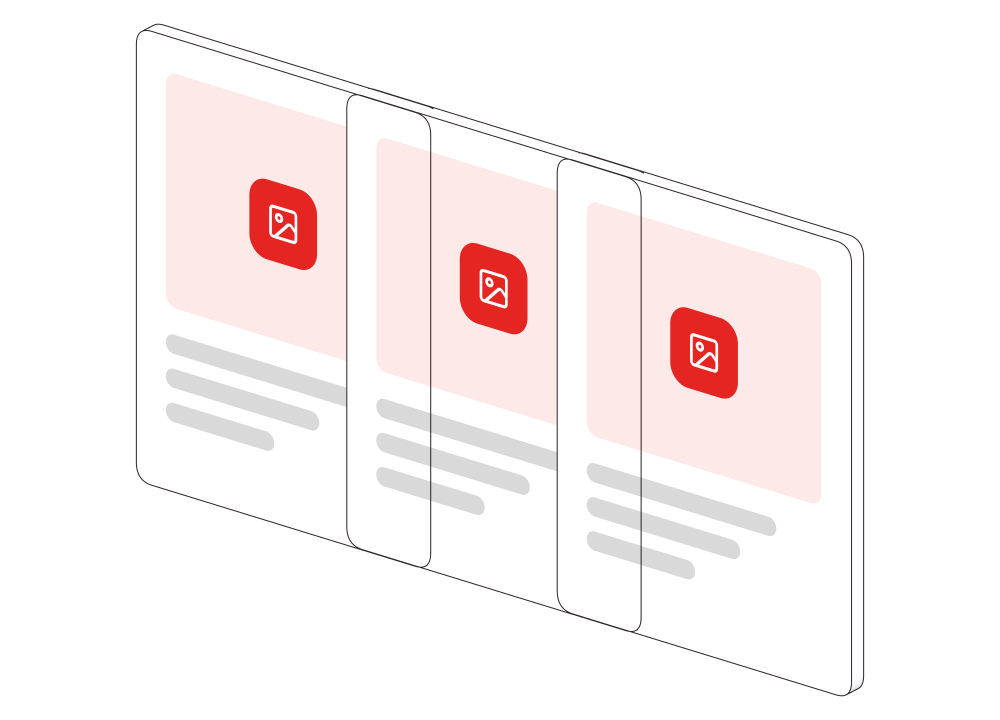
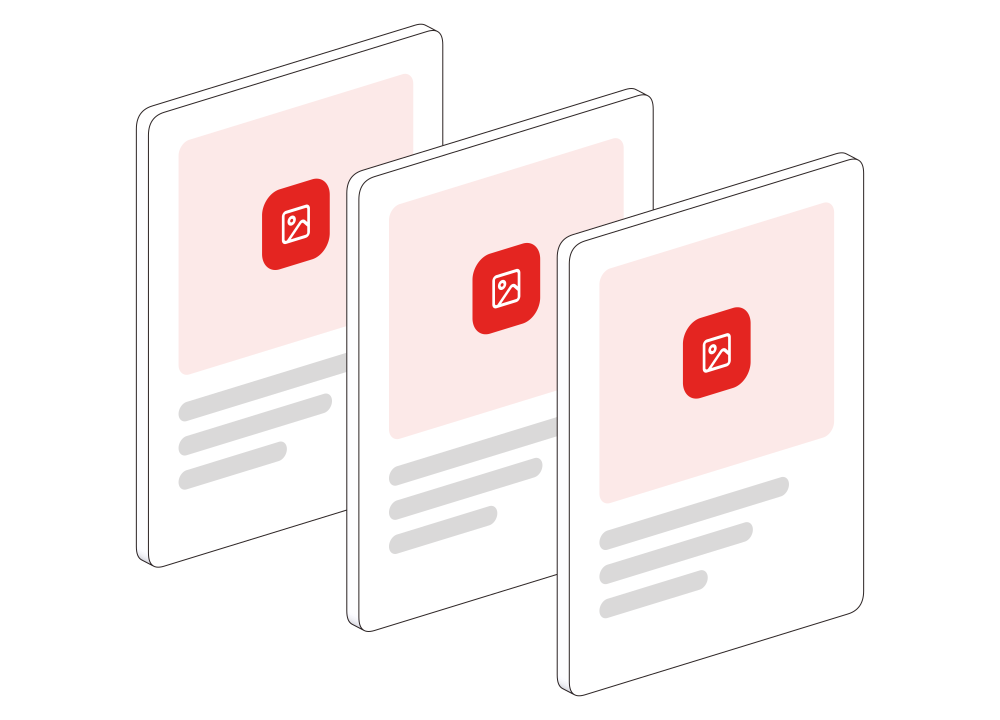
| Creative that shows the rate: cards in rotation | left · right | left · right | left · right | left · right |
| Cross-screen, held close: TV, phone and laptop on a ring | left · right | left · right | left · right | left · right |
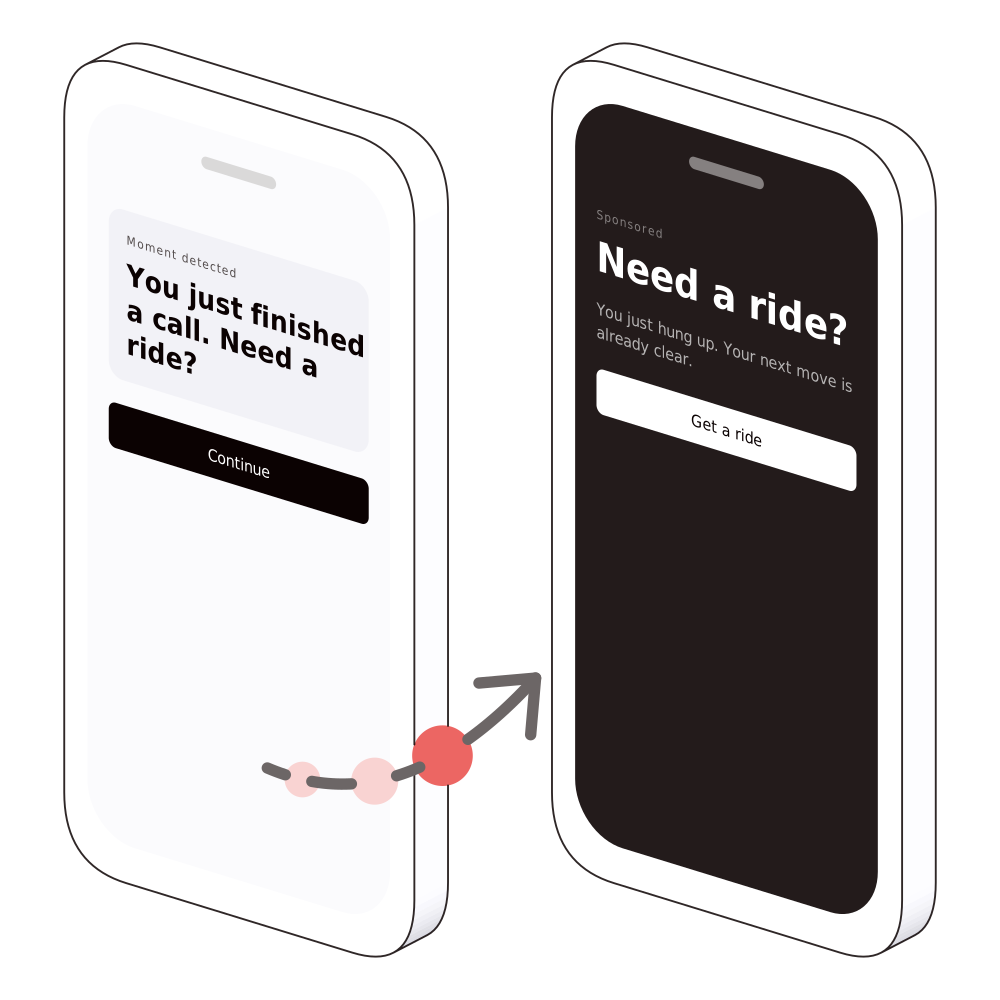
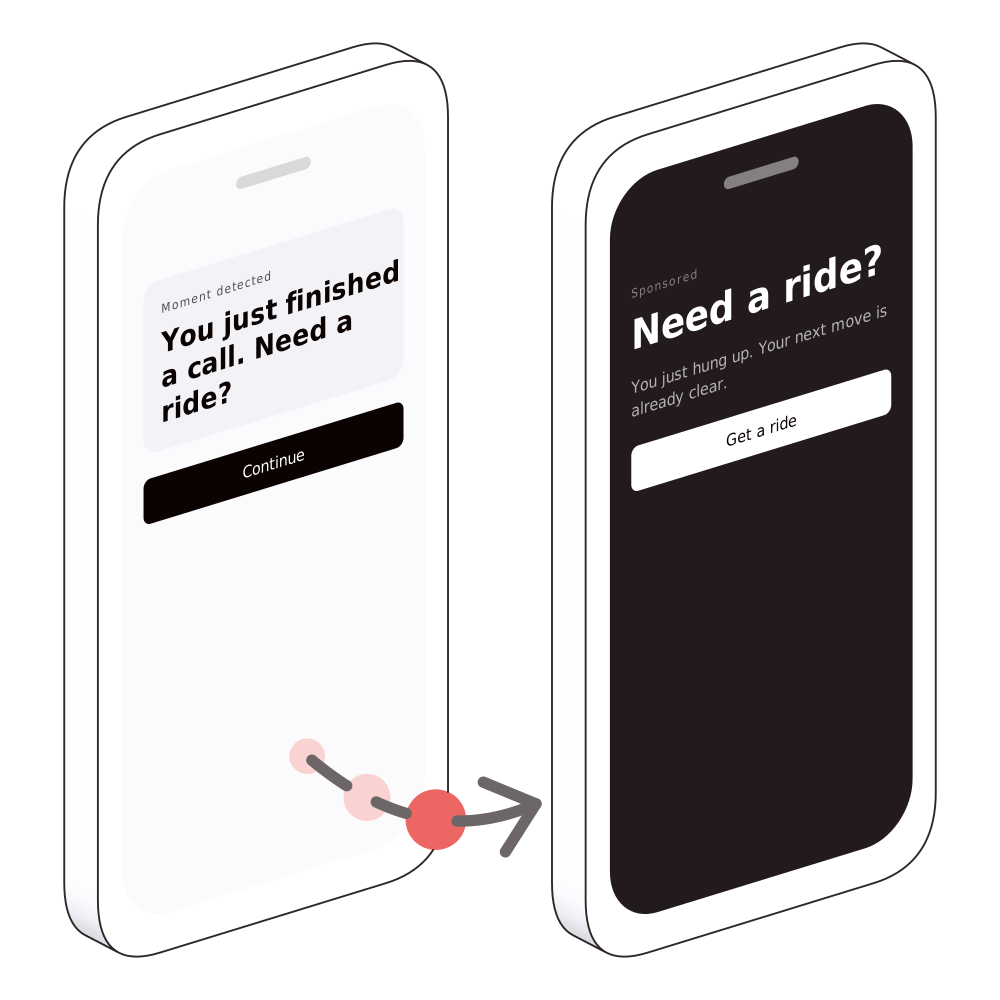
| The ad opens the app on the search it promised | left · right | left · right | left · right | left · right |
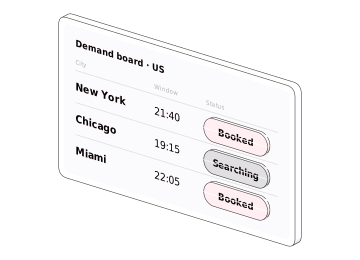
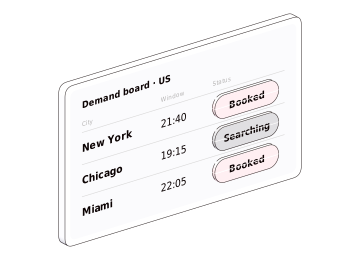
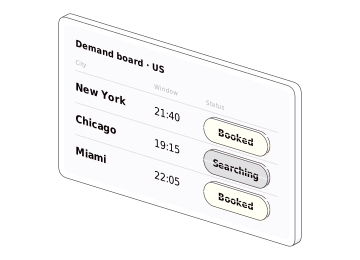
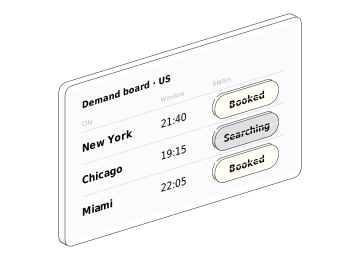
| Booking demand by city, on a split-flap board | left · right | left · right | left · right | left · right |
| Net new bookers: markets with spend against the holdout | left · right | left · right | left · right | left · right |
| Many events, one paid for: the booking | left · right | left · right | left · right | left · right |
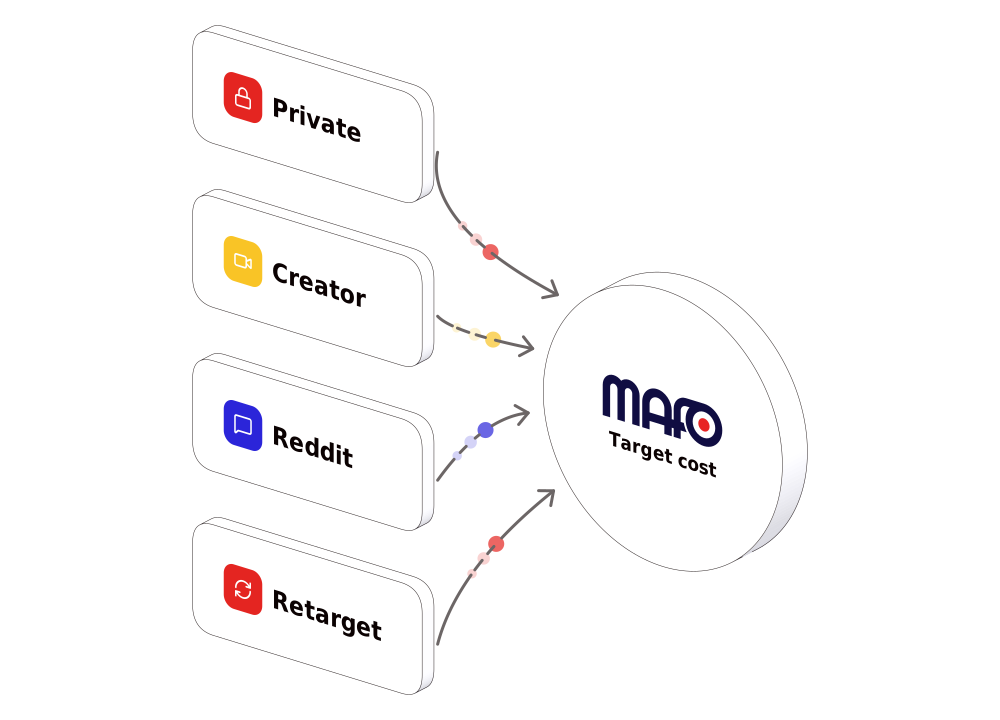
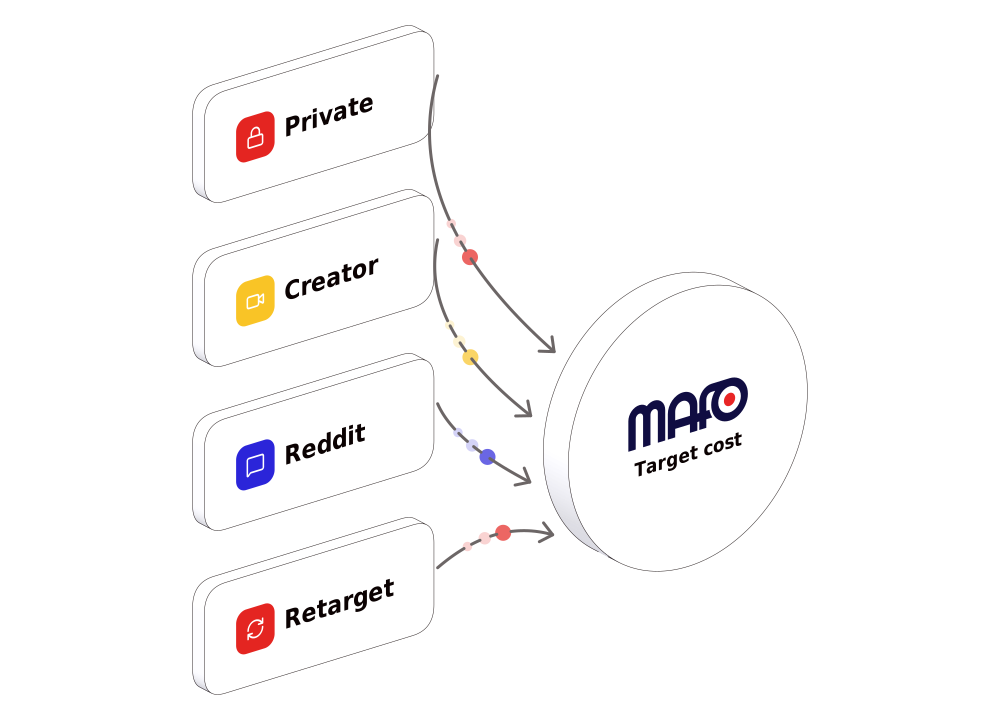
| MAFO backs every source into a target cost | left · right | left · right | left · right | left · right |
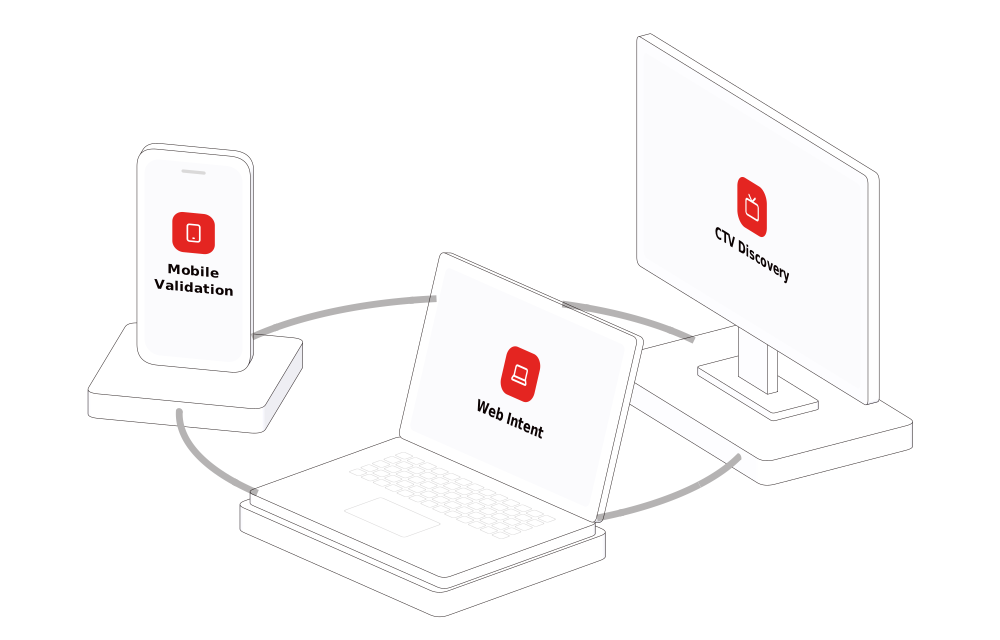
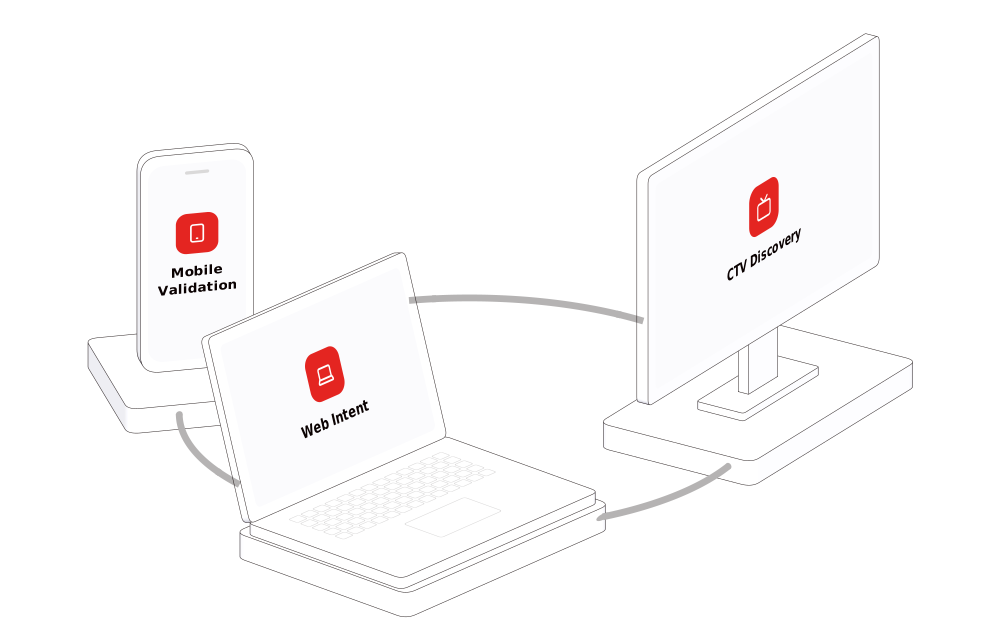
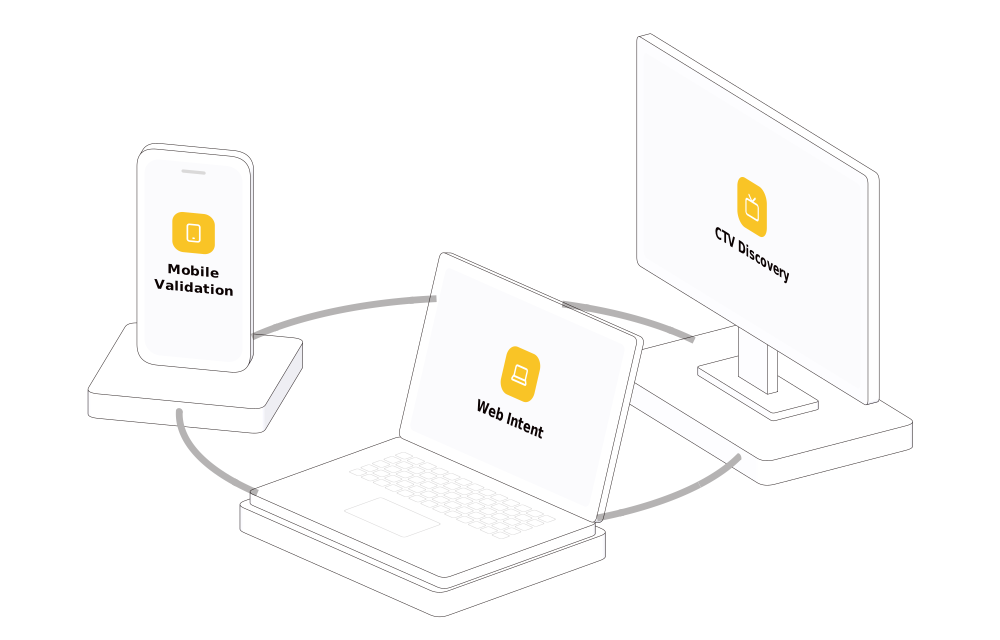
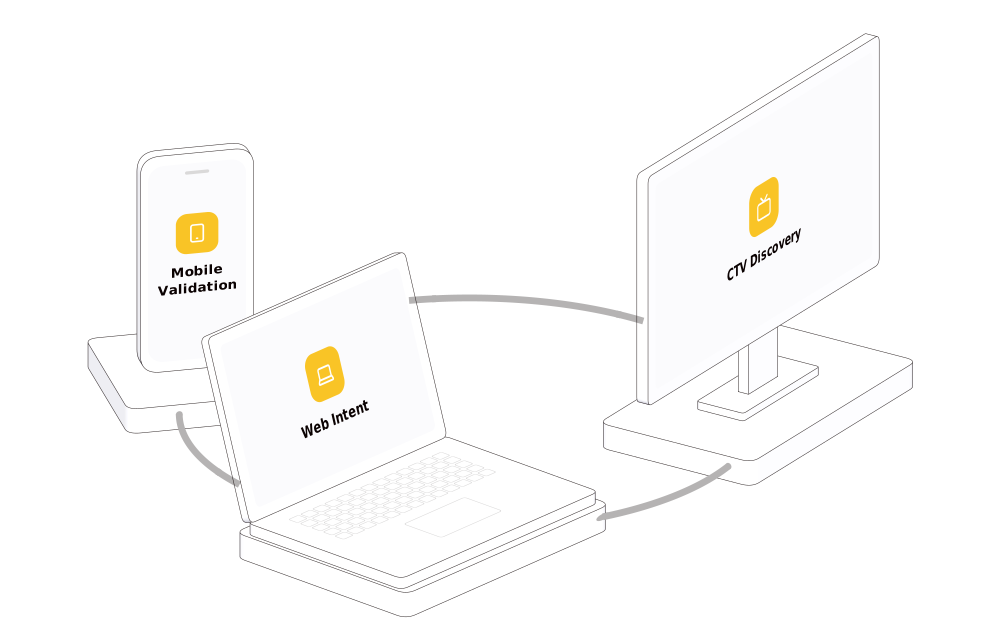
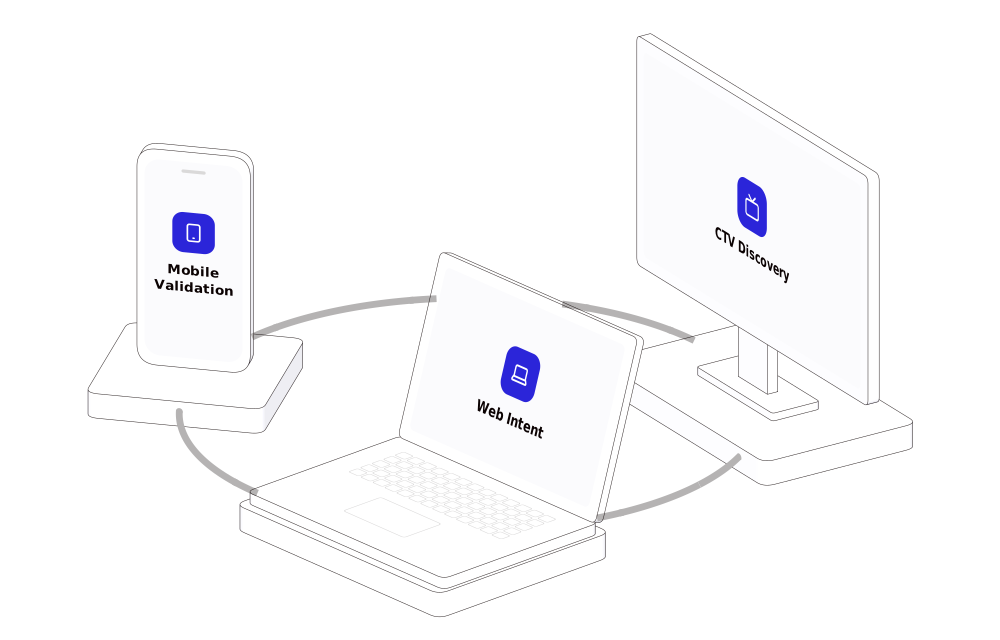
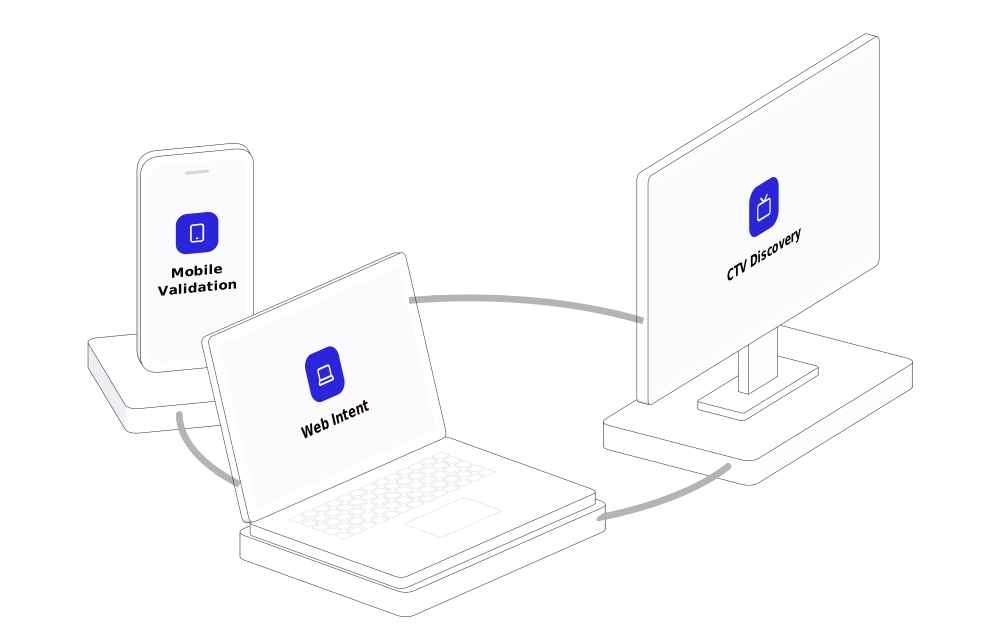
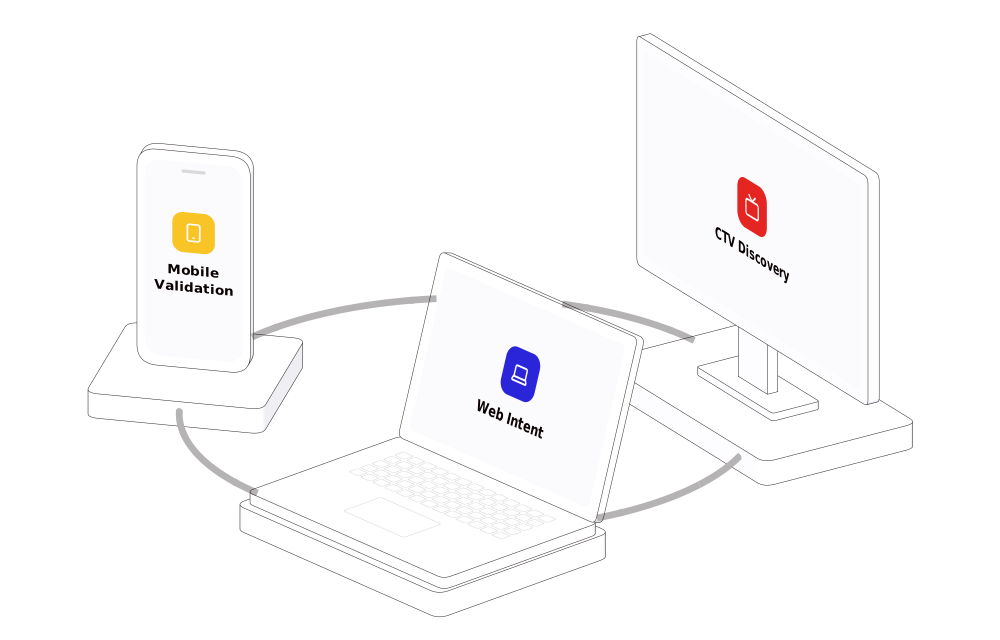
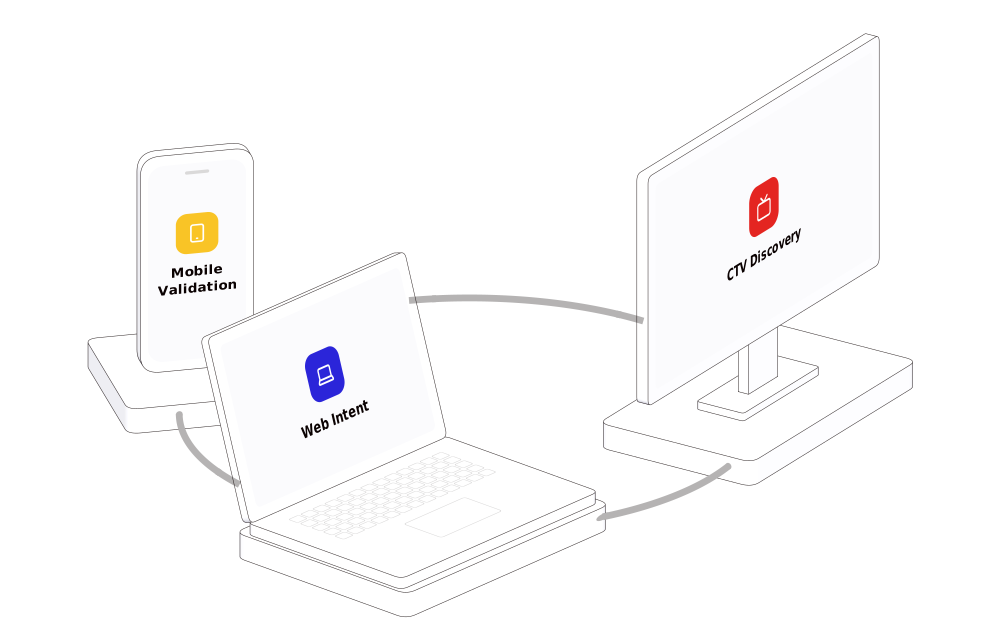
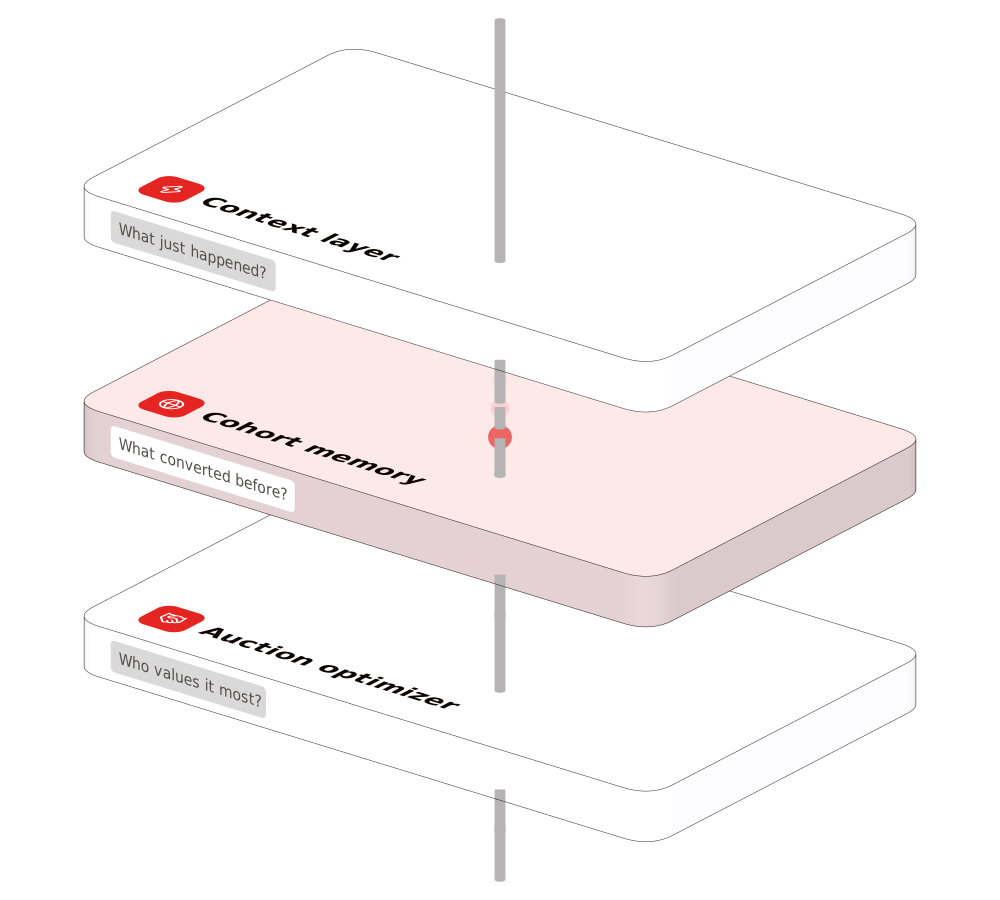
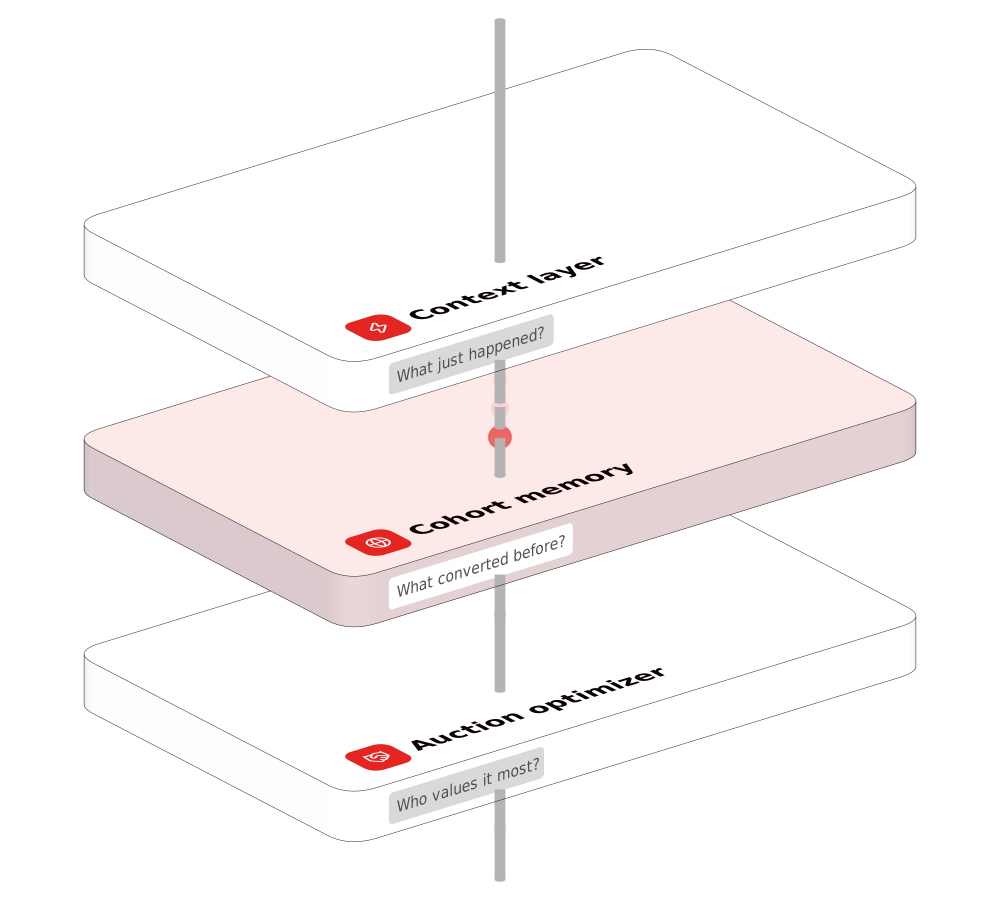
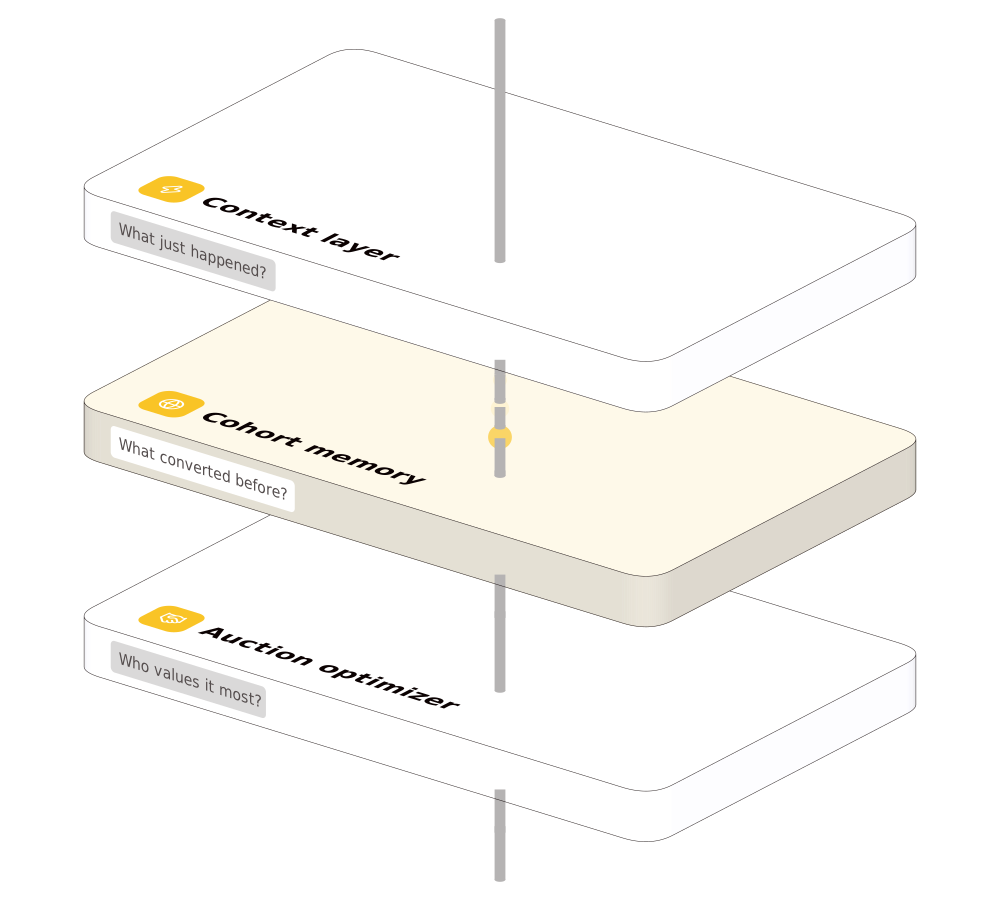
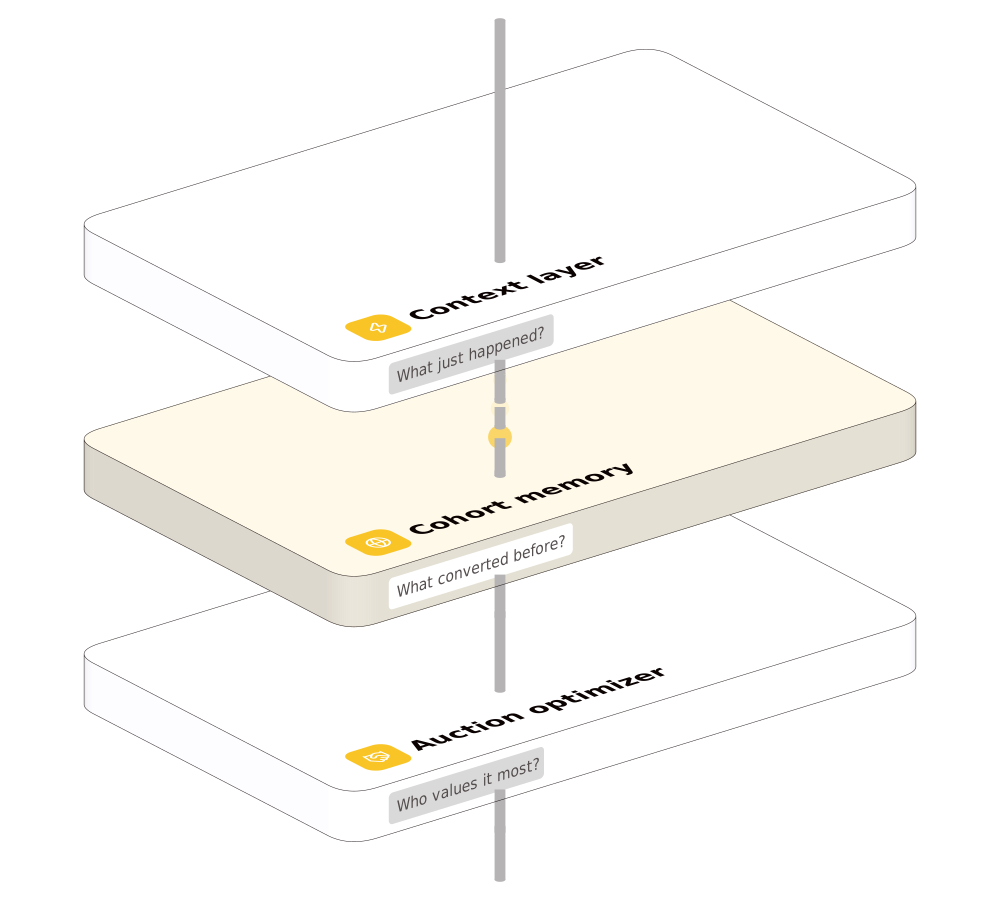
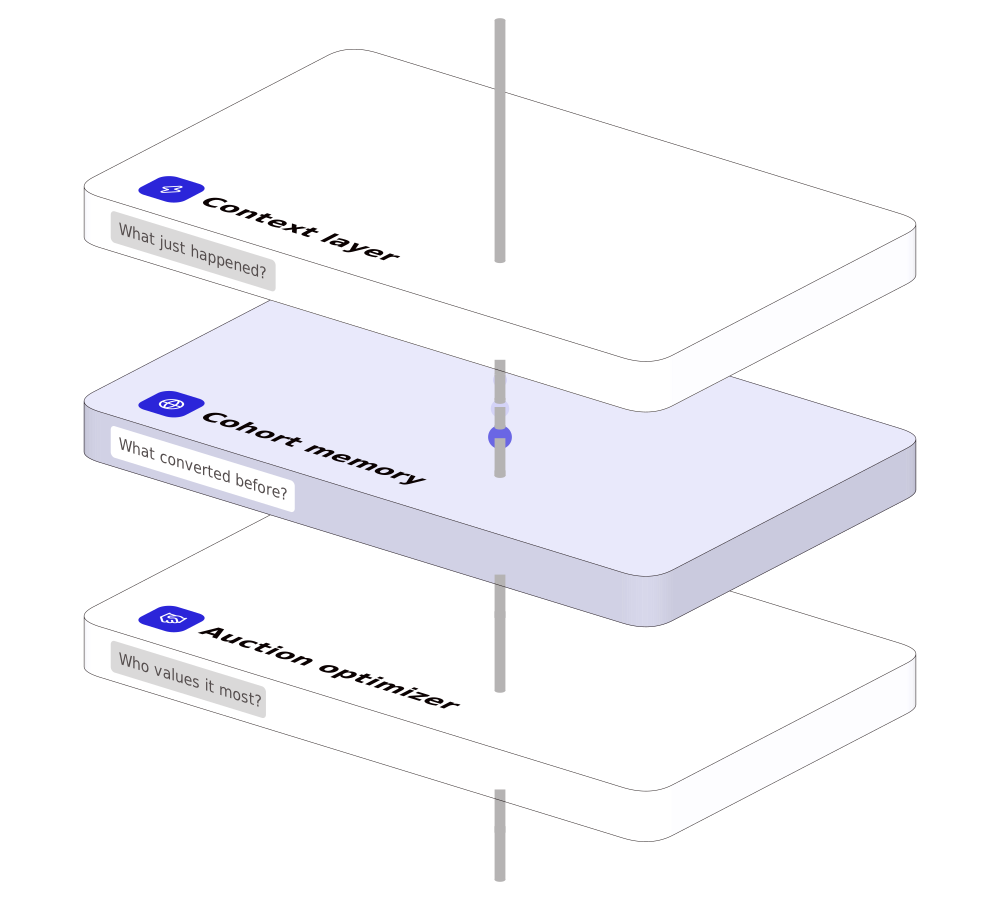
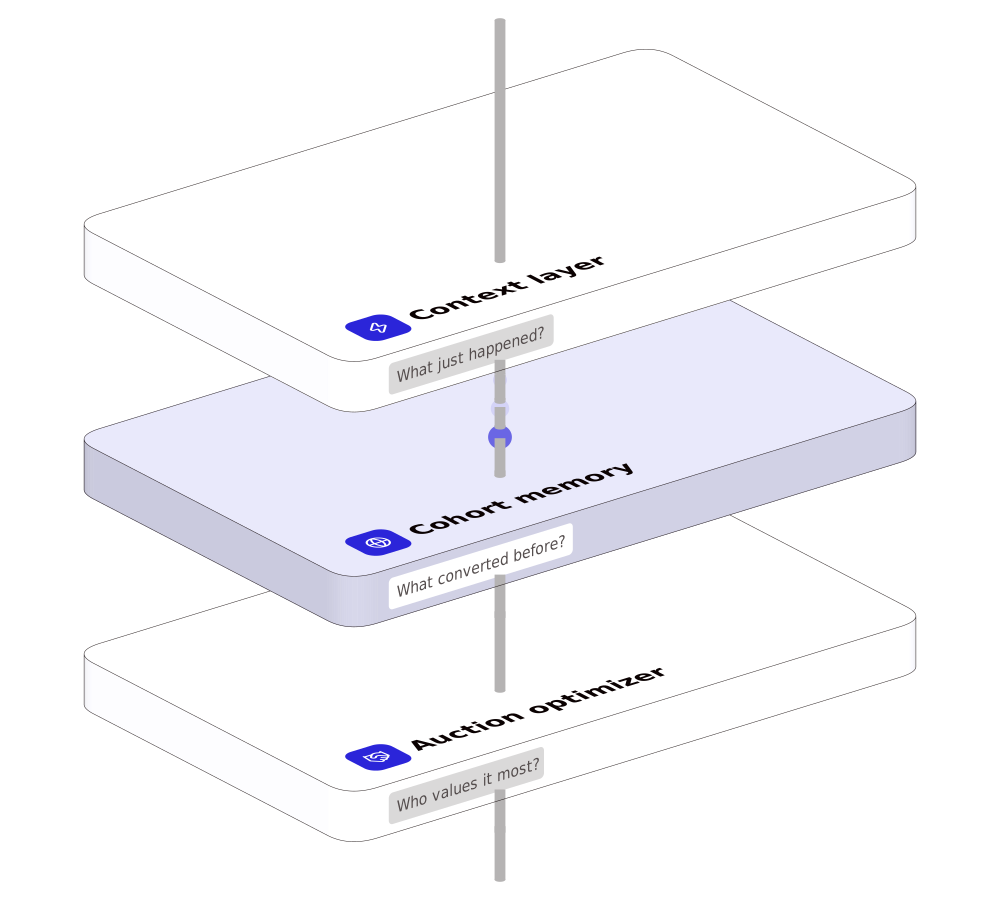
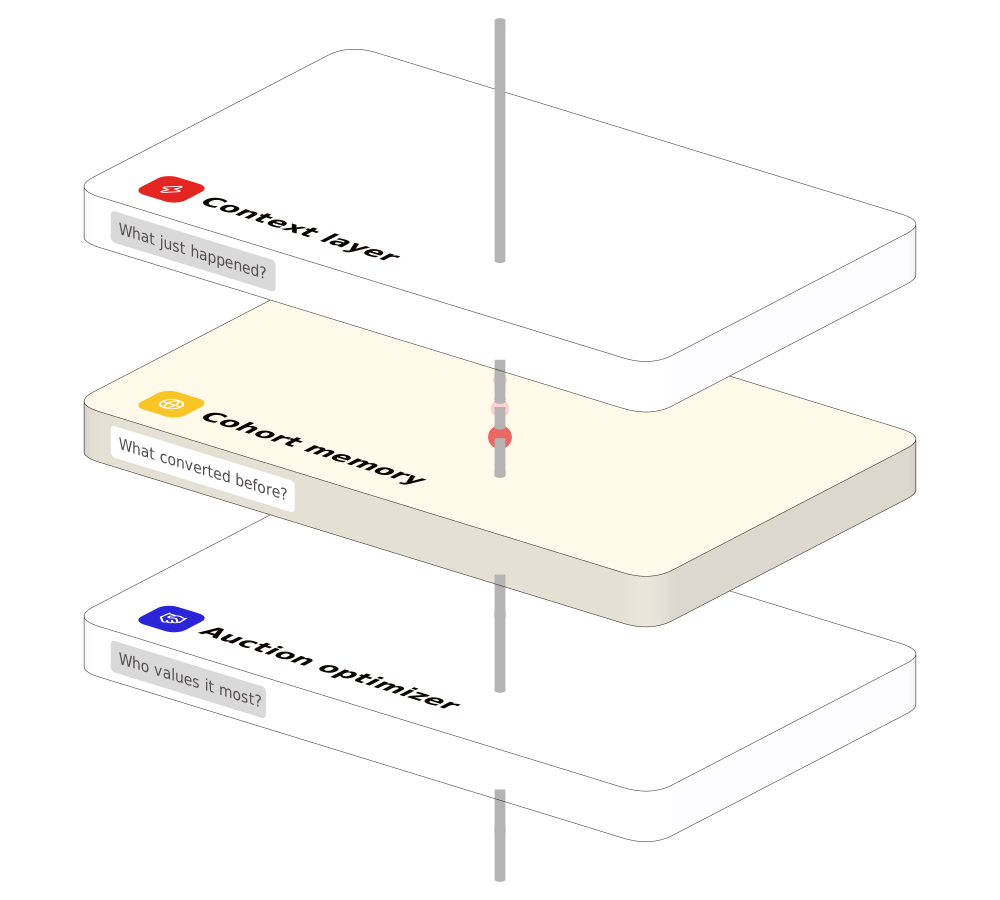
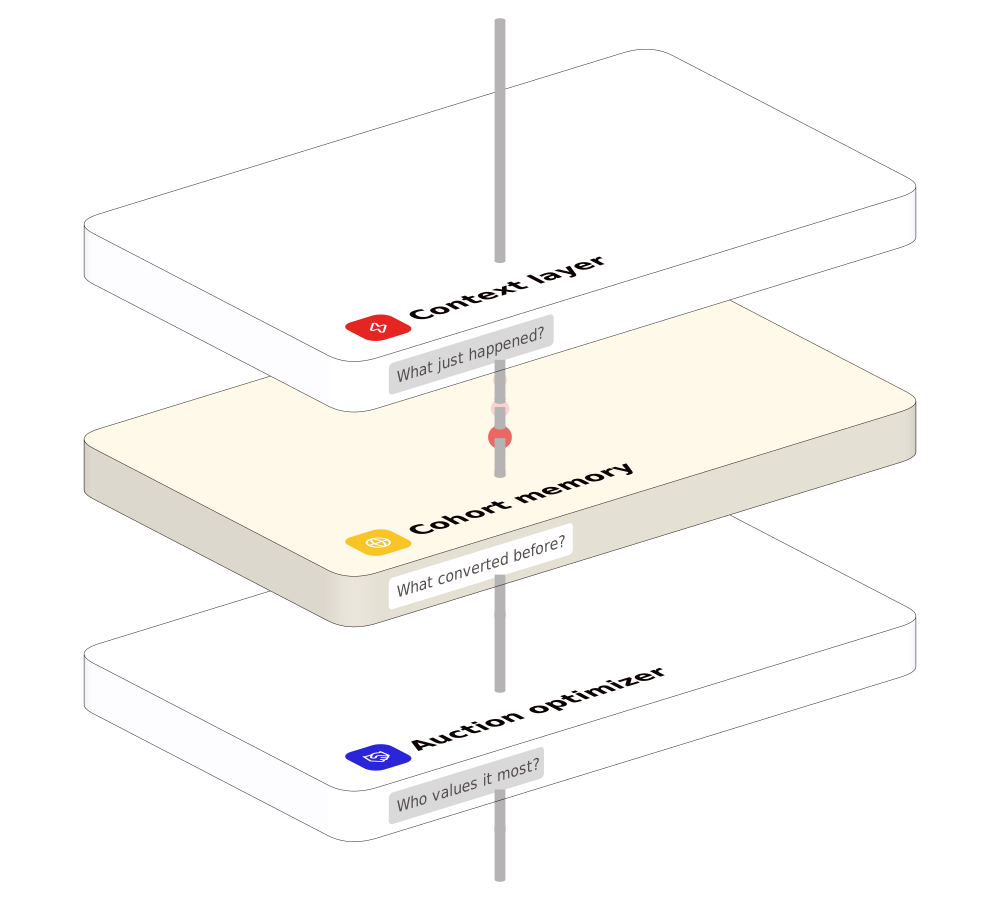
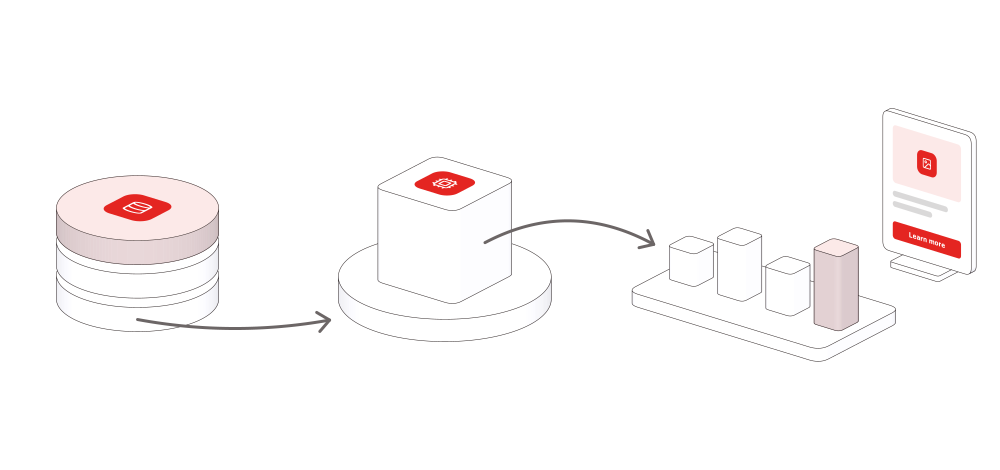
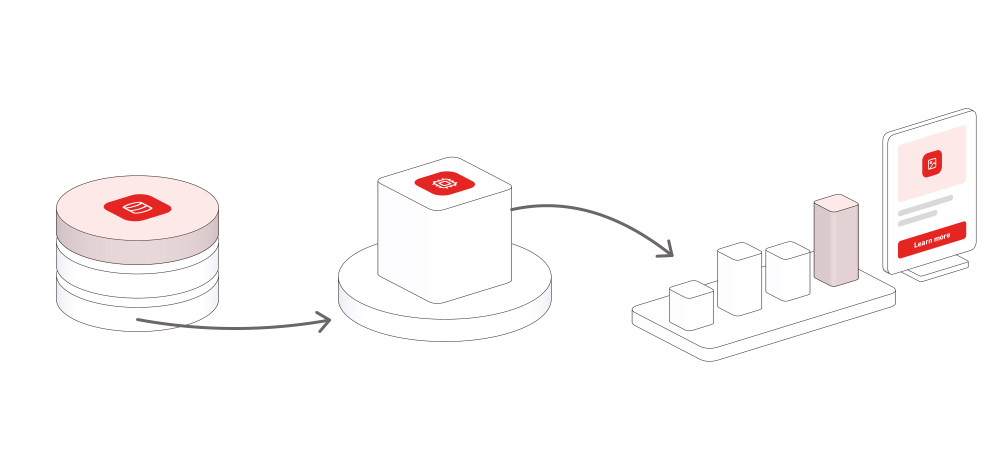
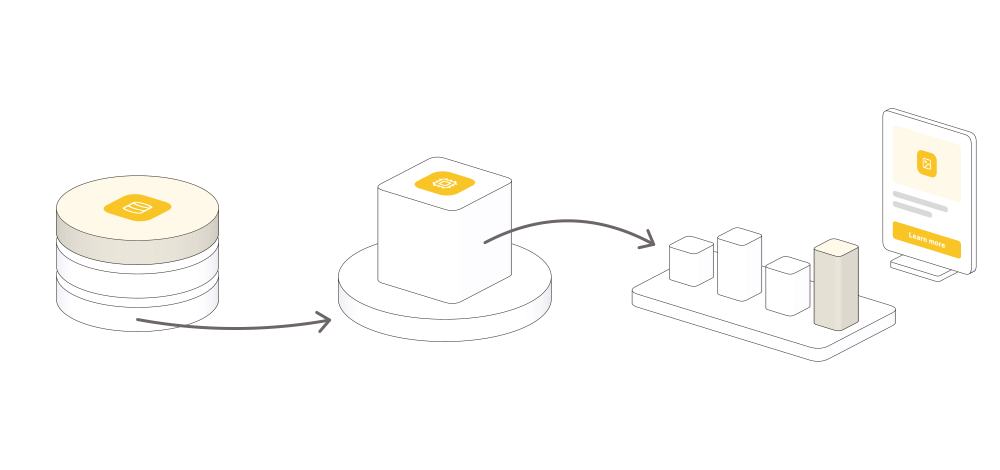
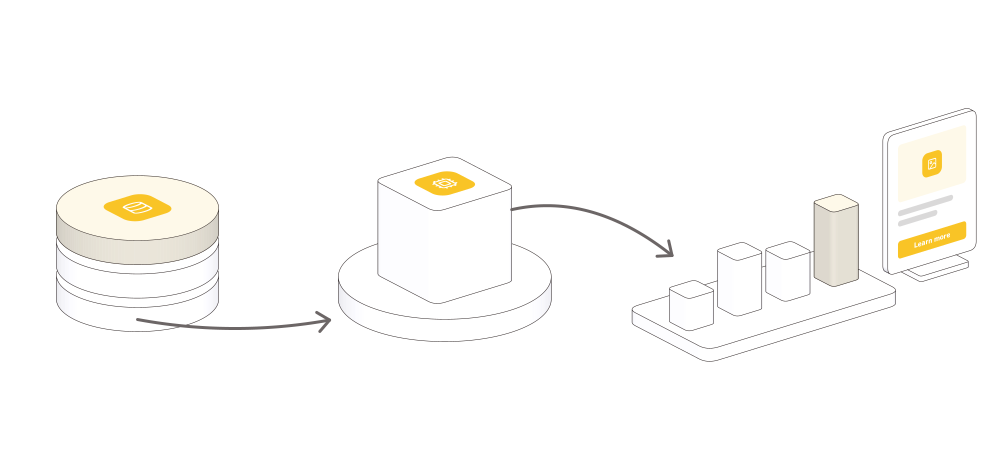
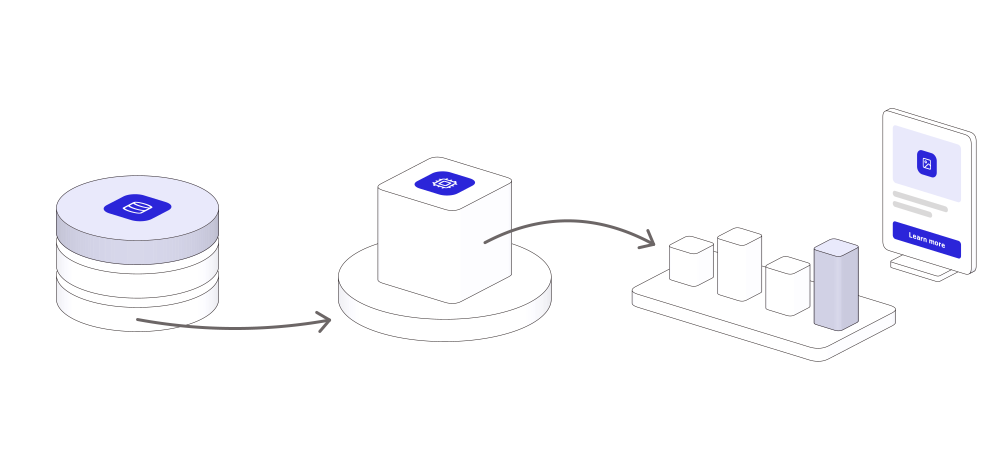
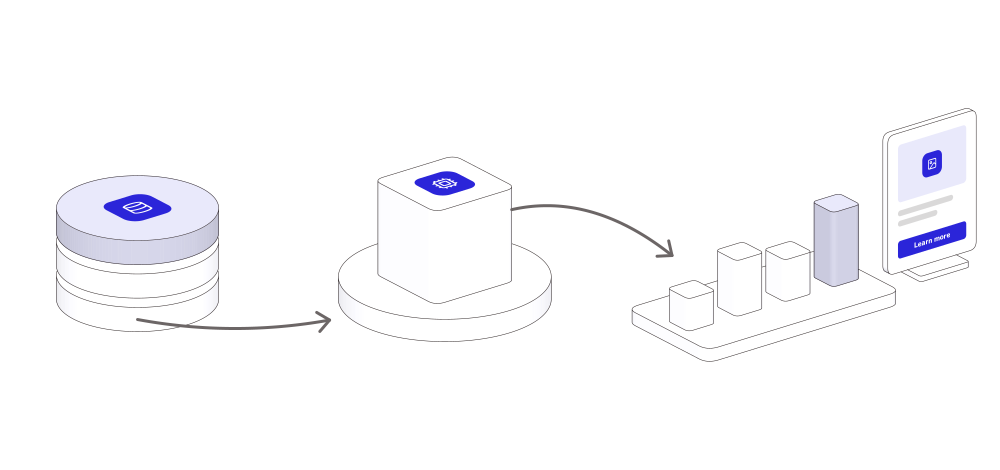
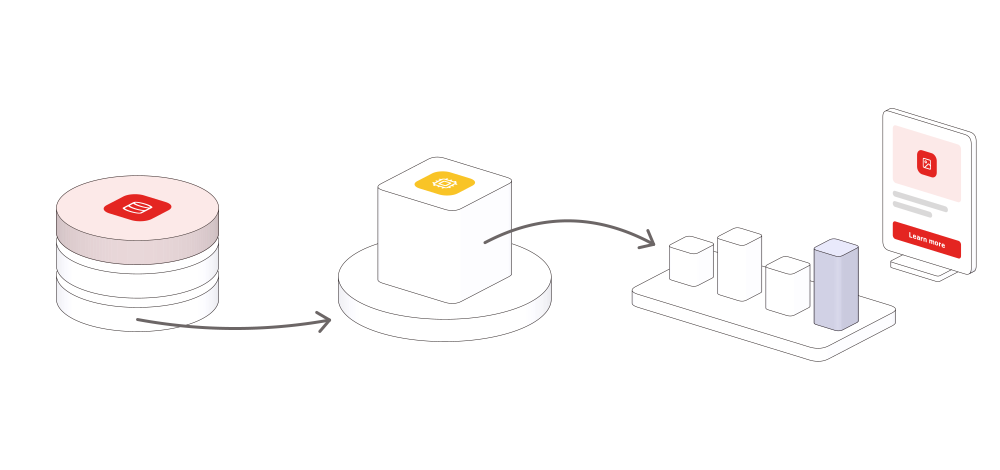
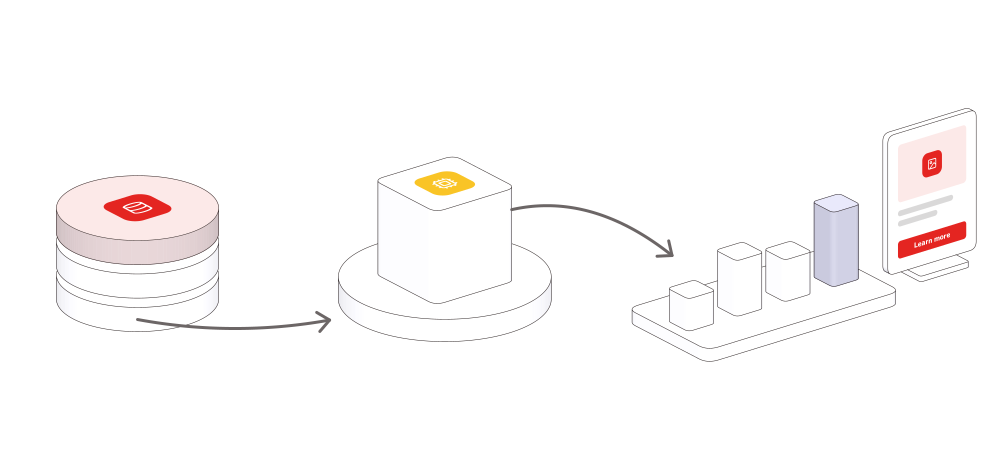
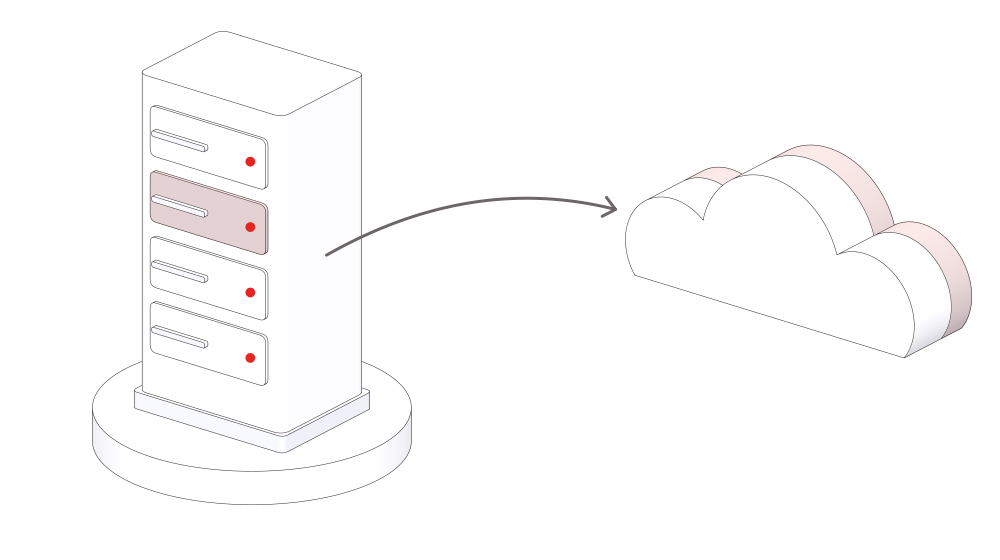
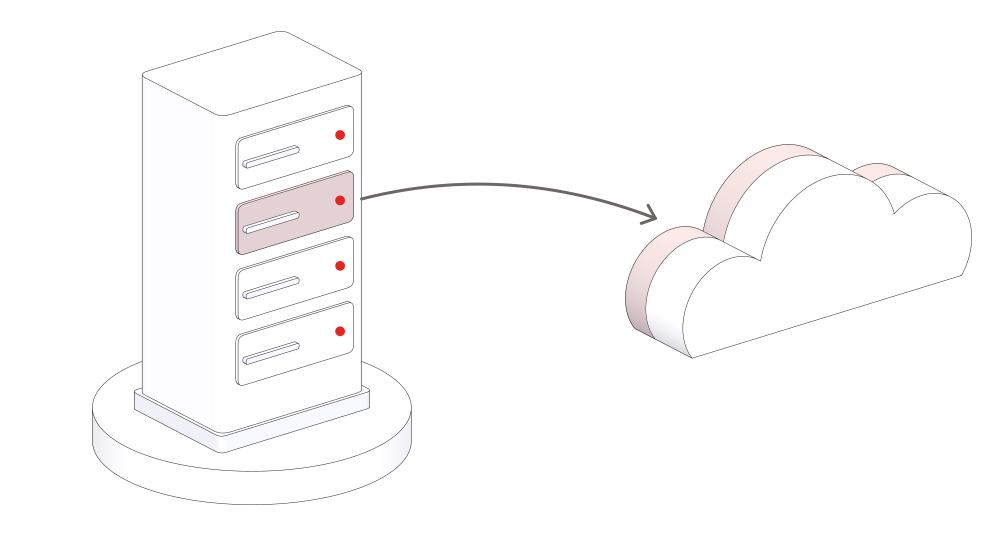
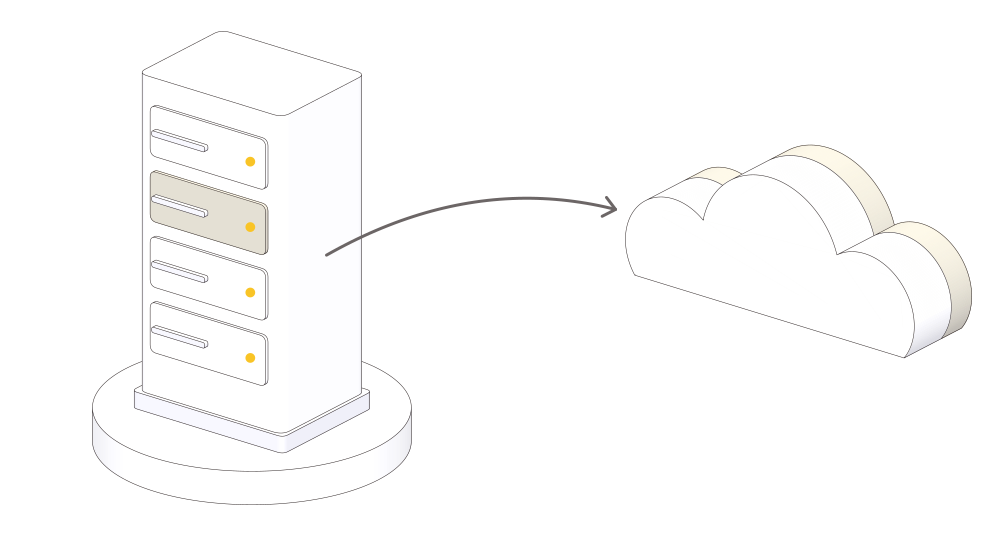
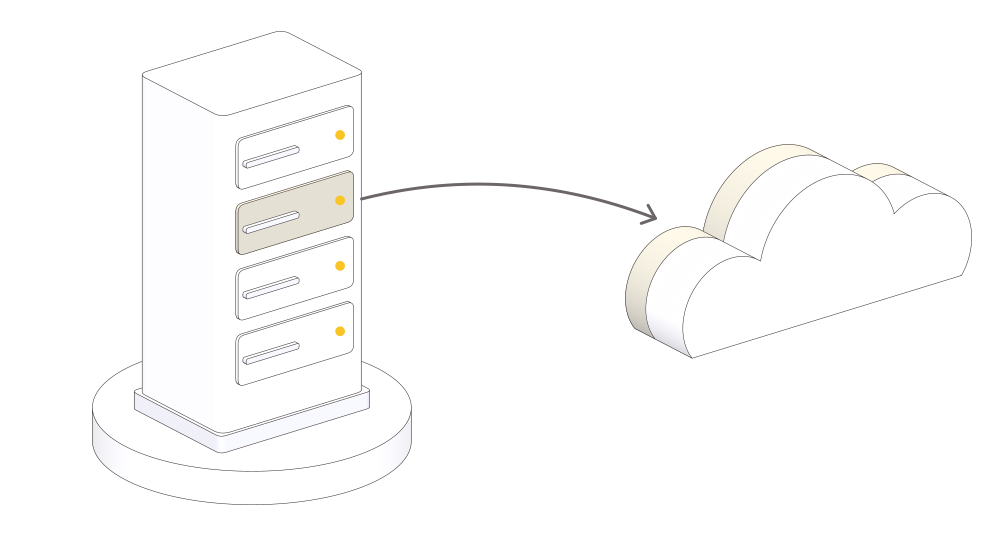
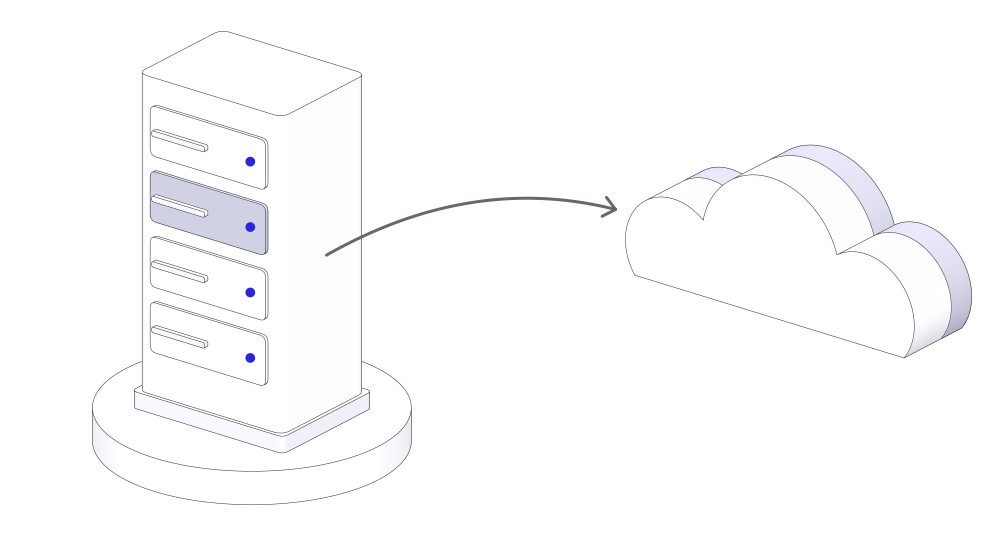
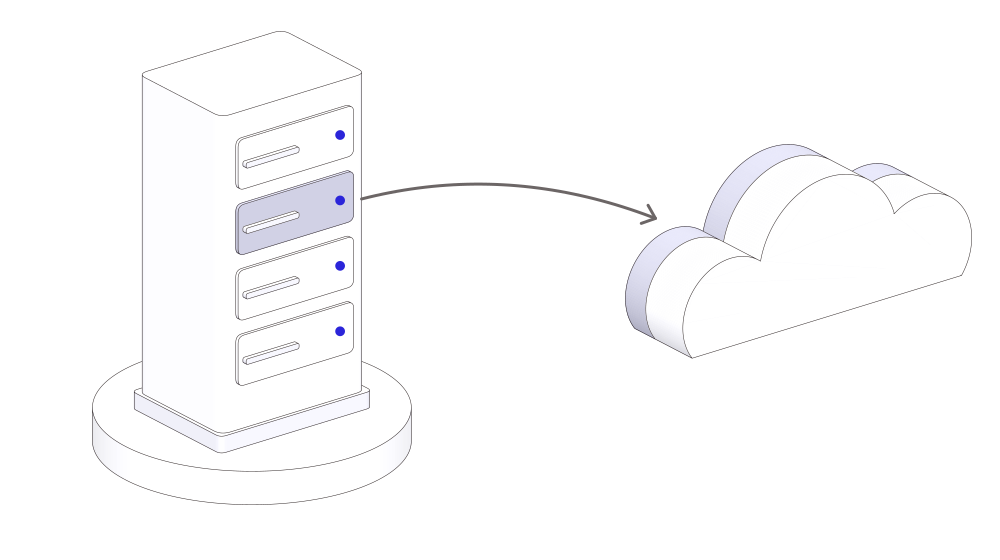
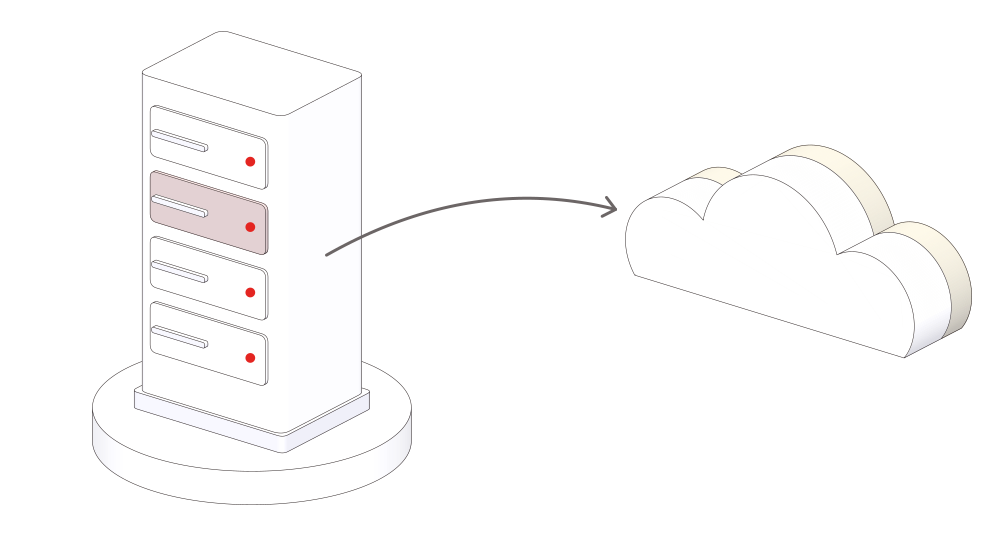
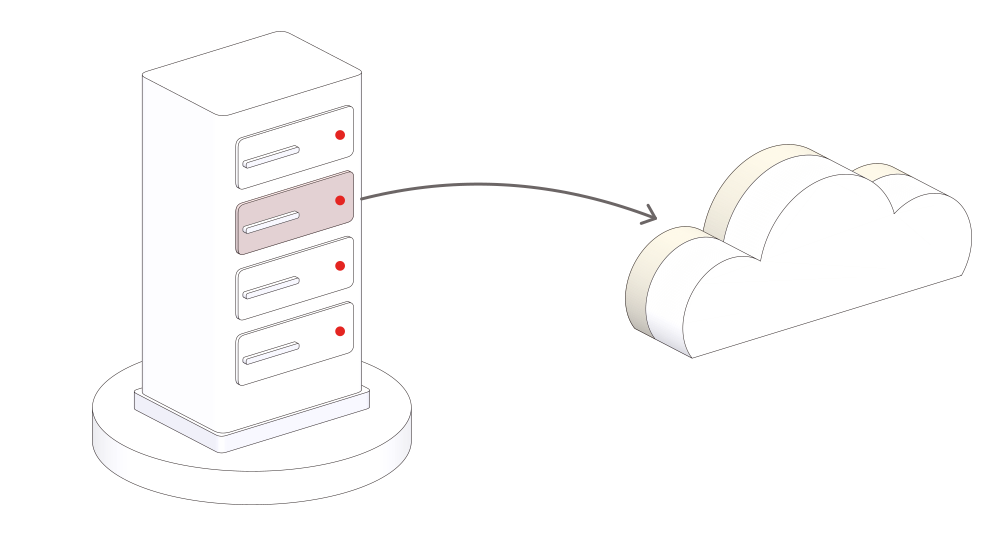
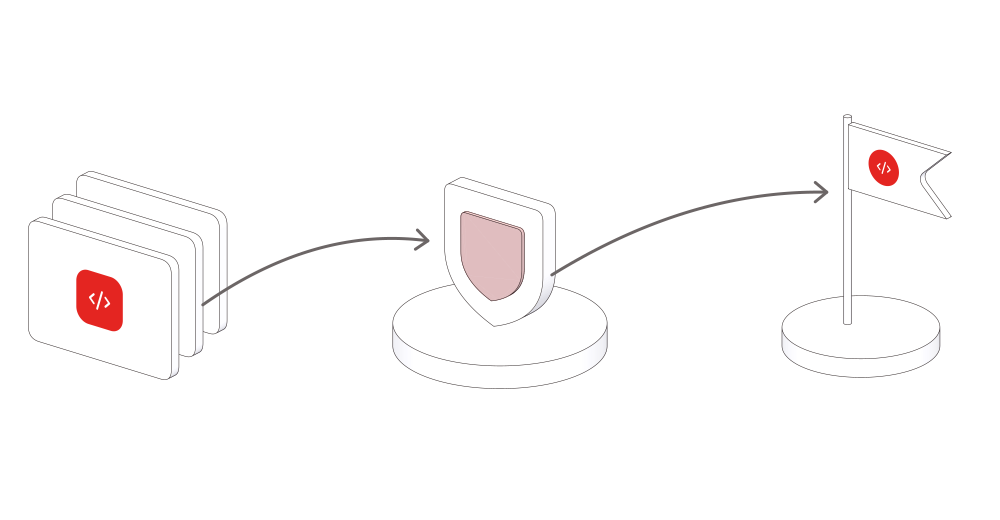
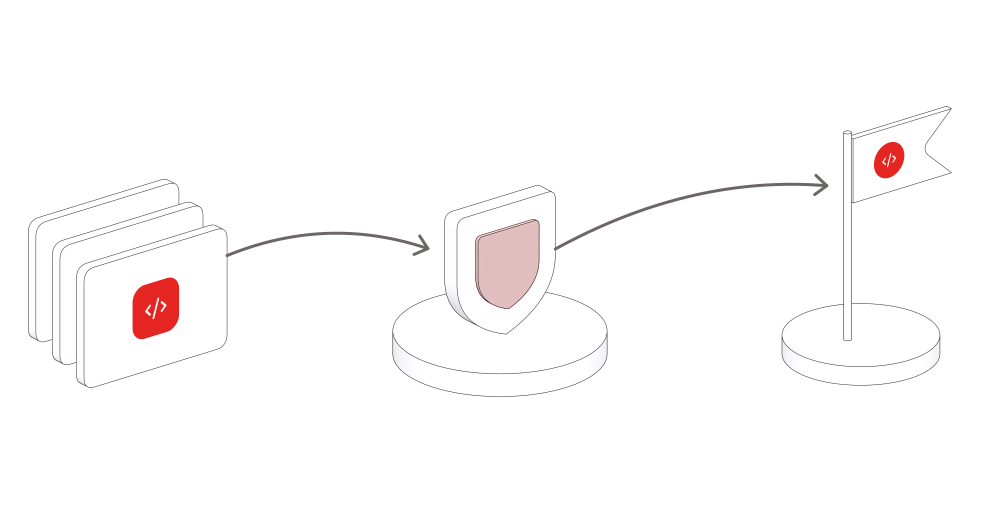
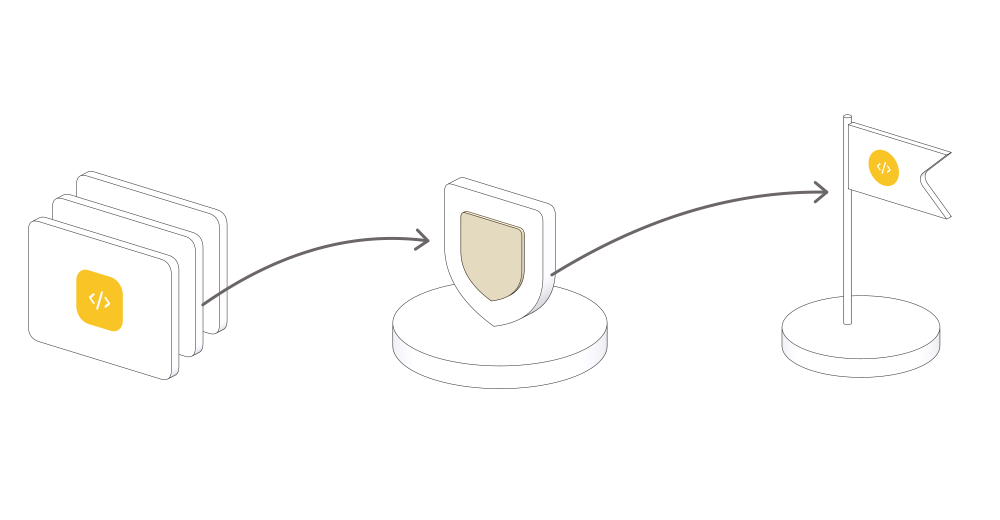
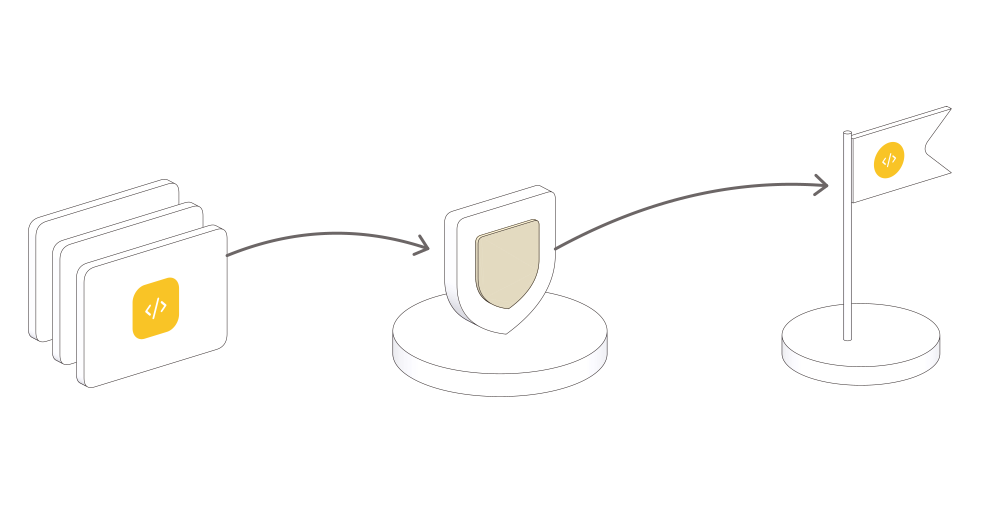
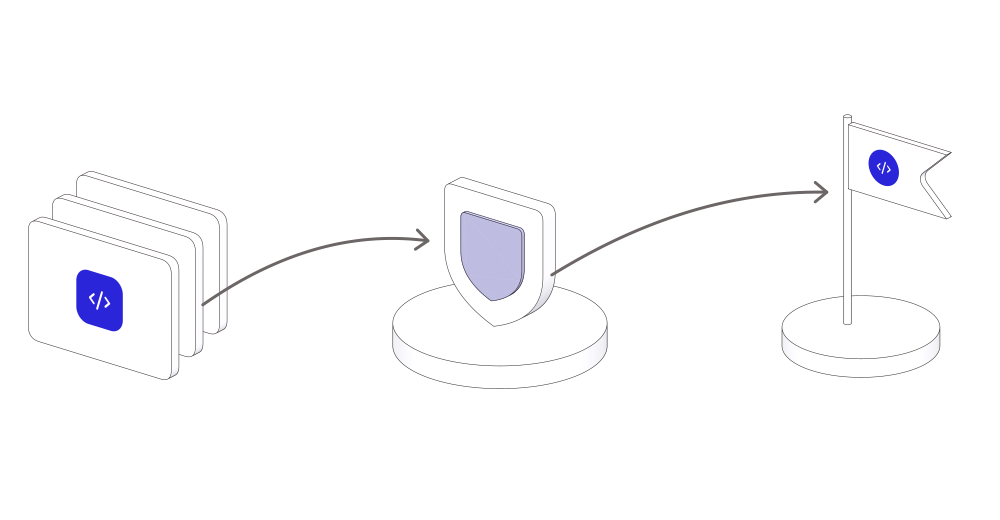
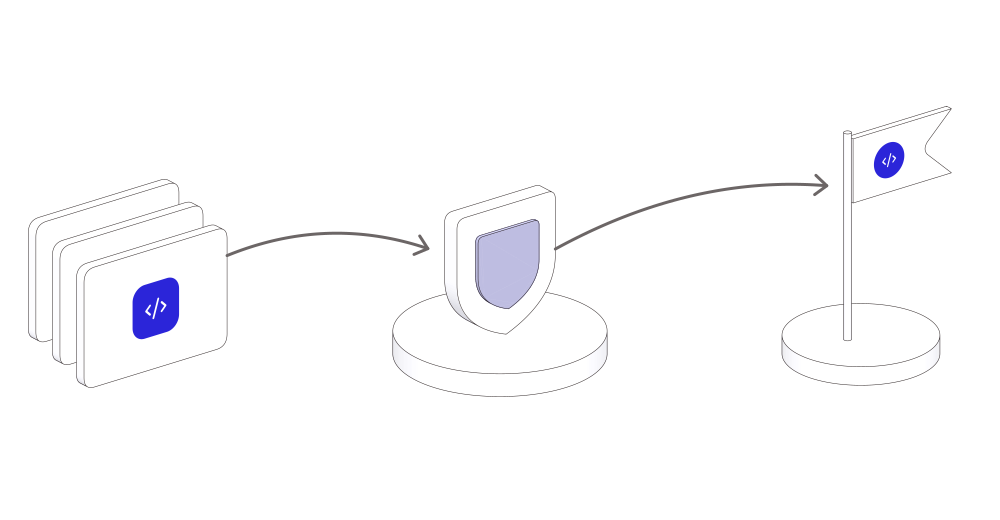
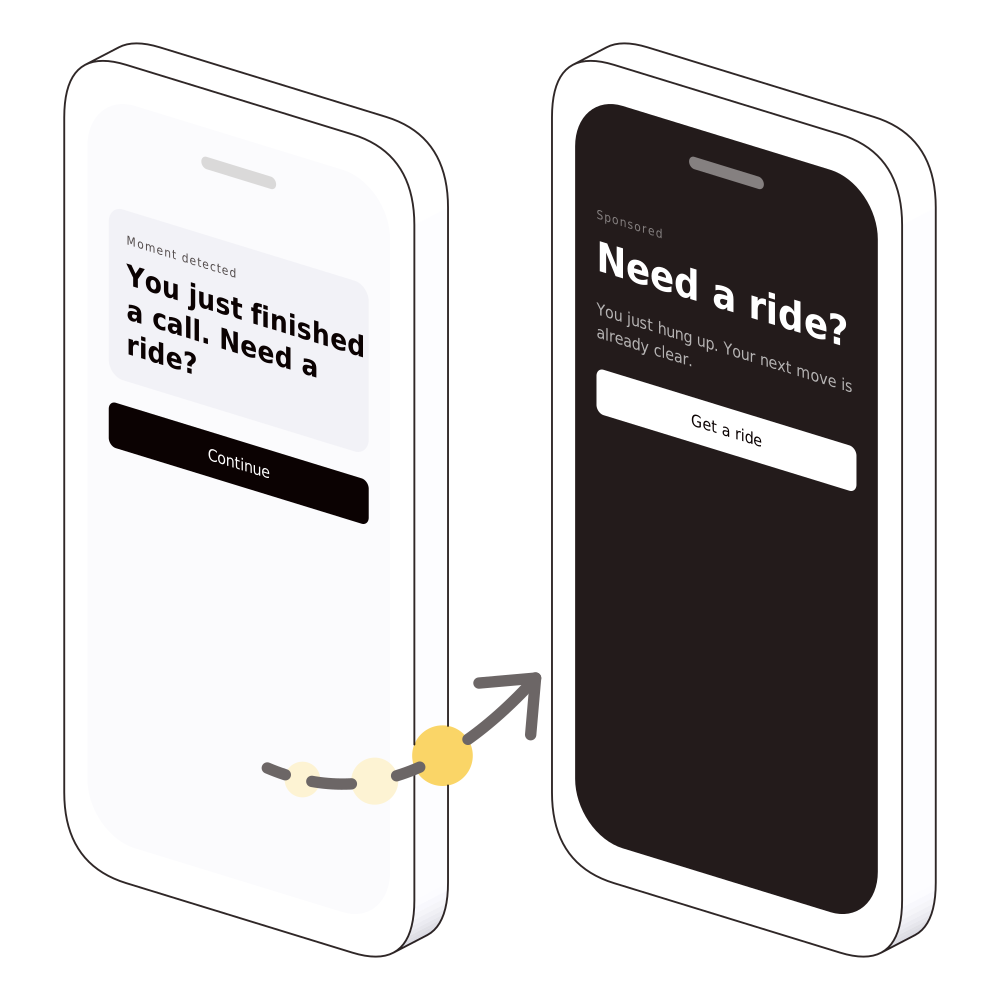
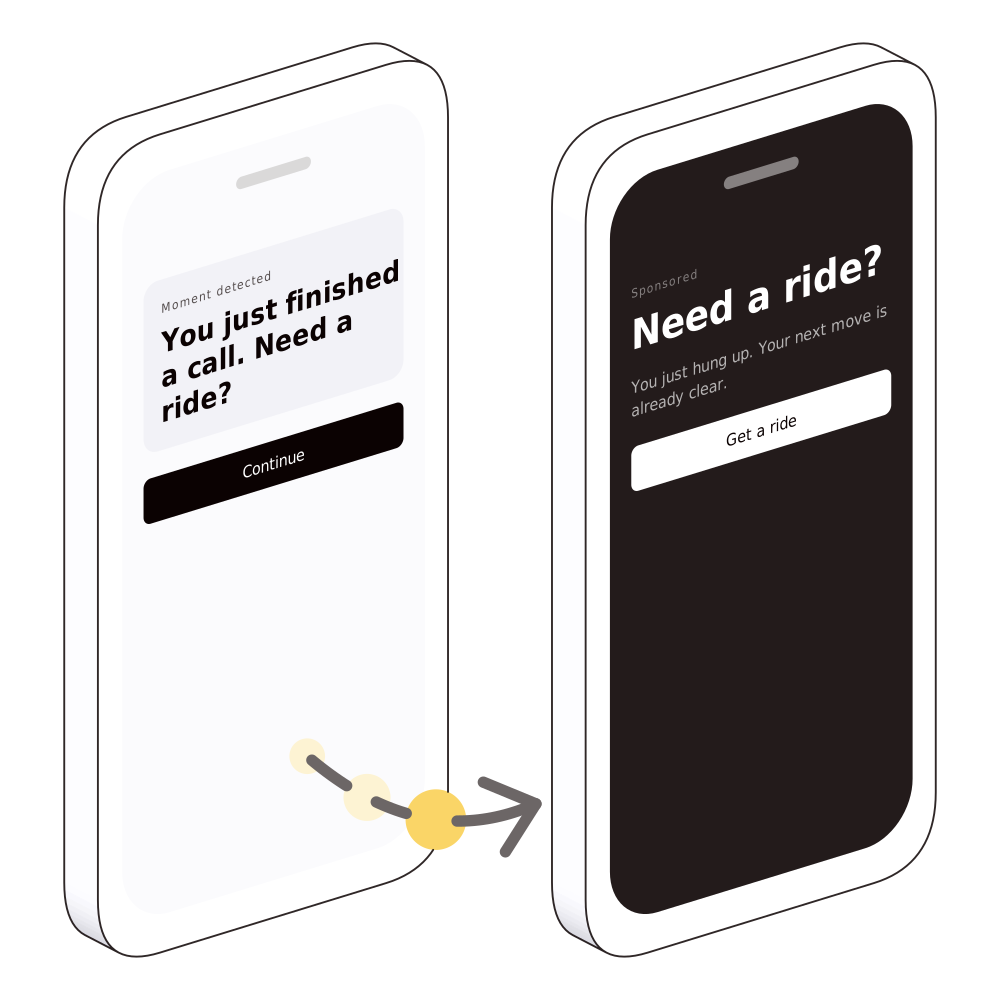
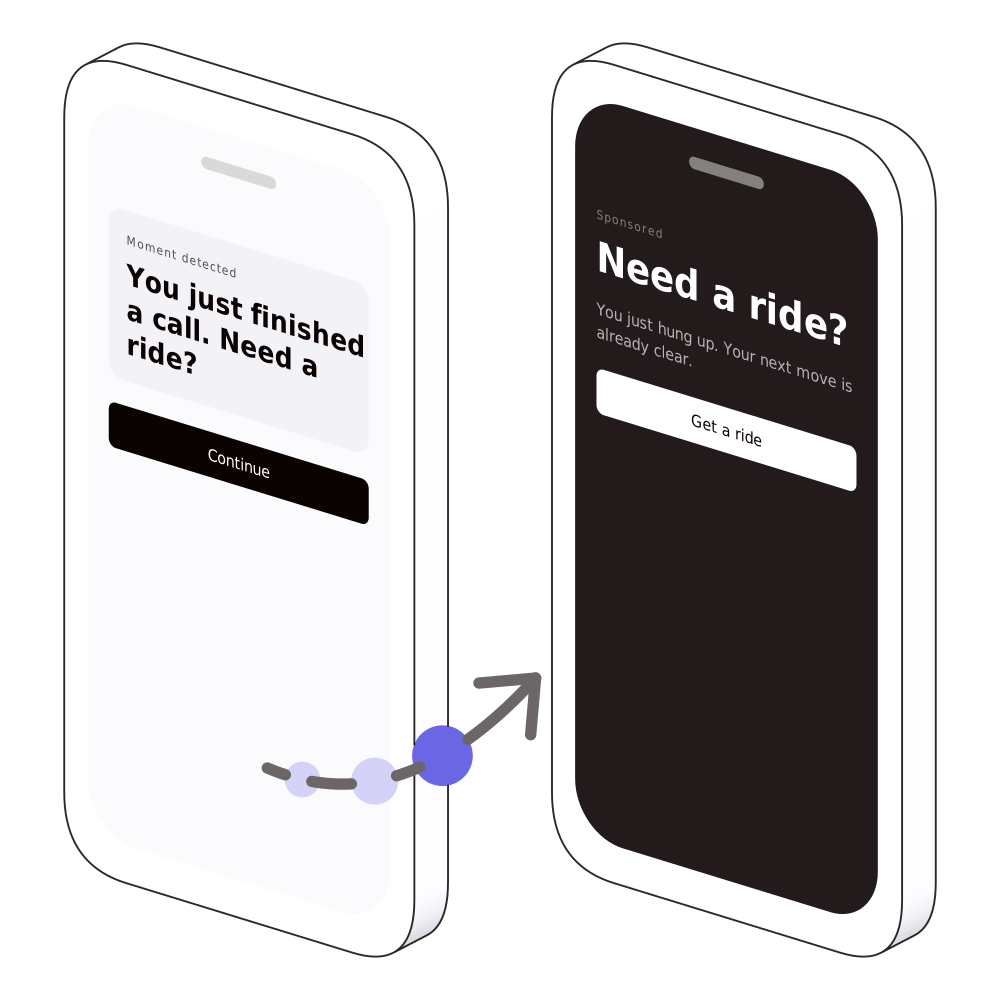
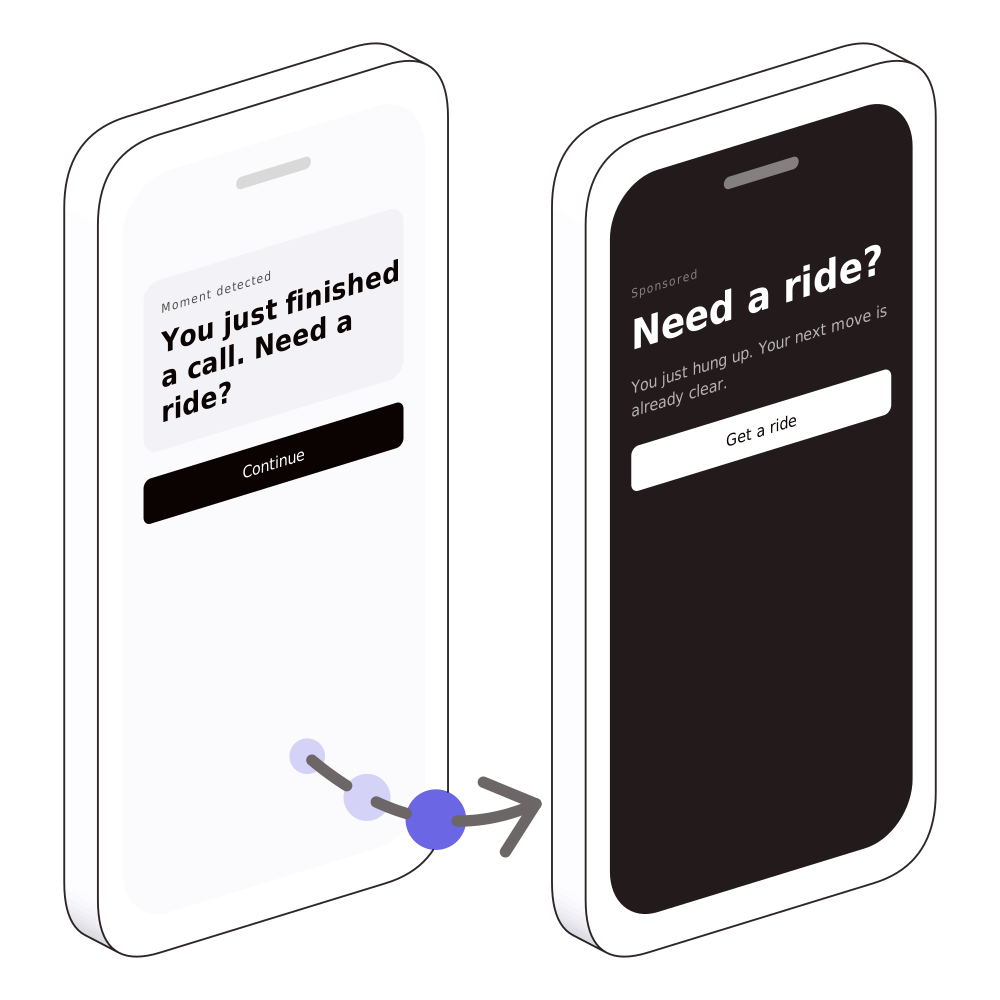
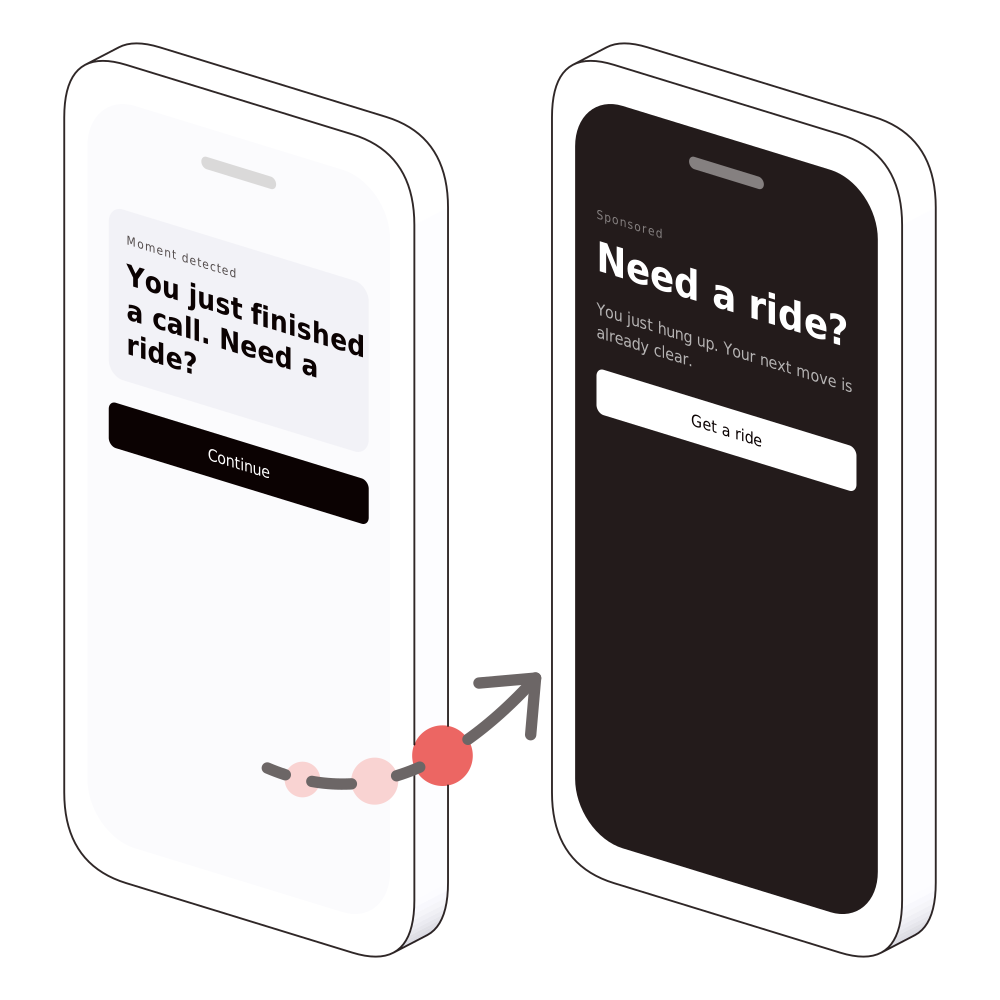
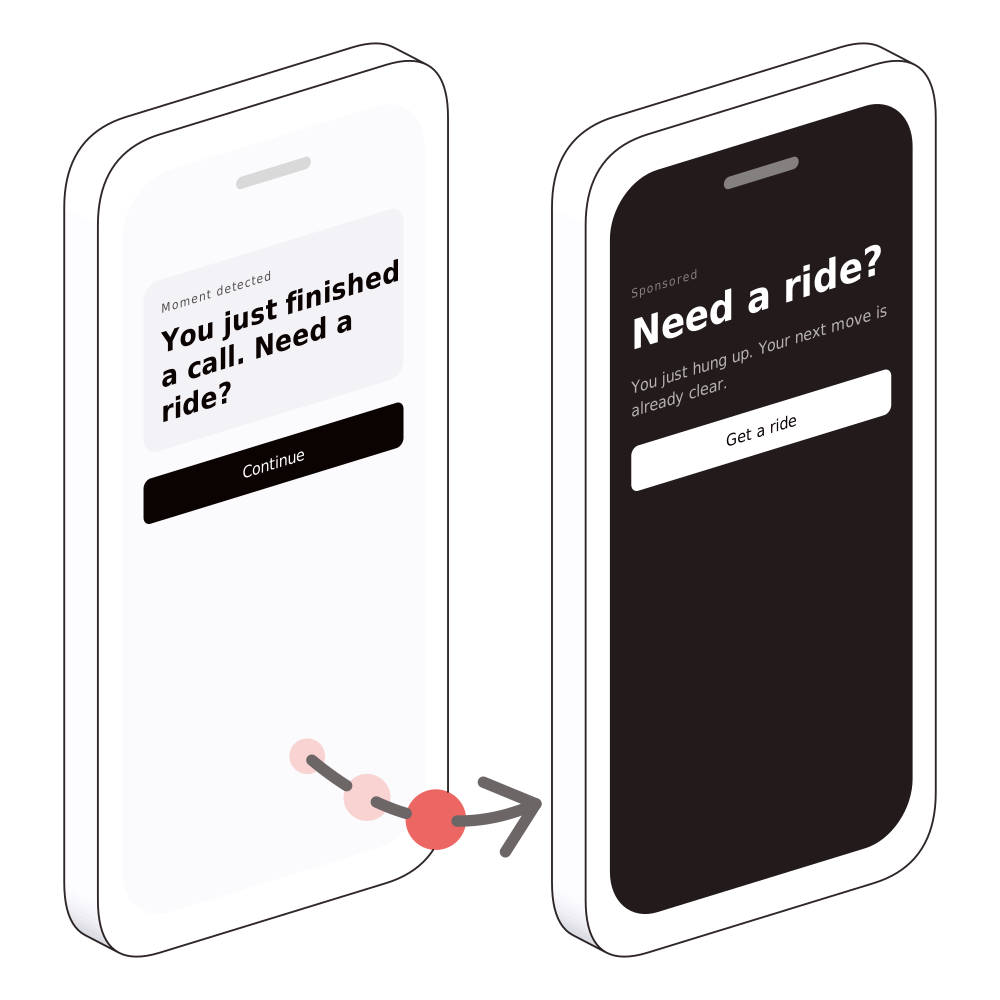
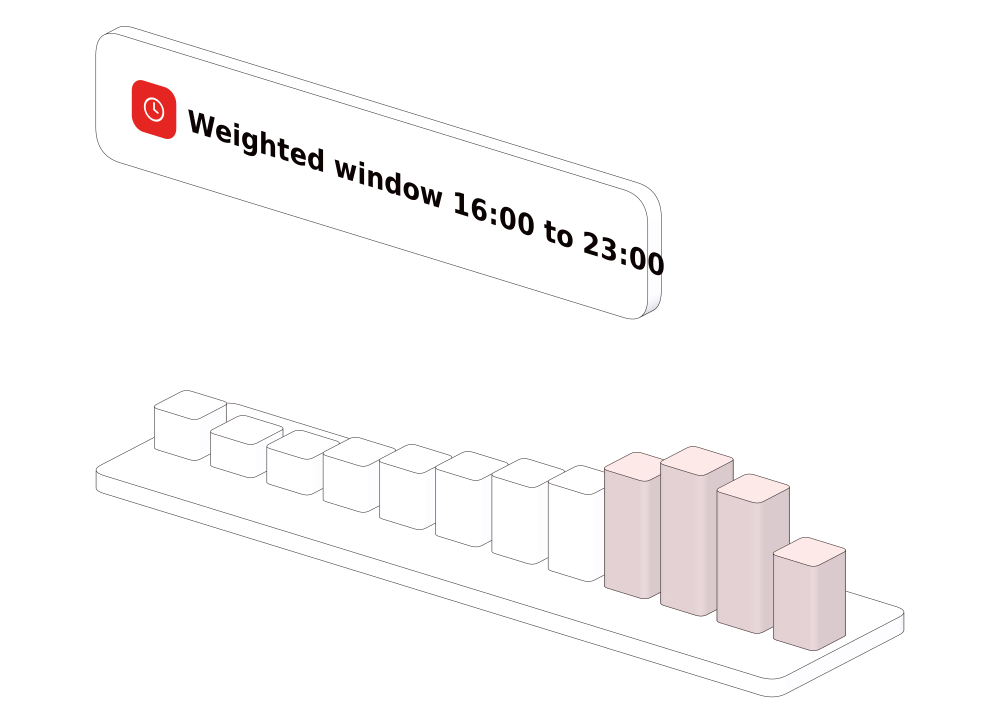
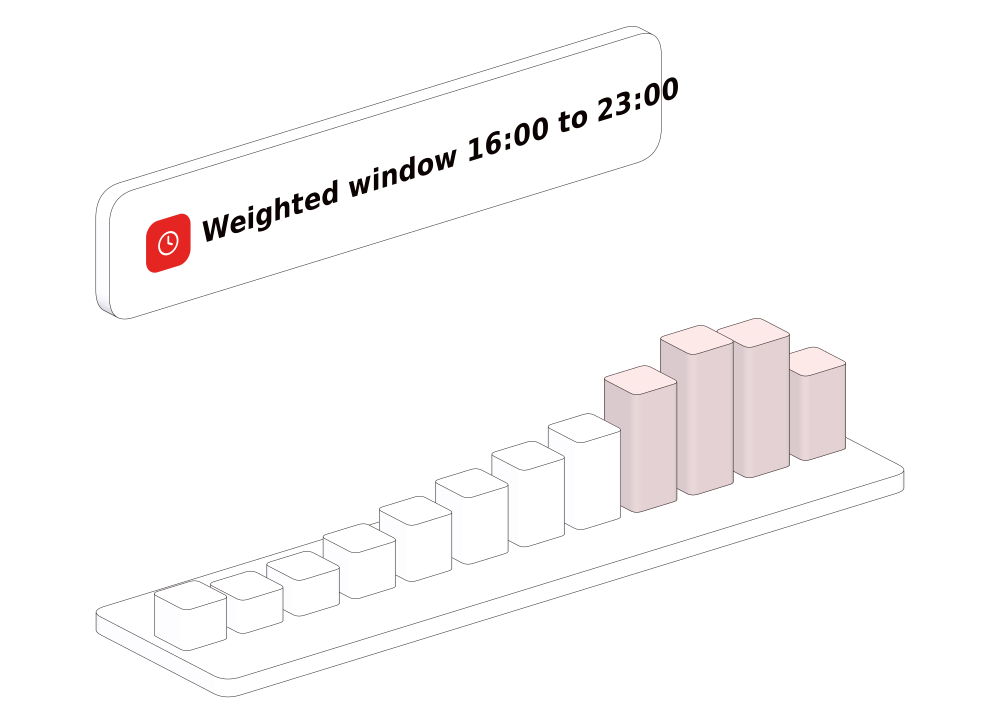
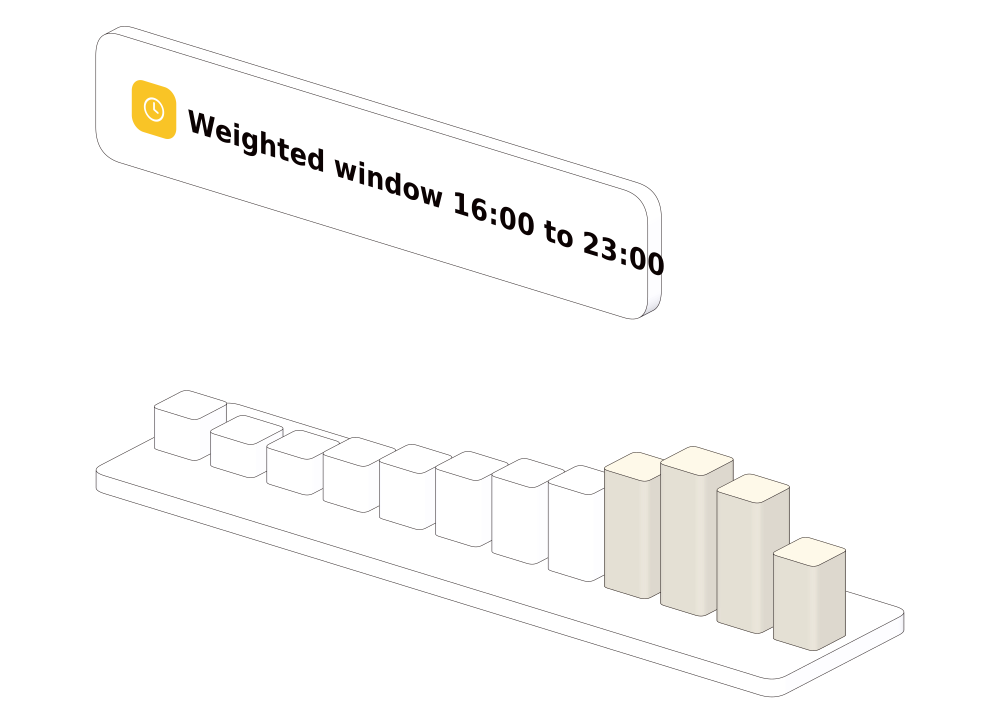
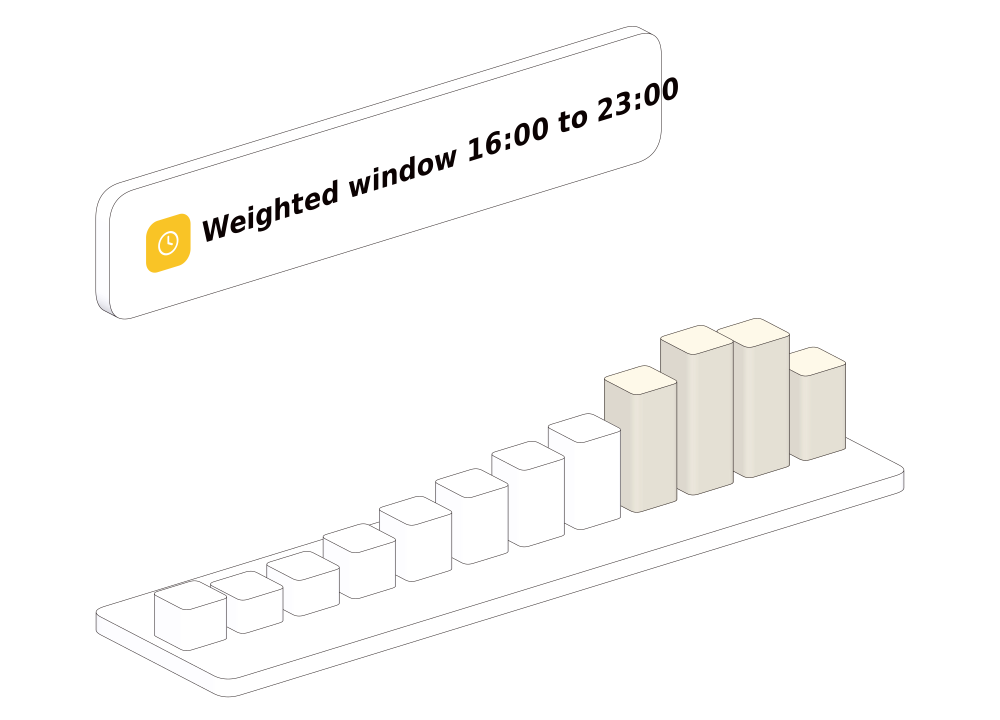
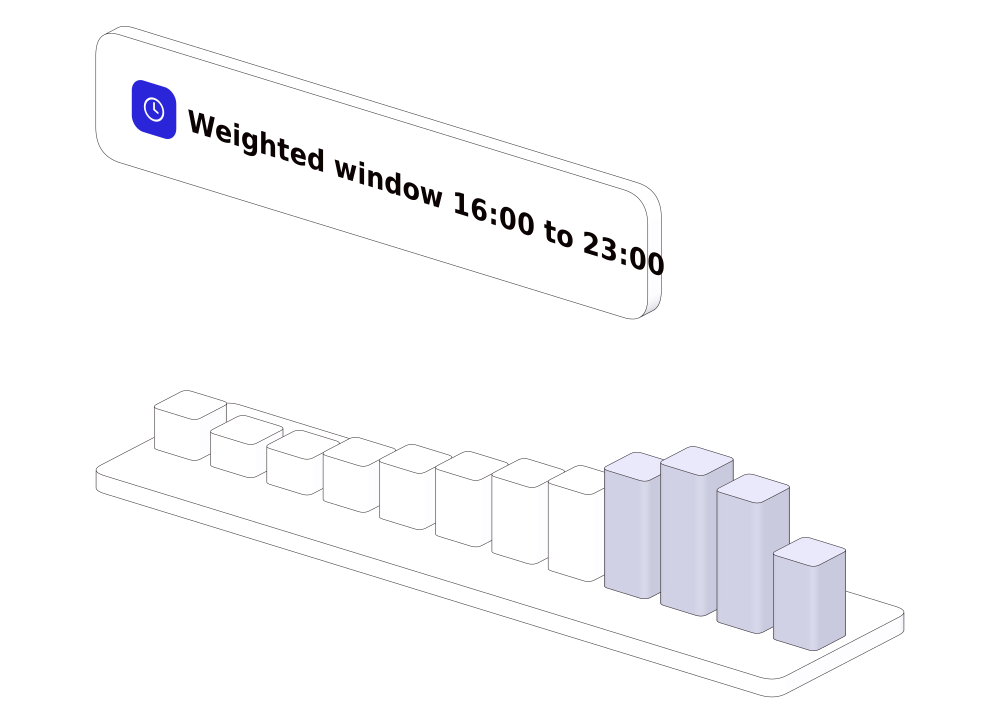
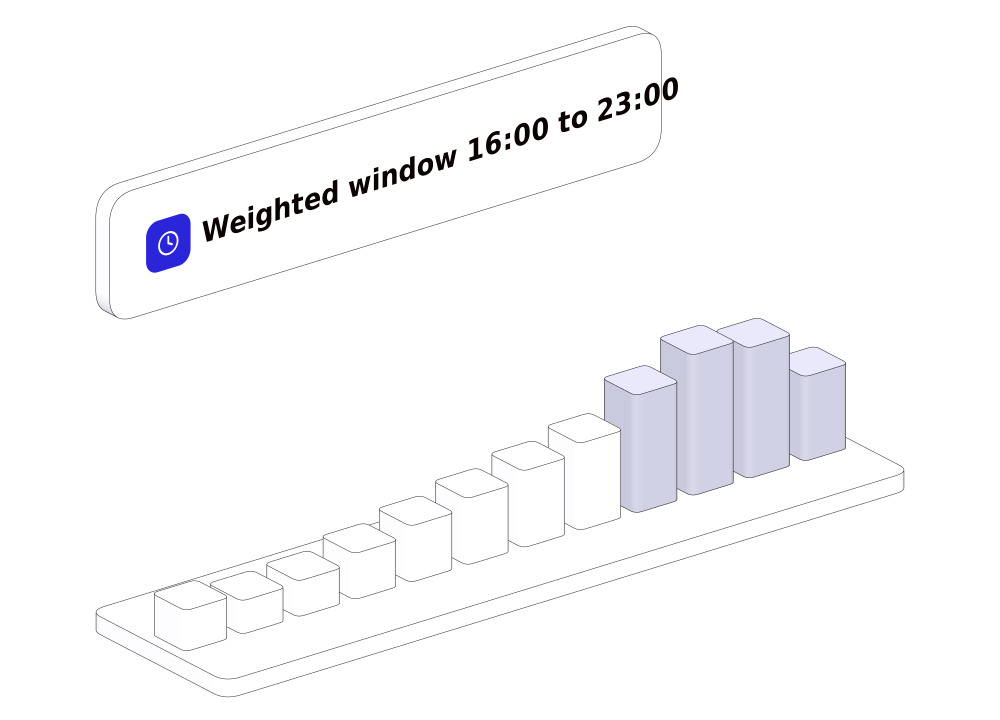
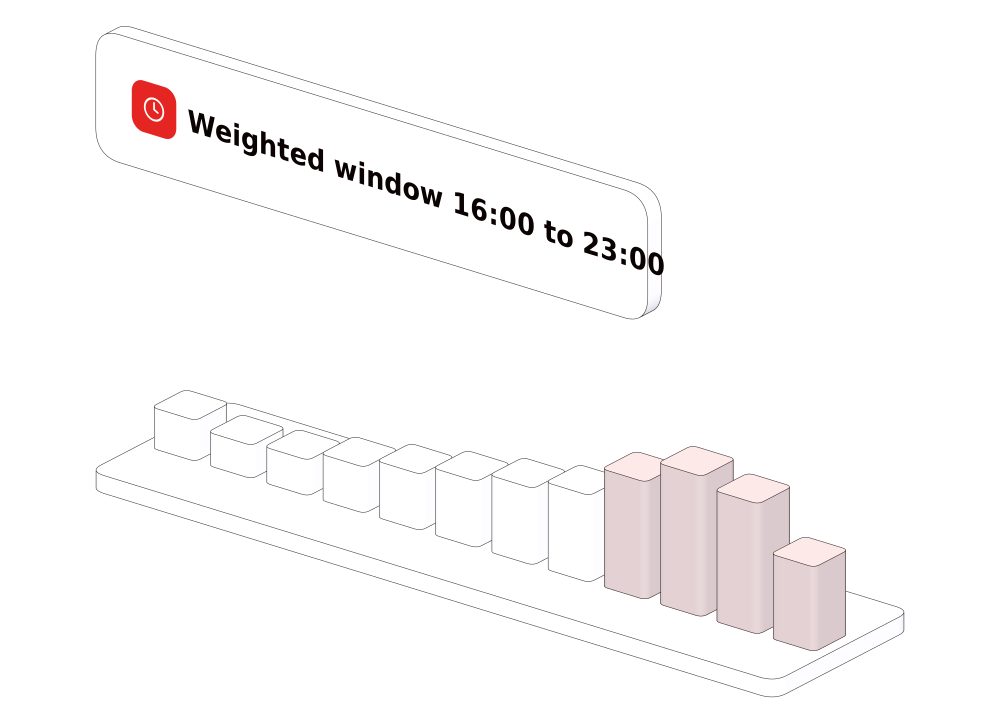
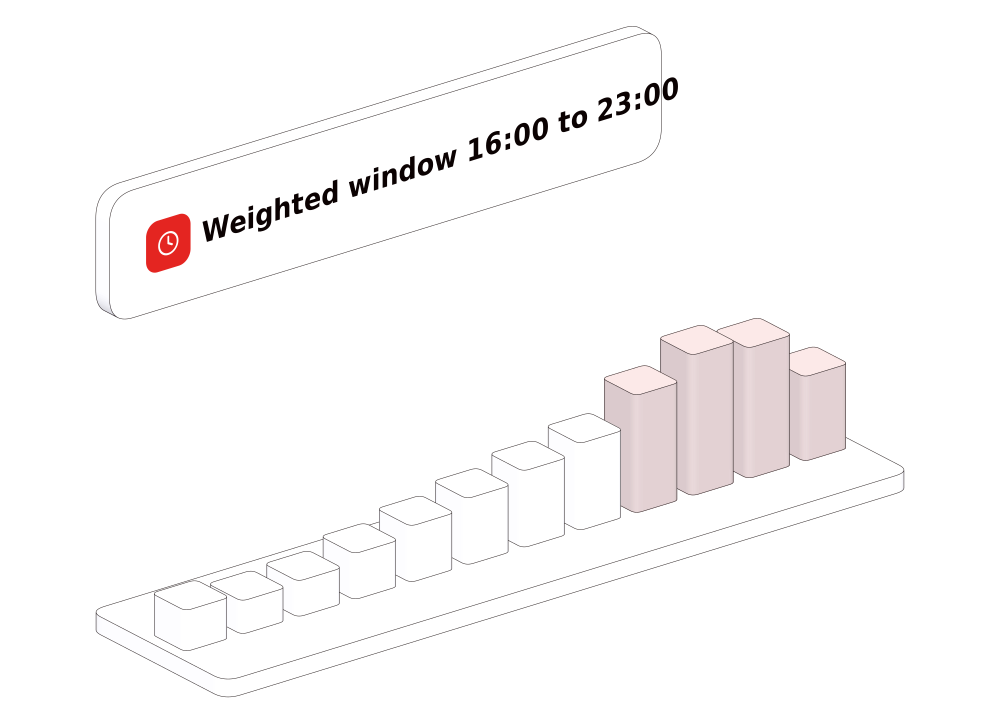
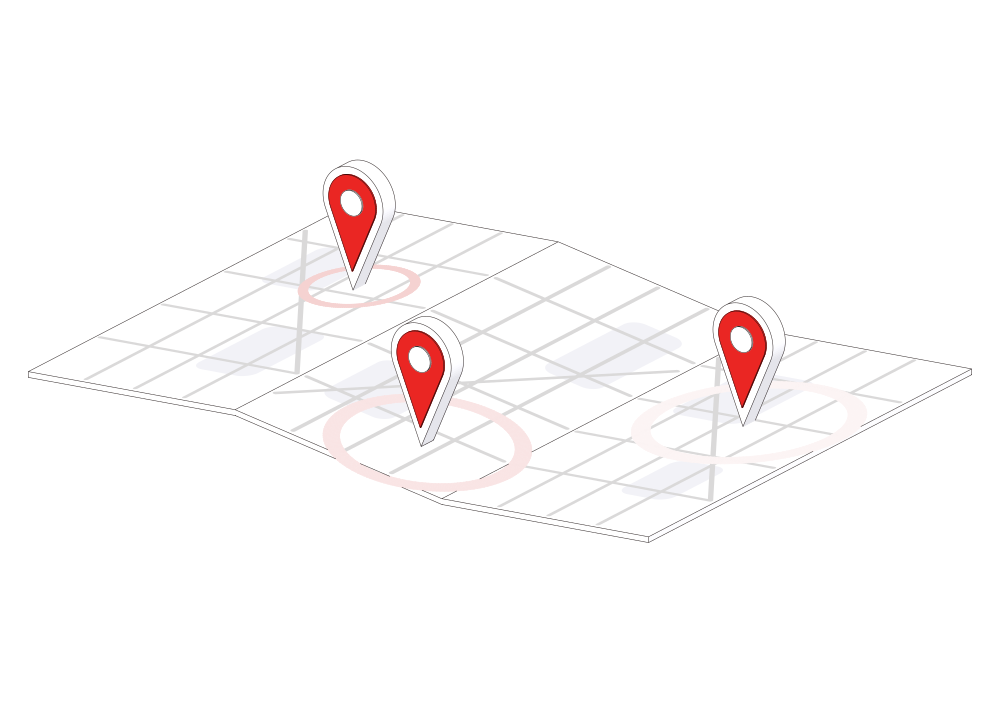
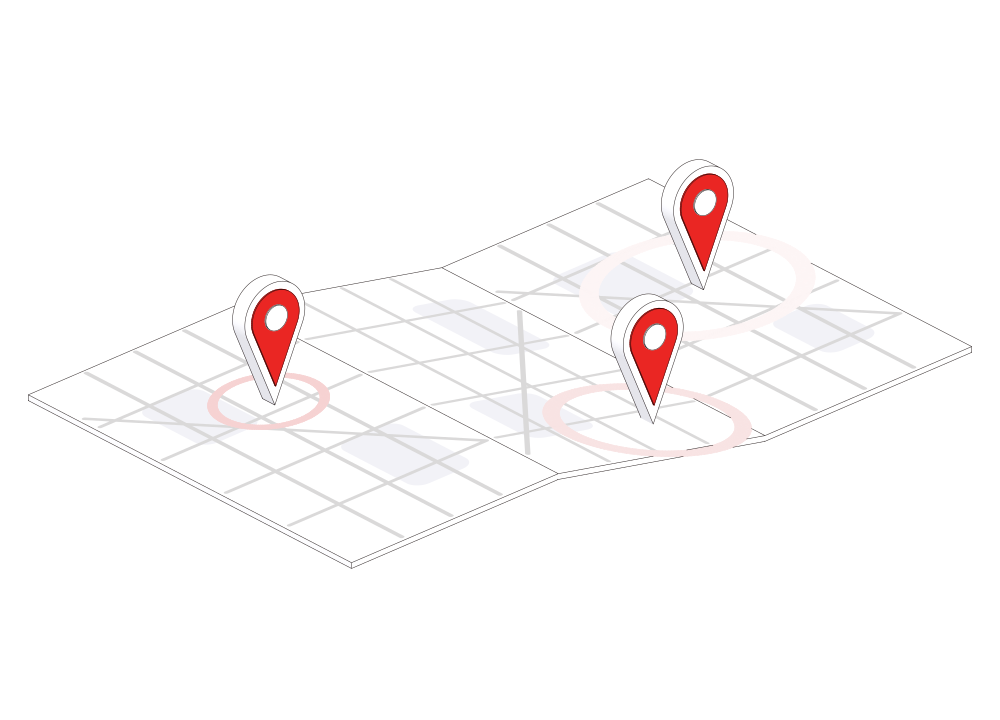
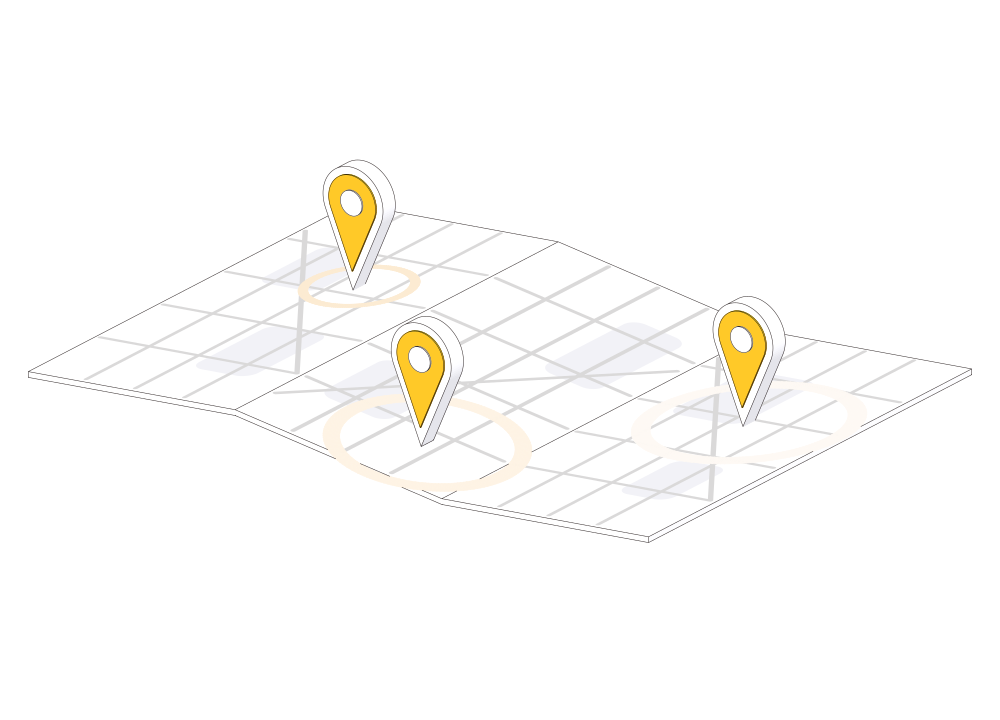
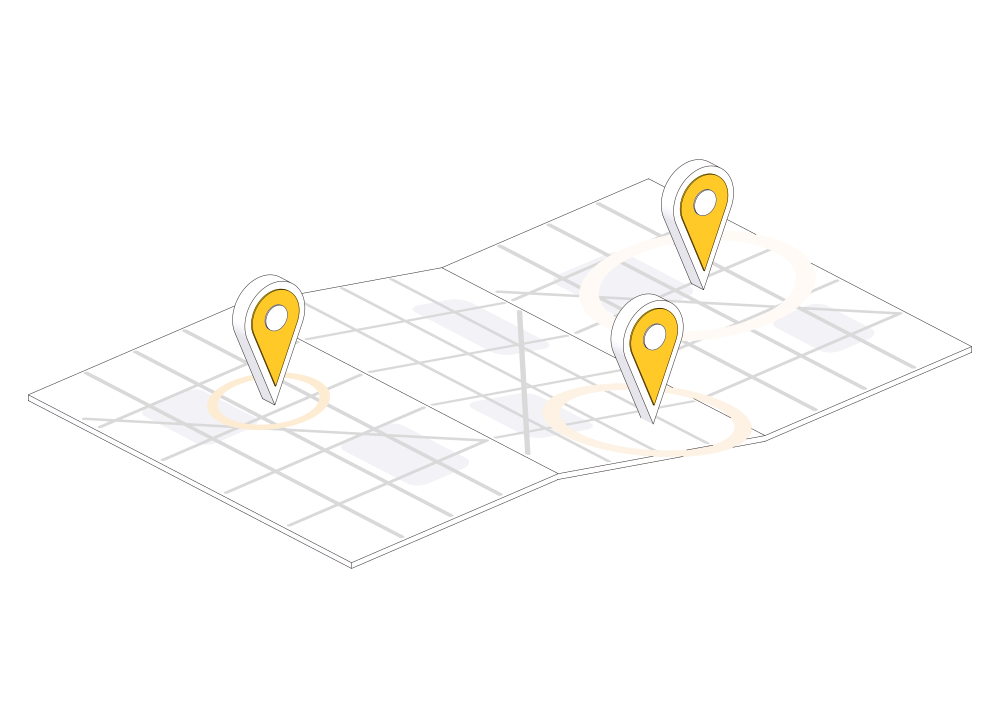
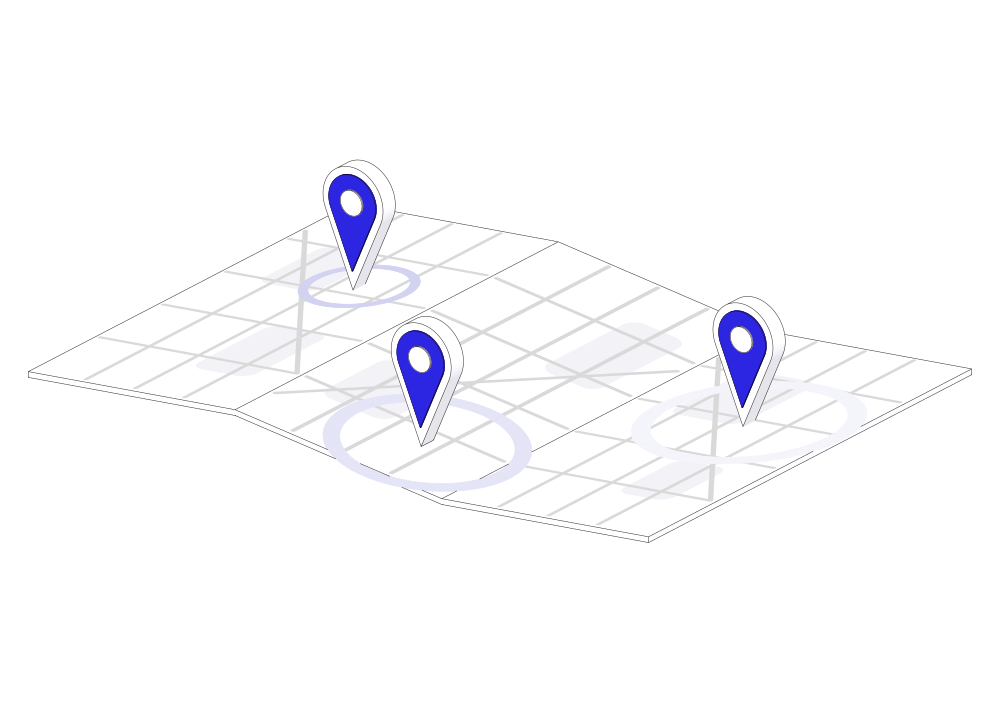
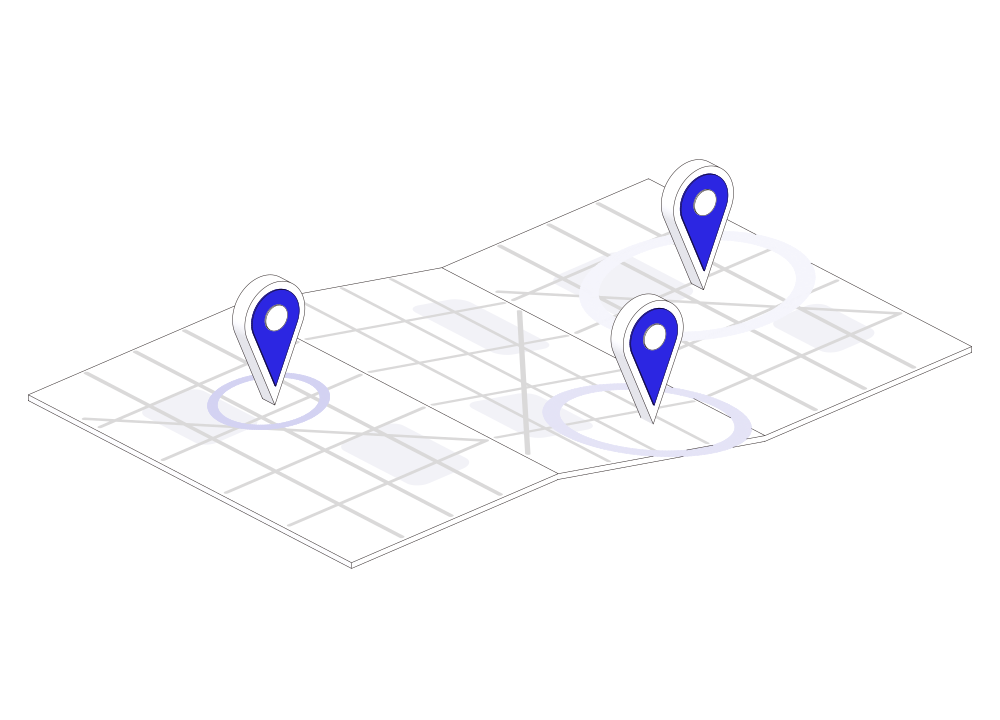
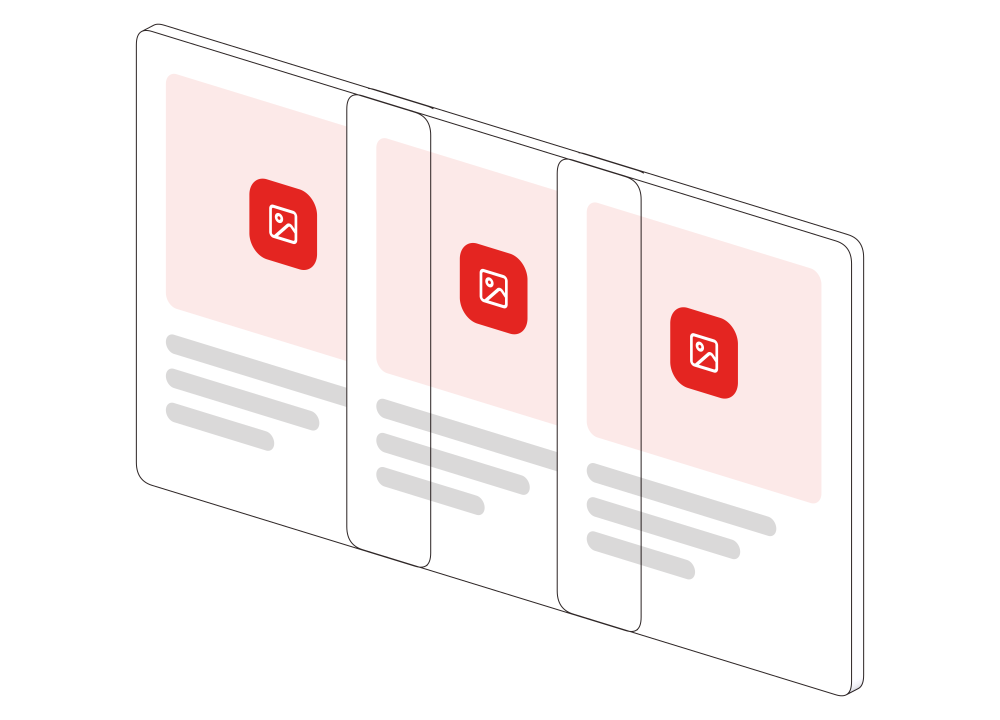
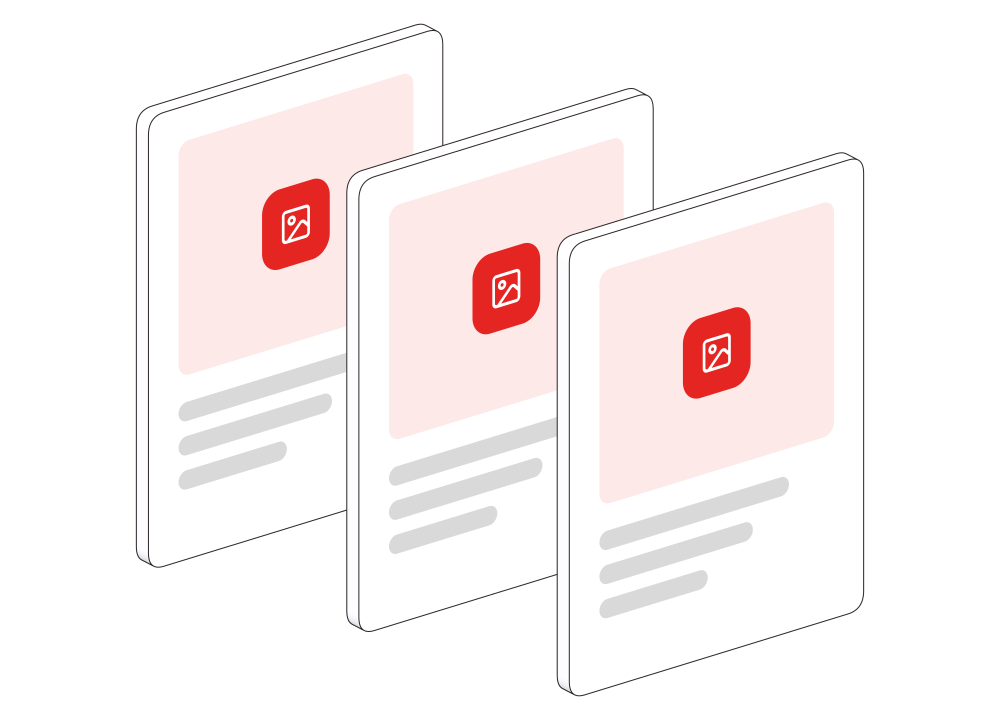
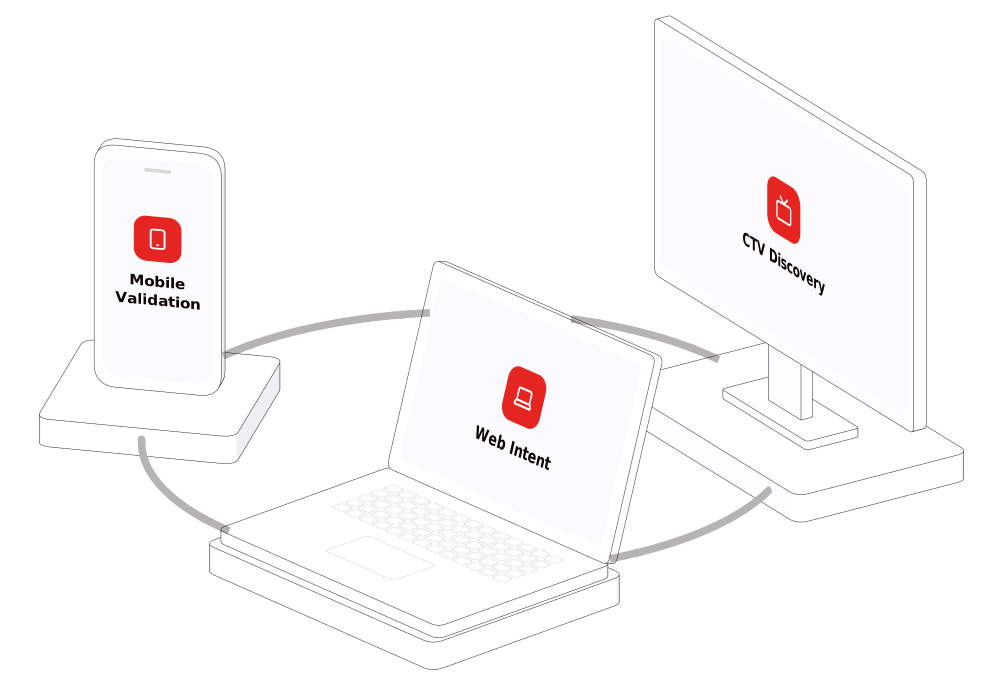
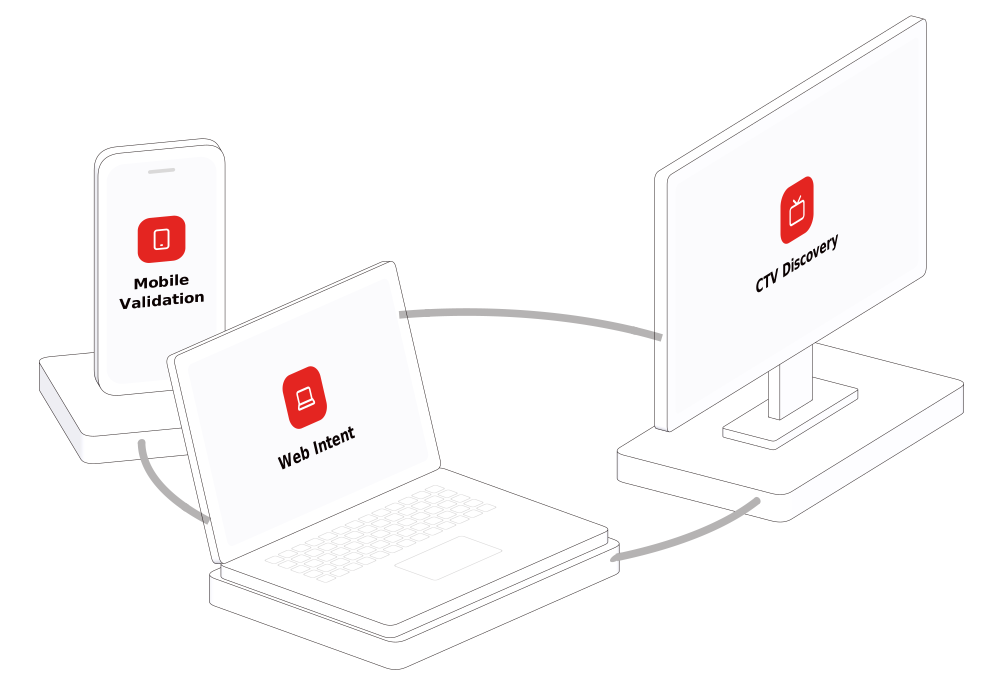
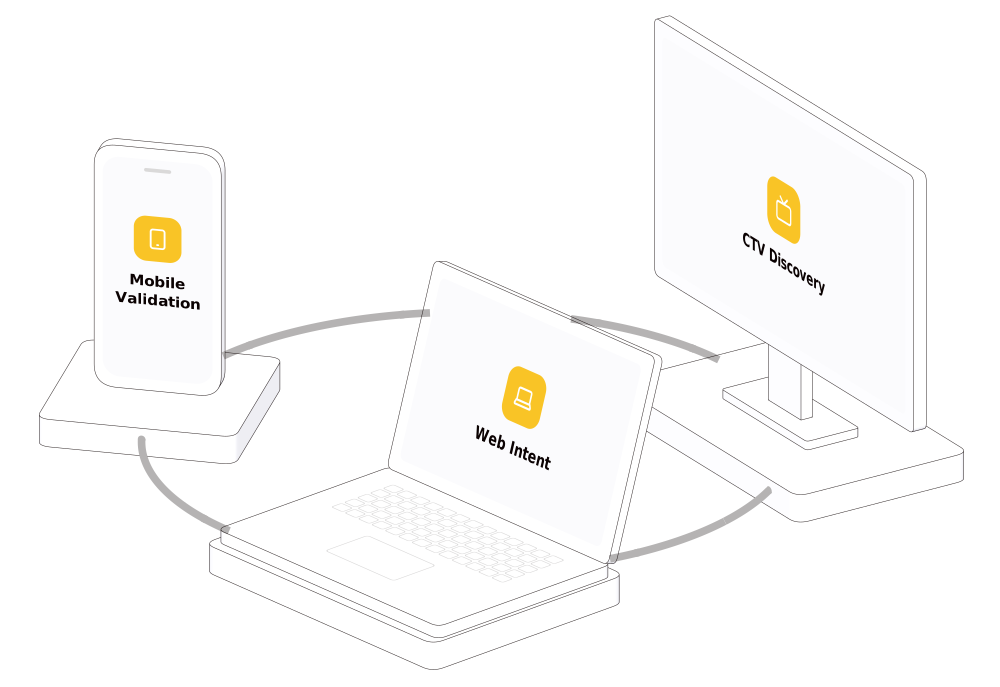
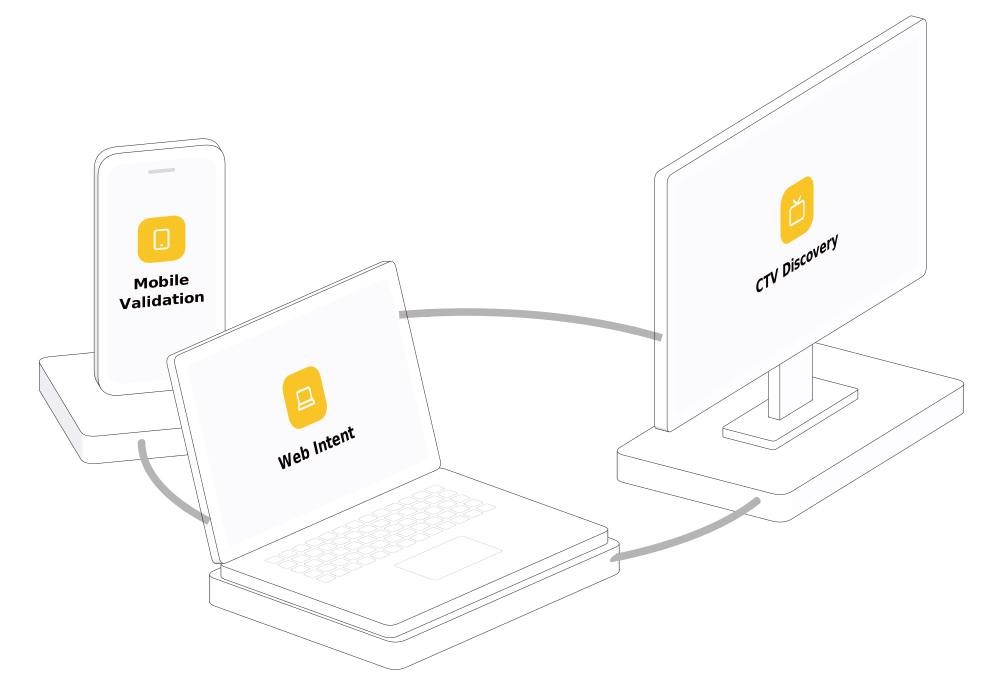
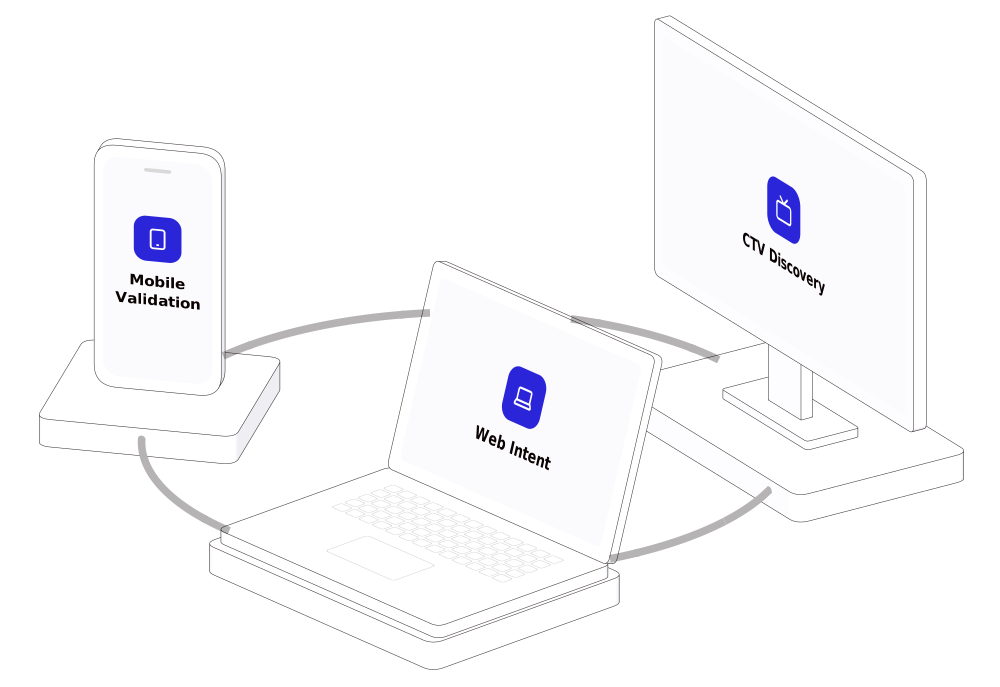
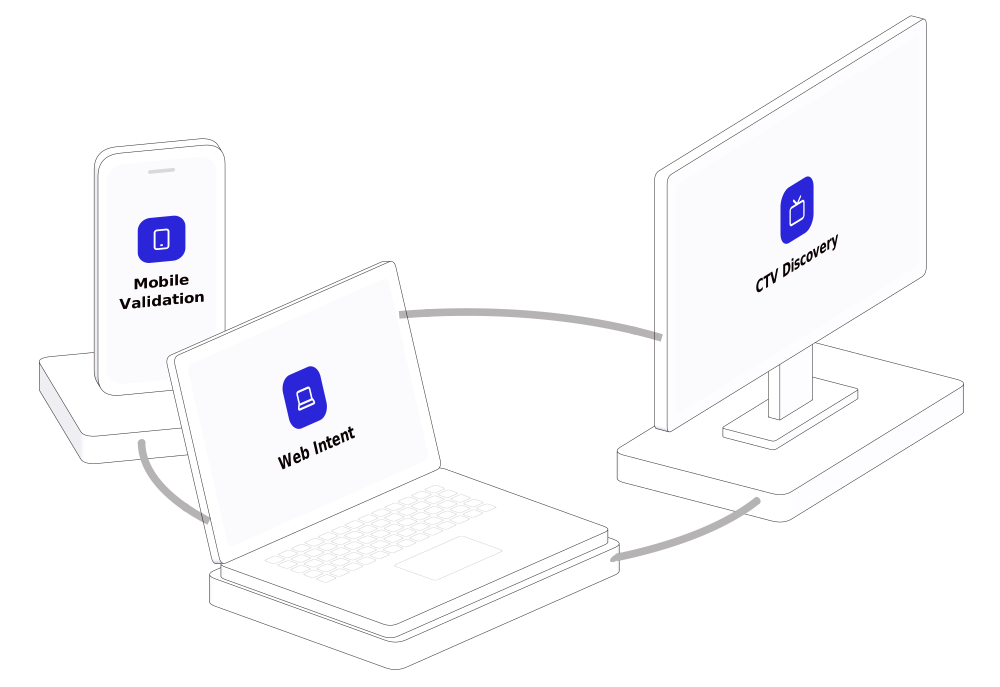
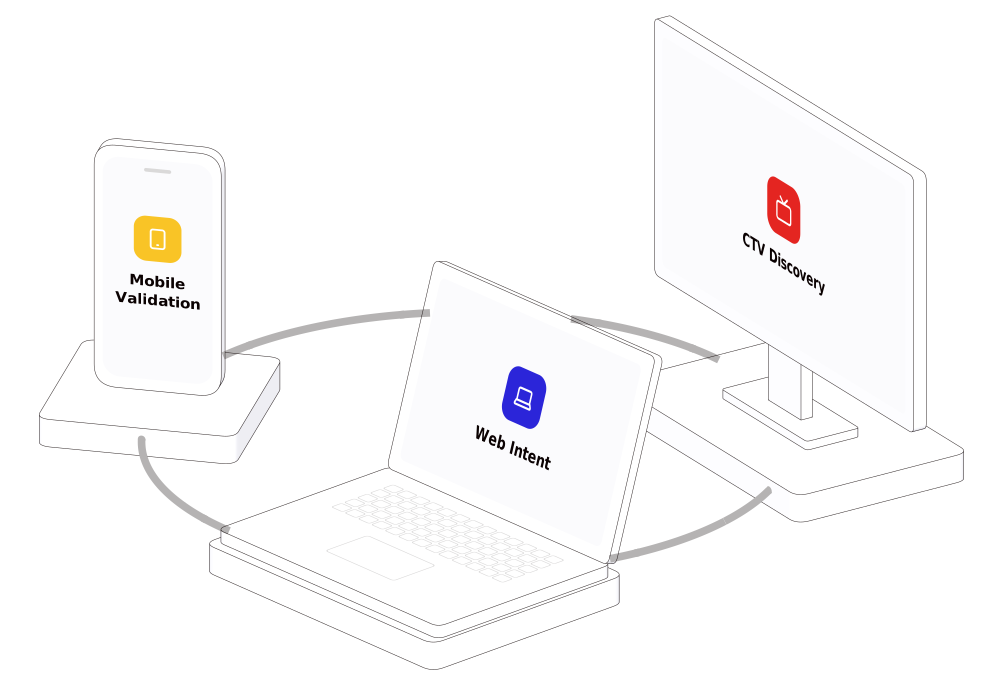
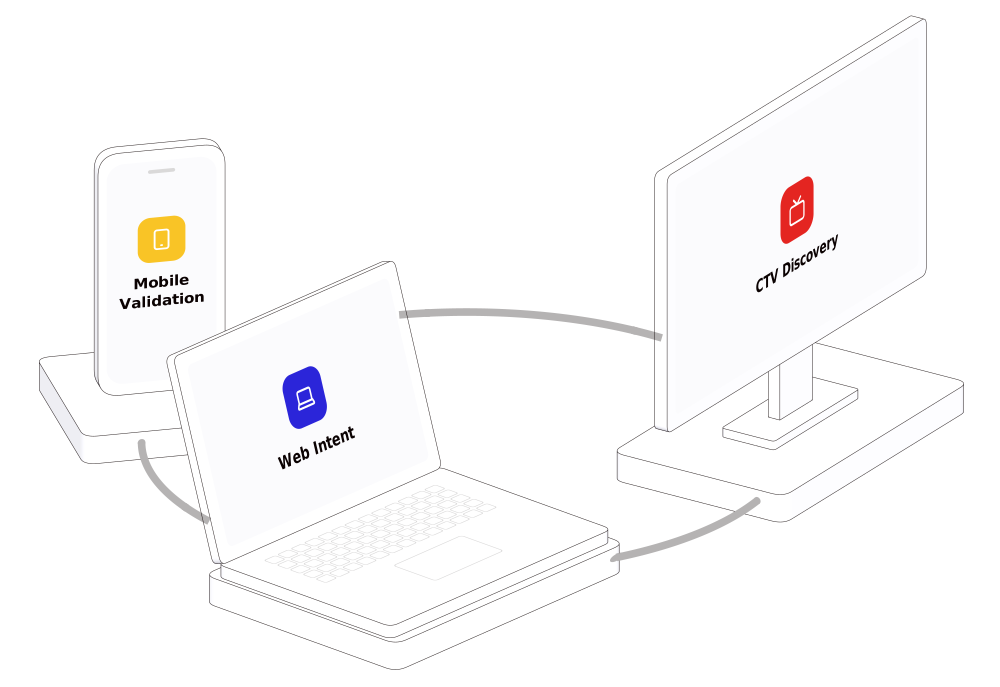
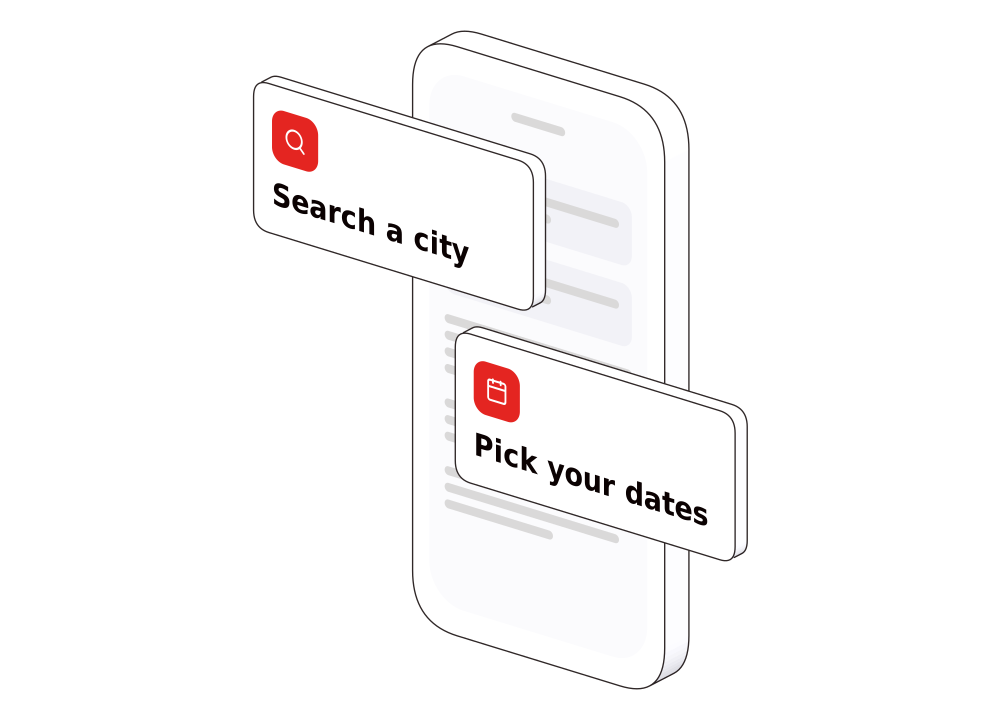
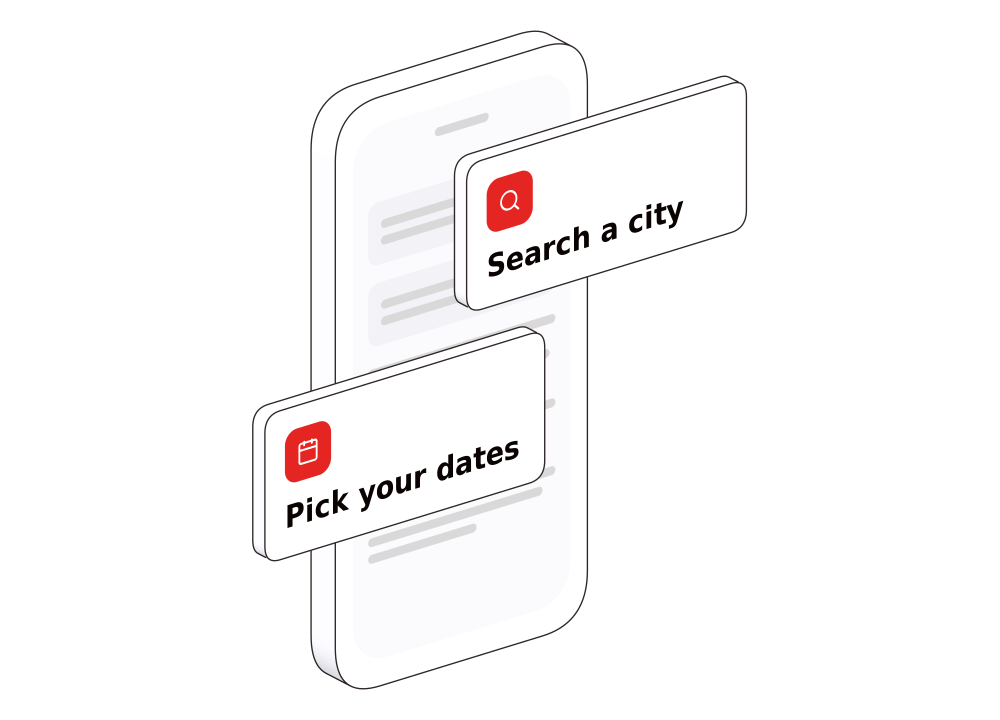
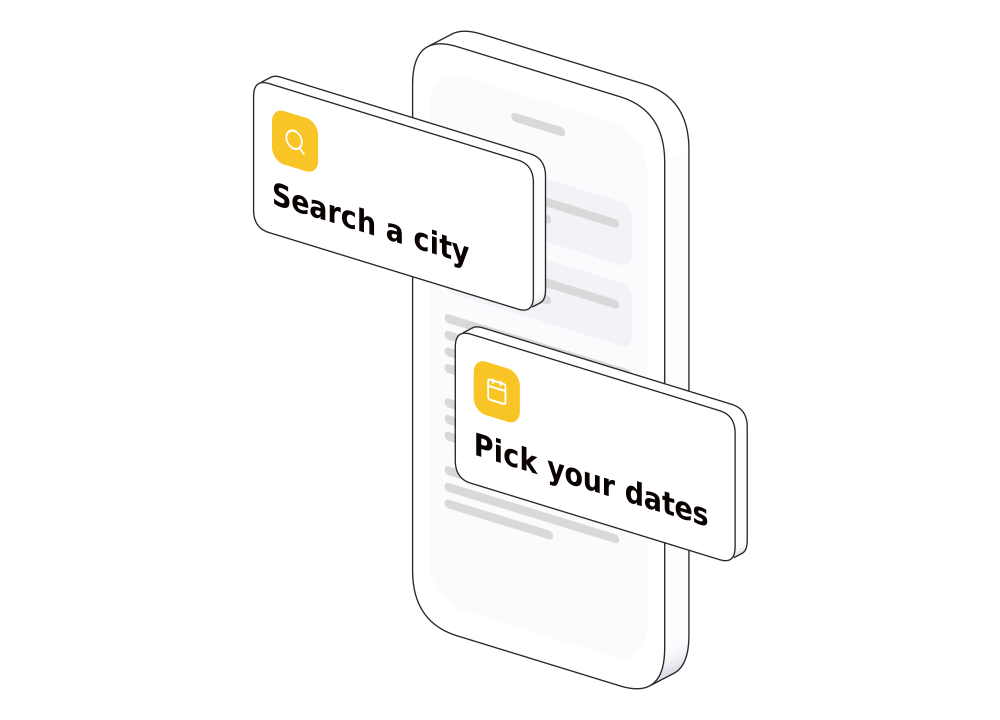
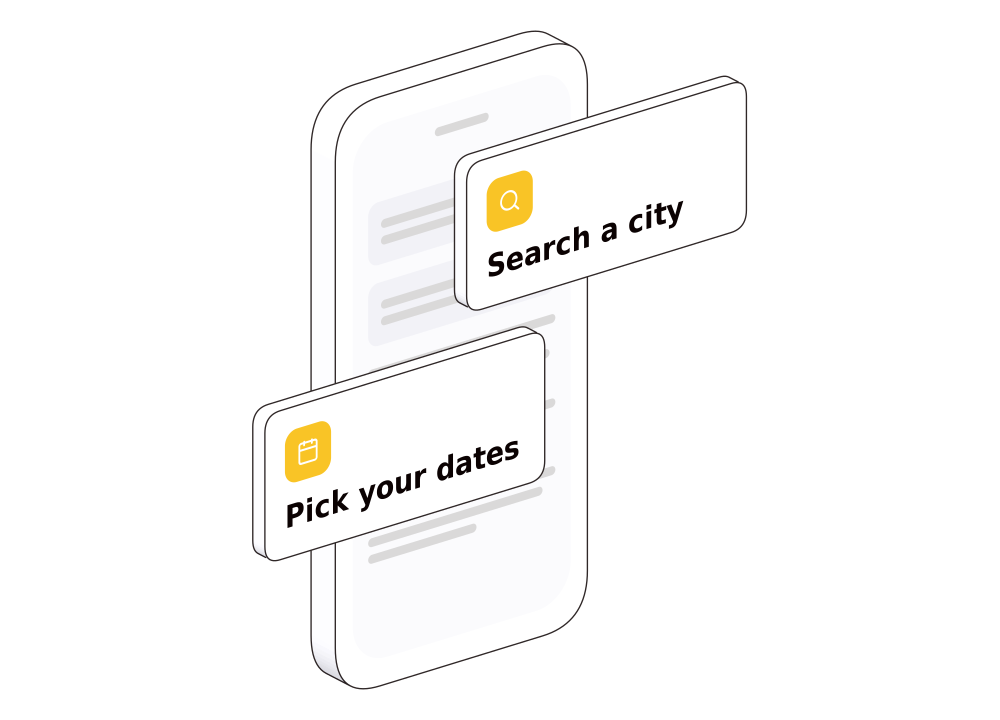
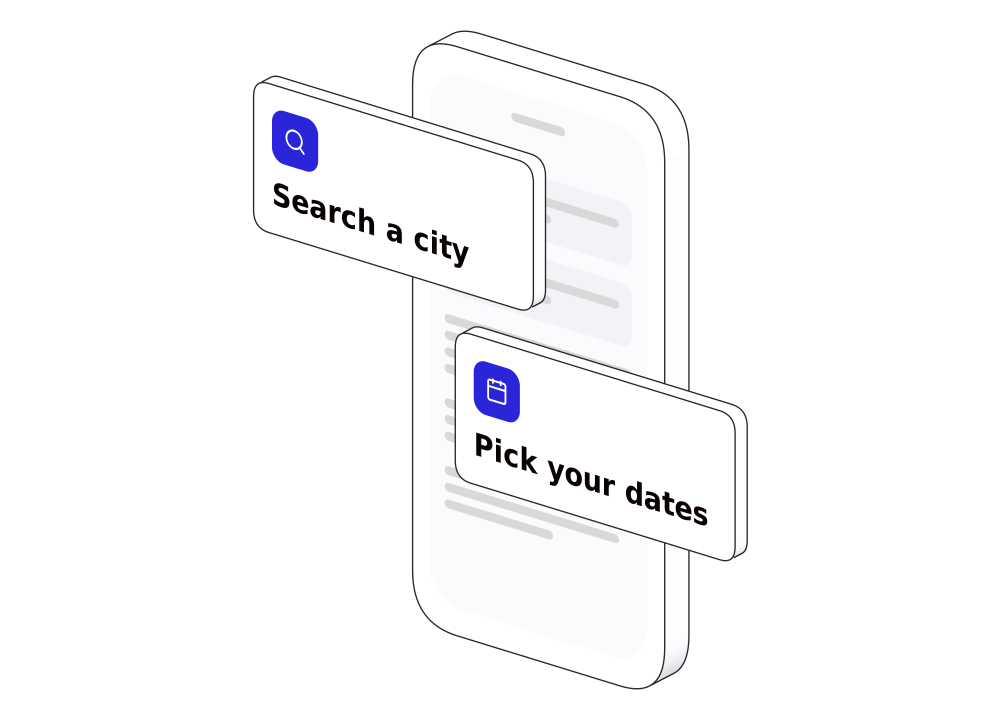
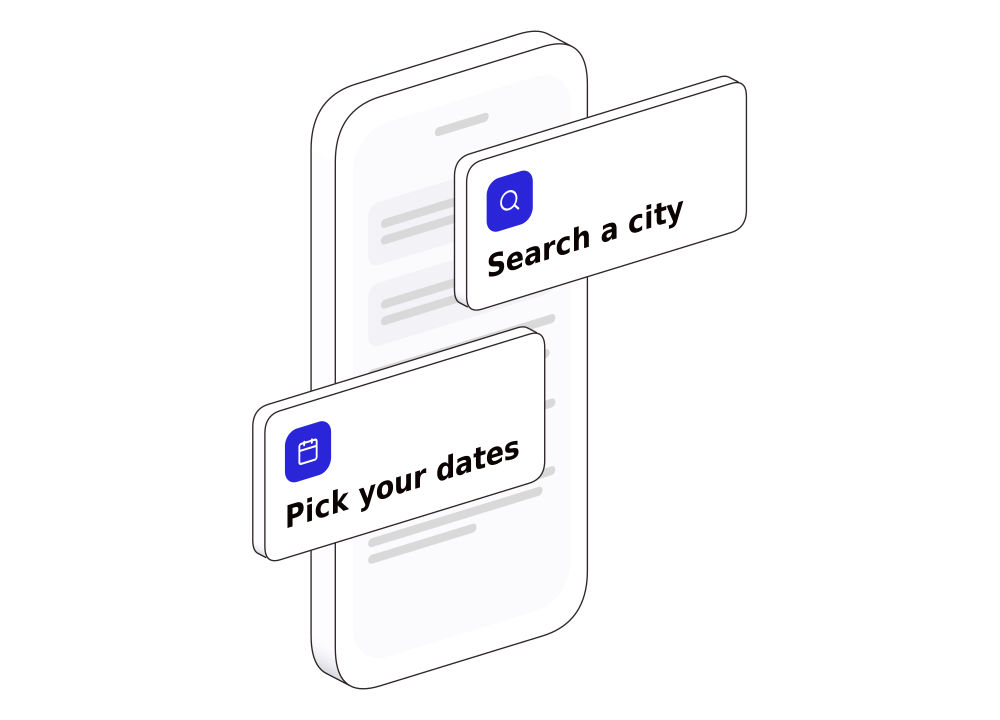
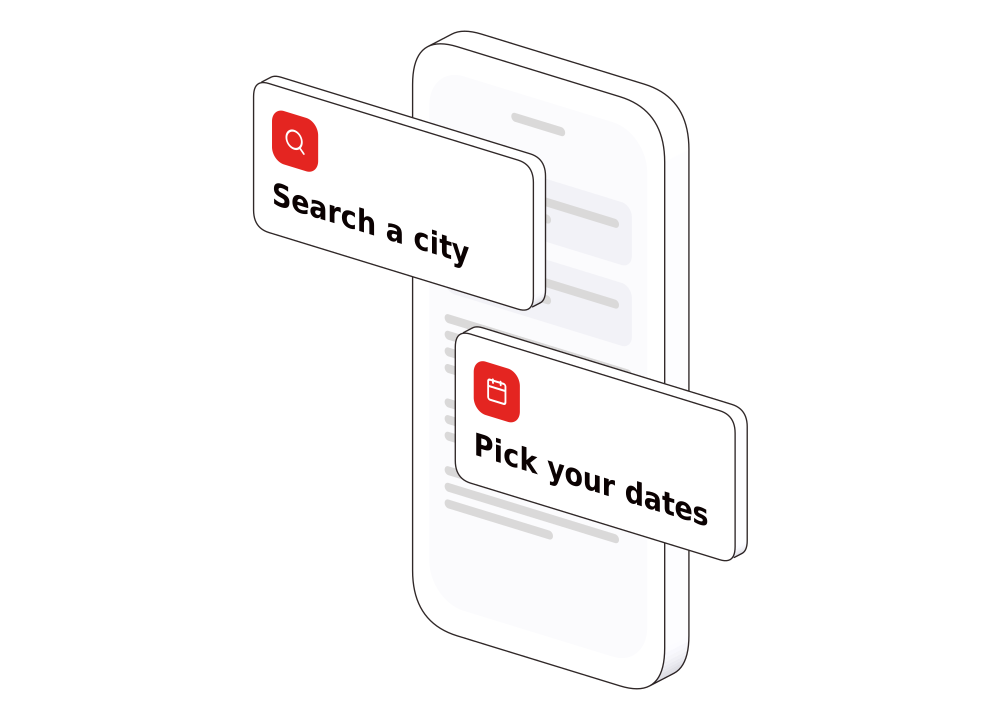
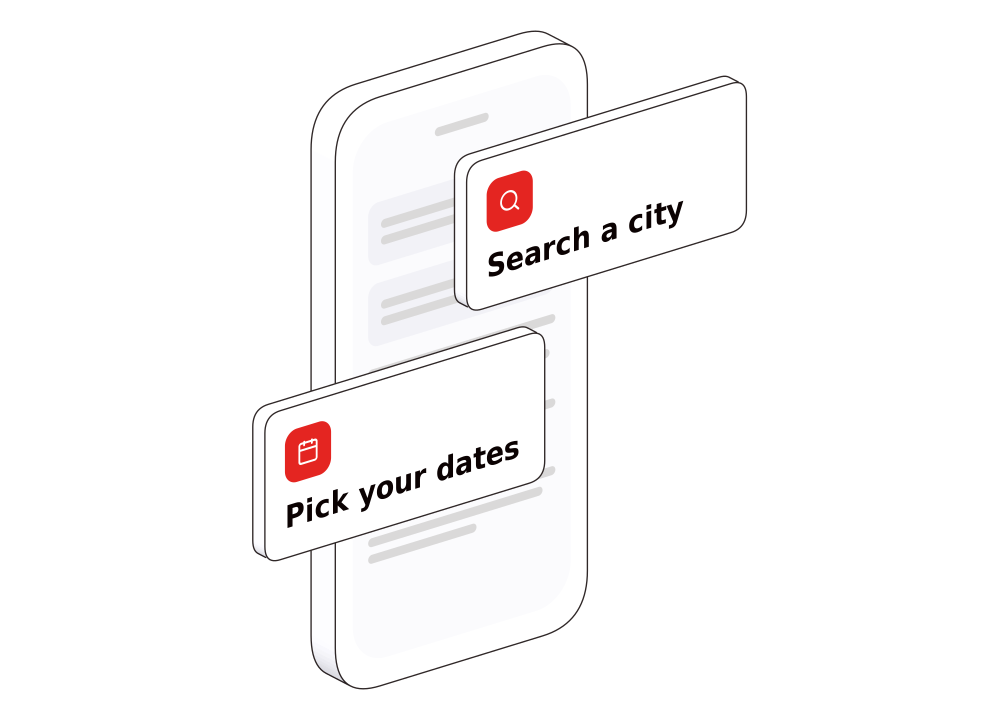
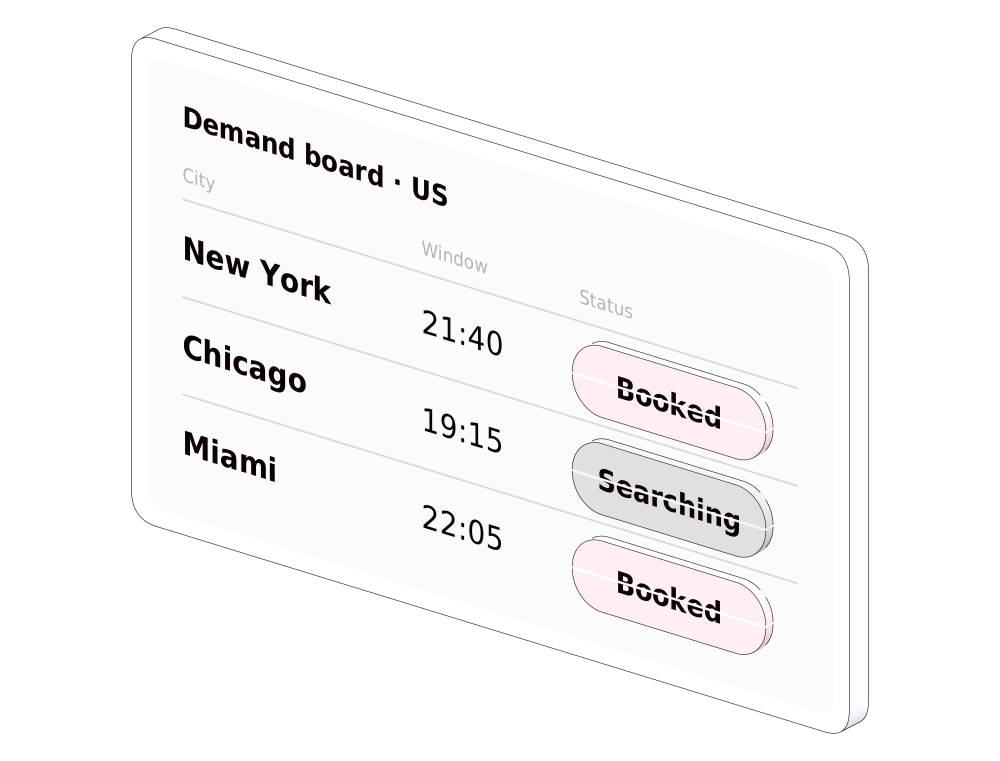
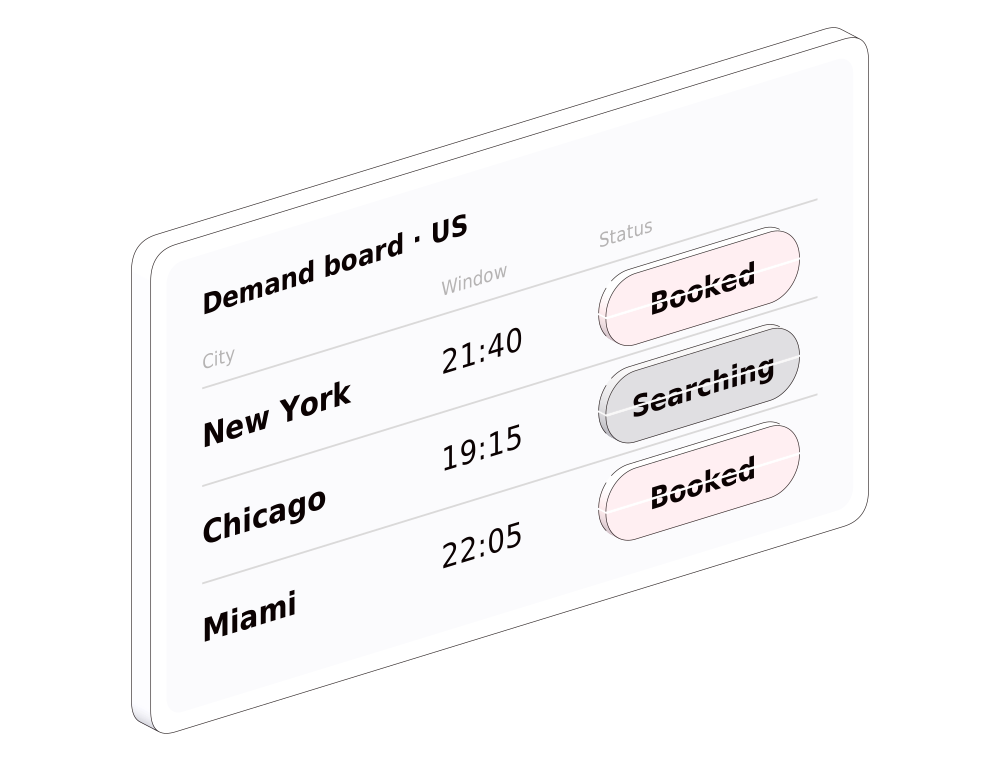
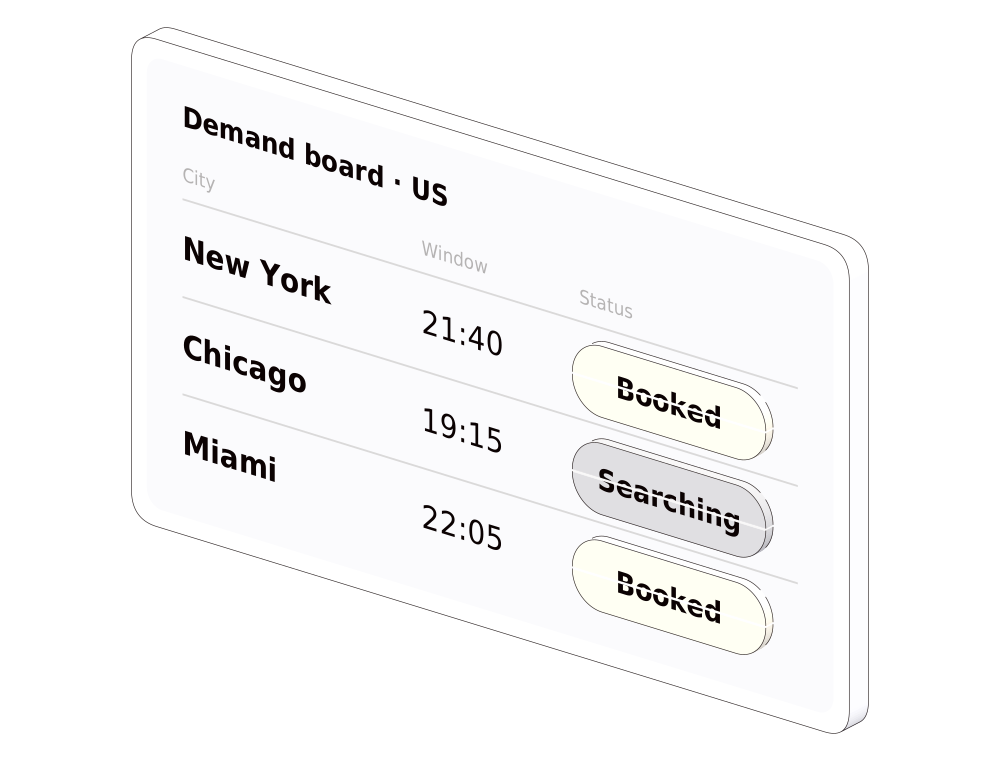
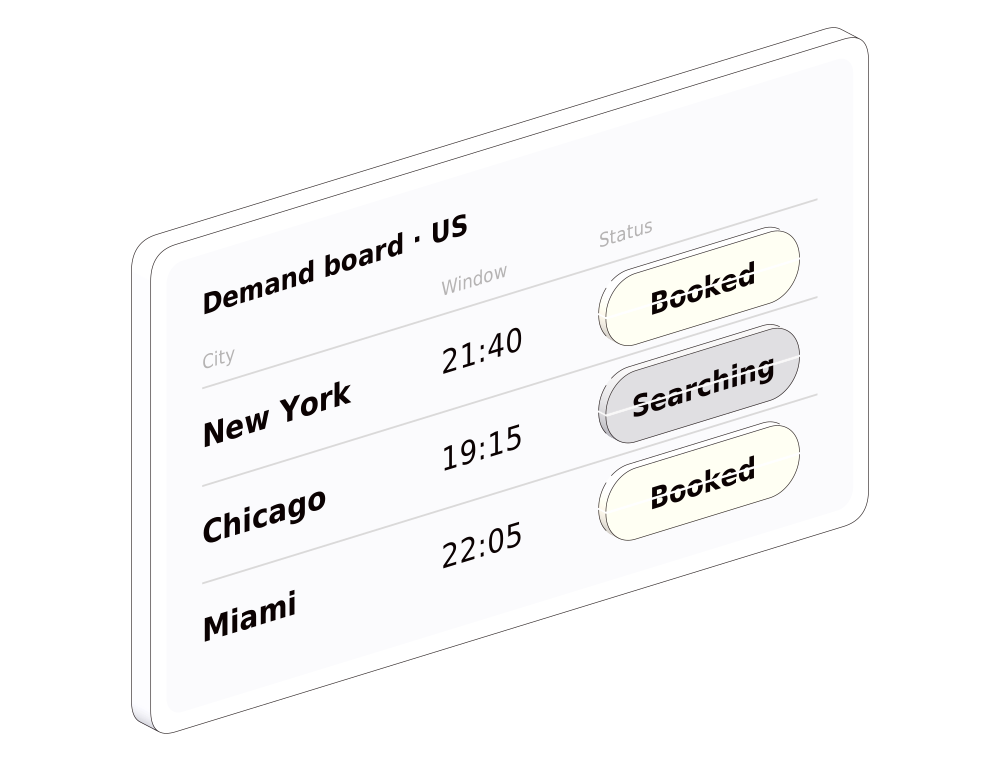
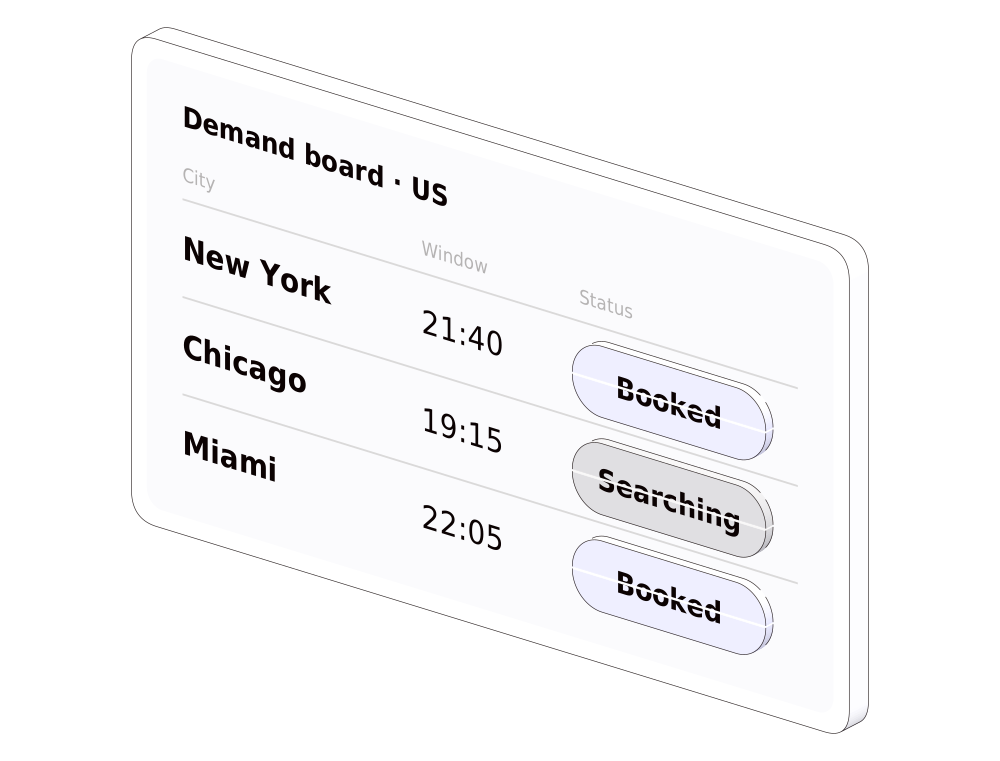
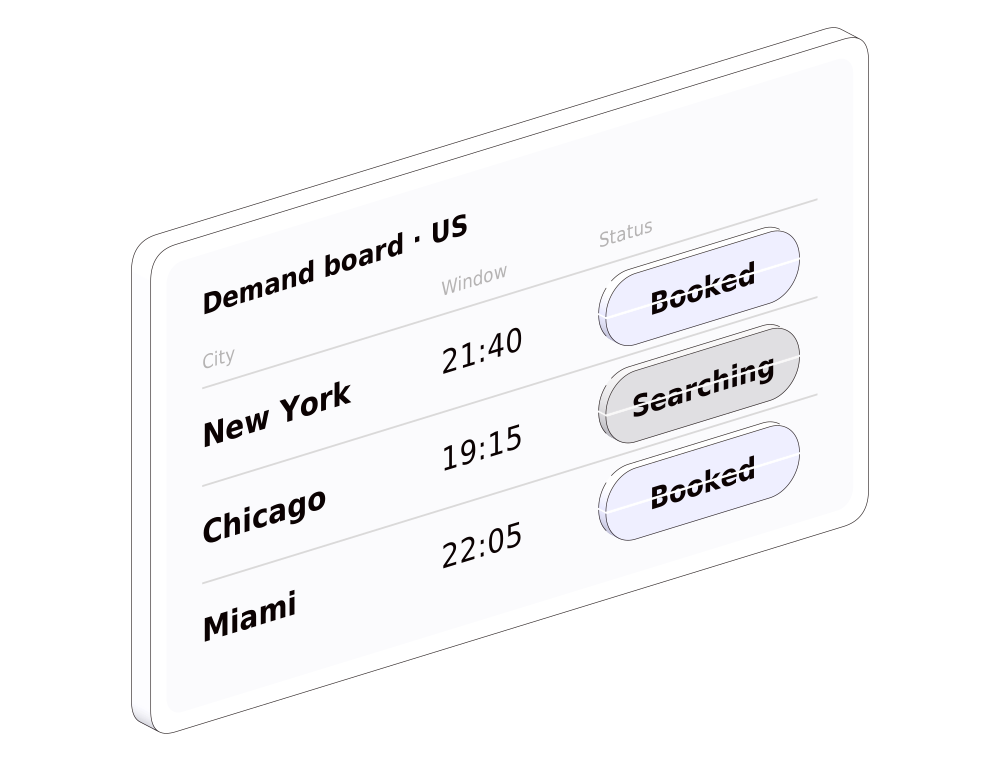
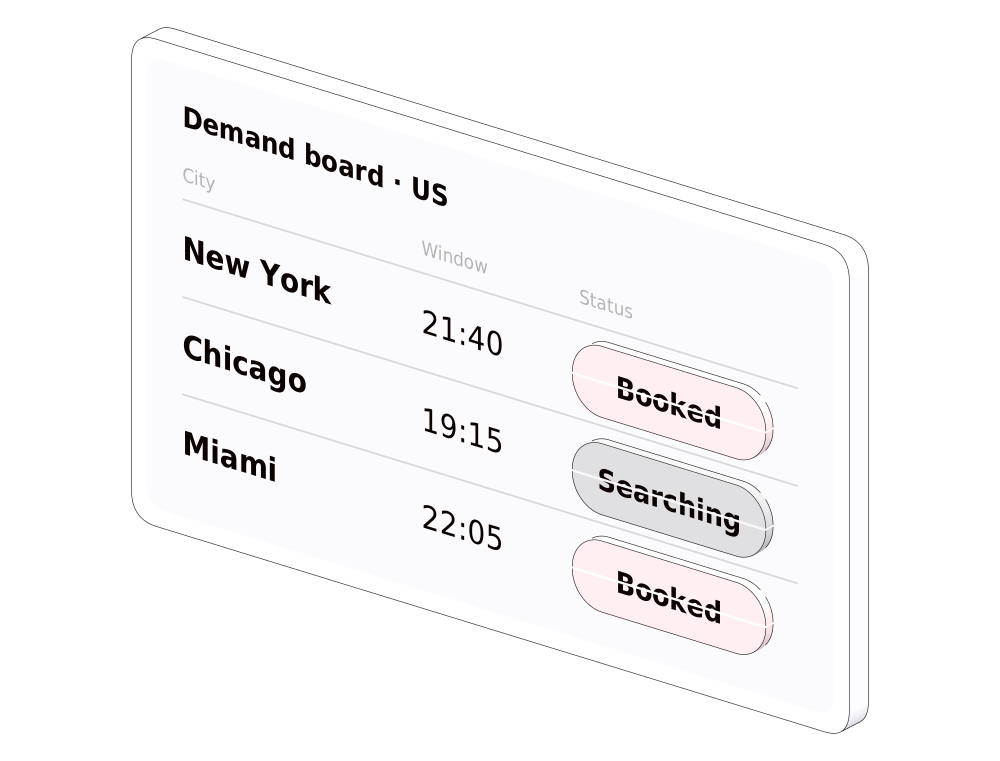
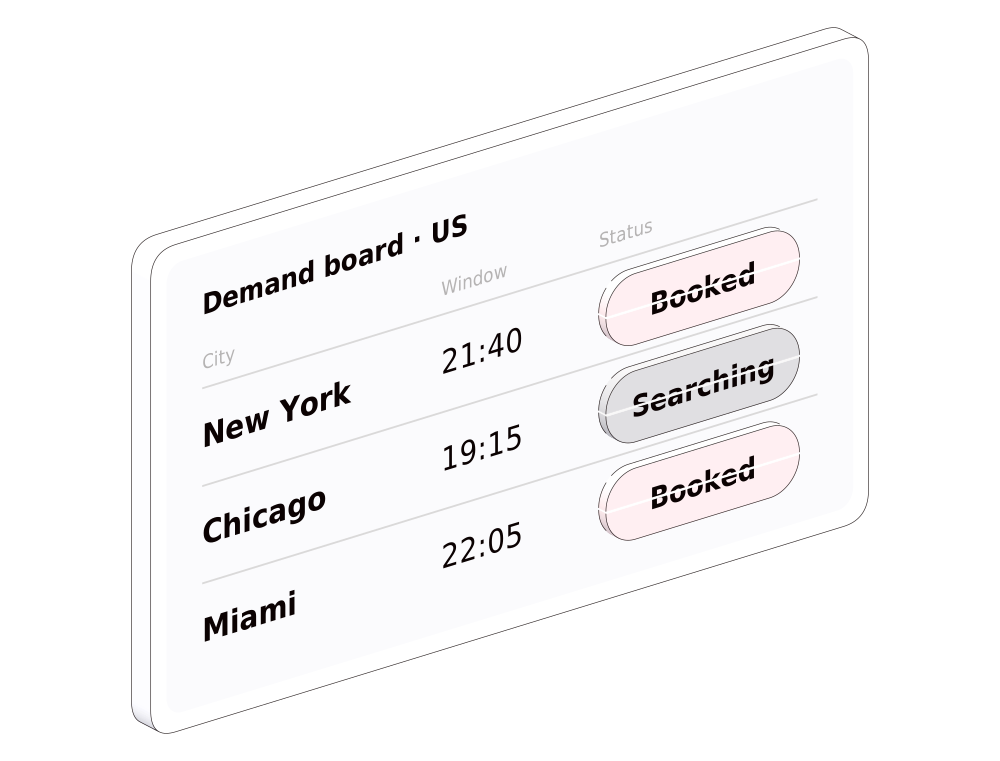
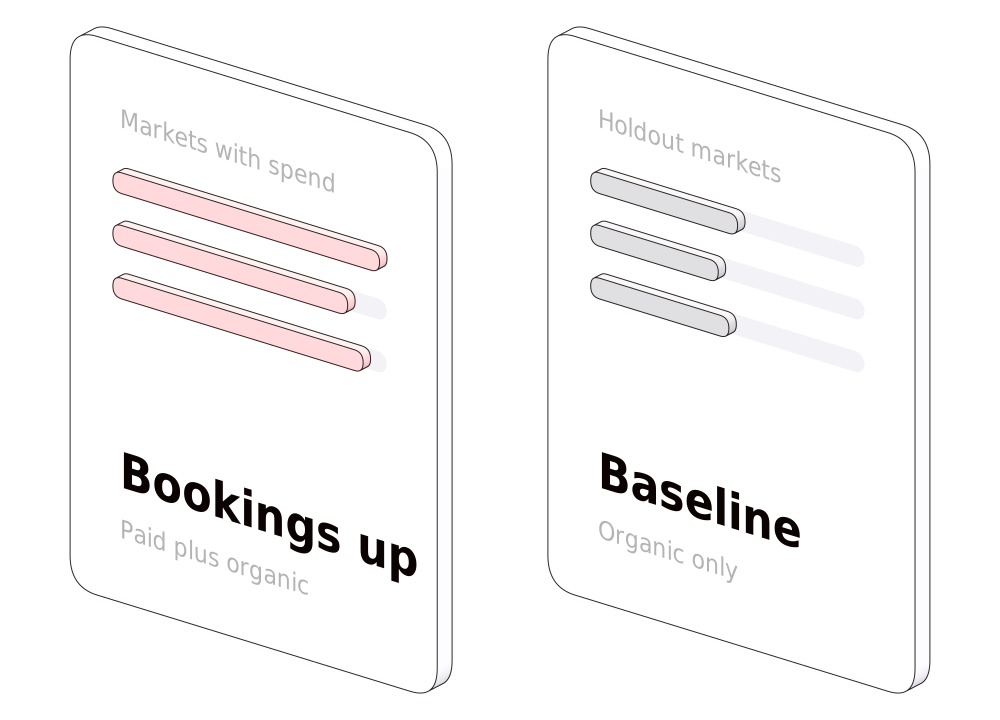
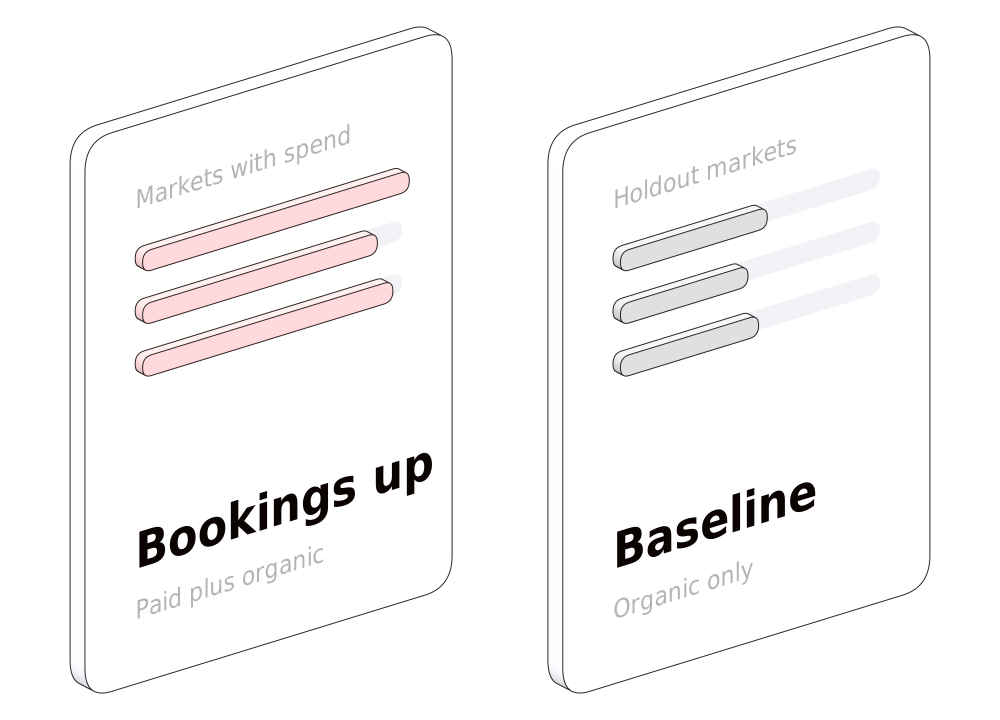
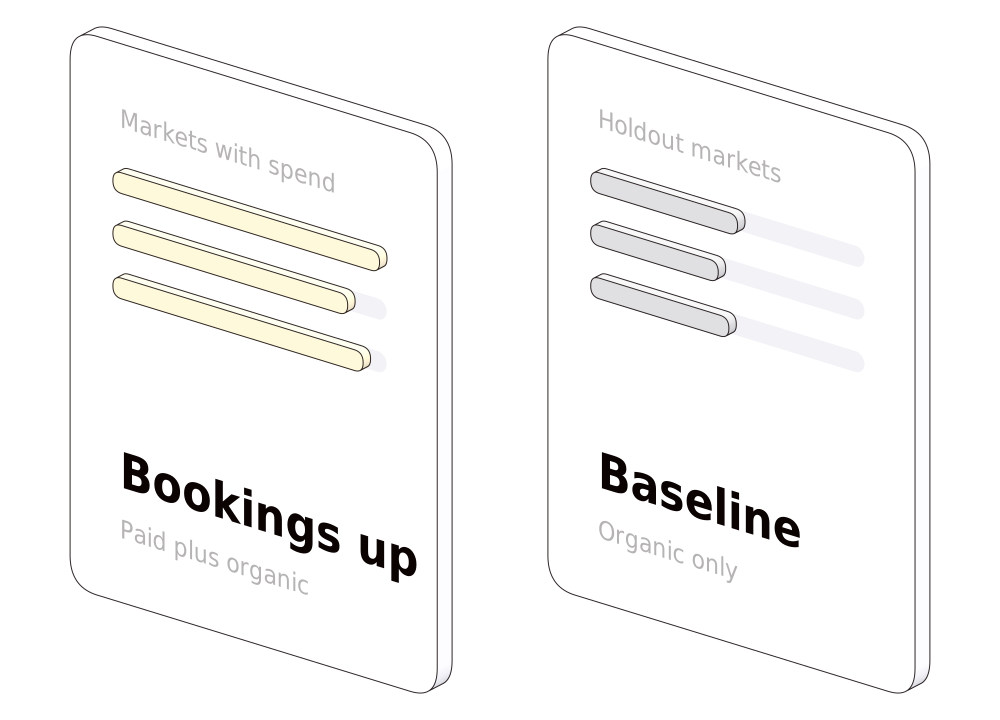
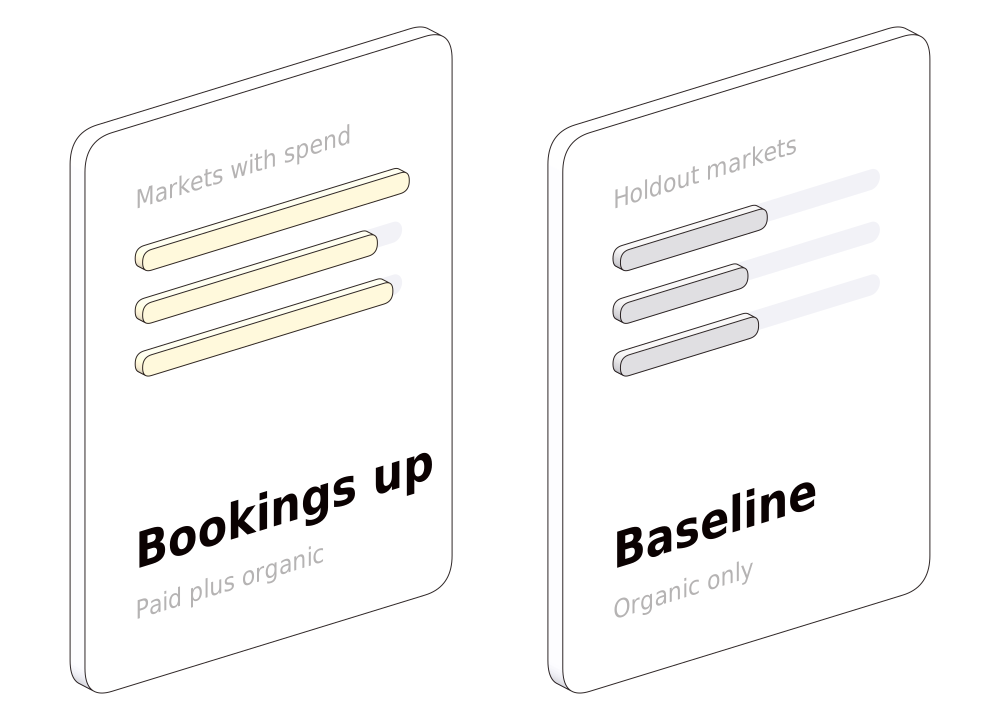
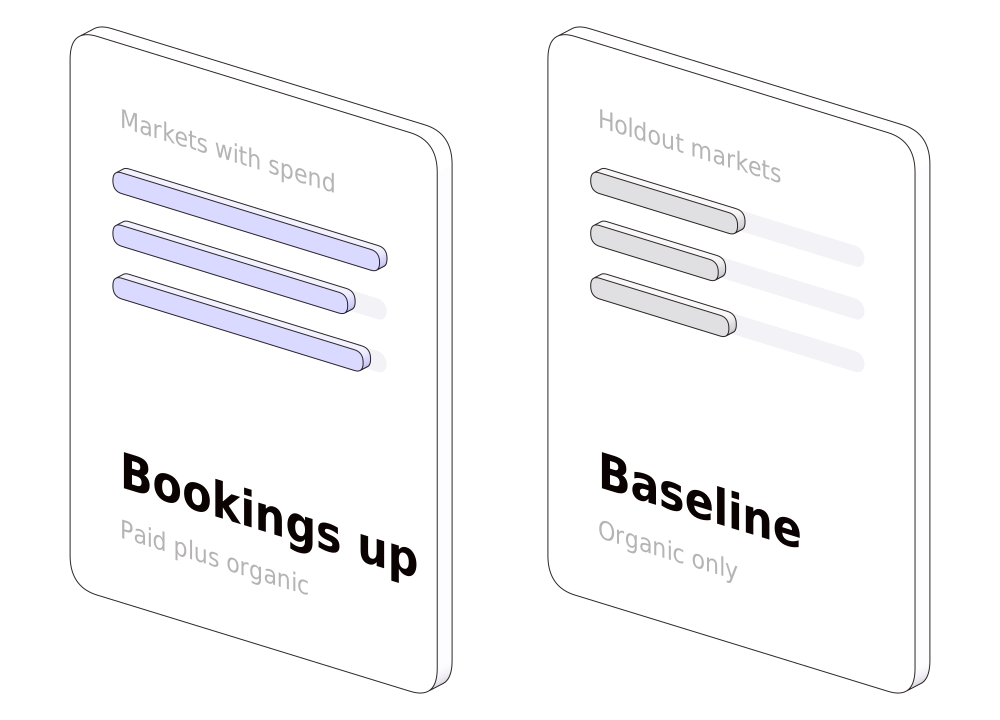
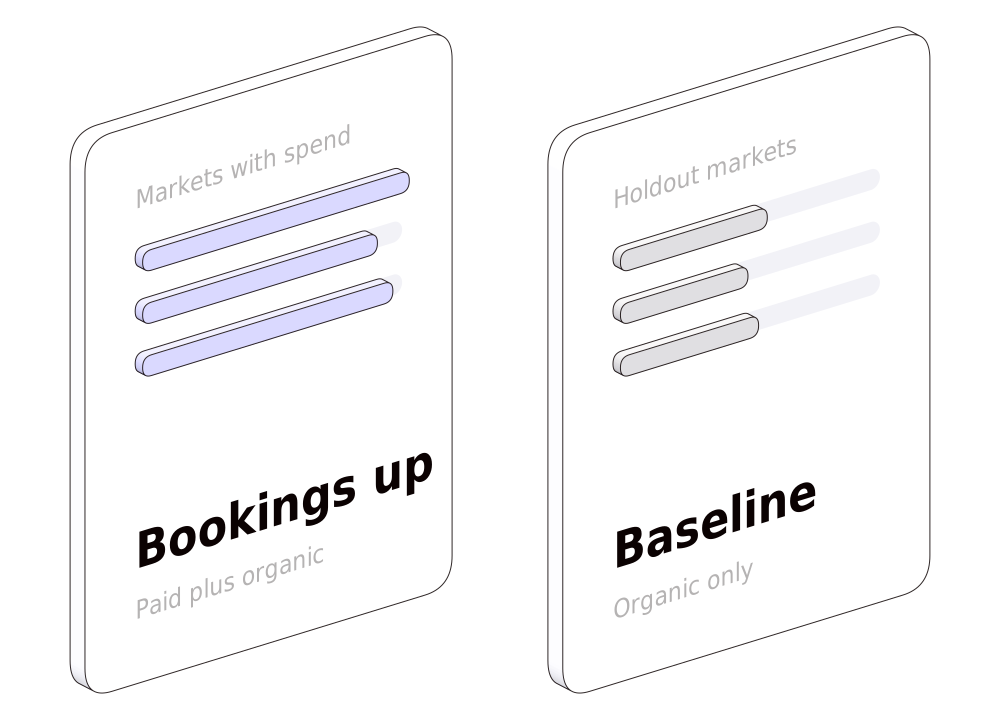
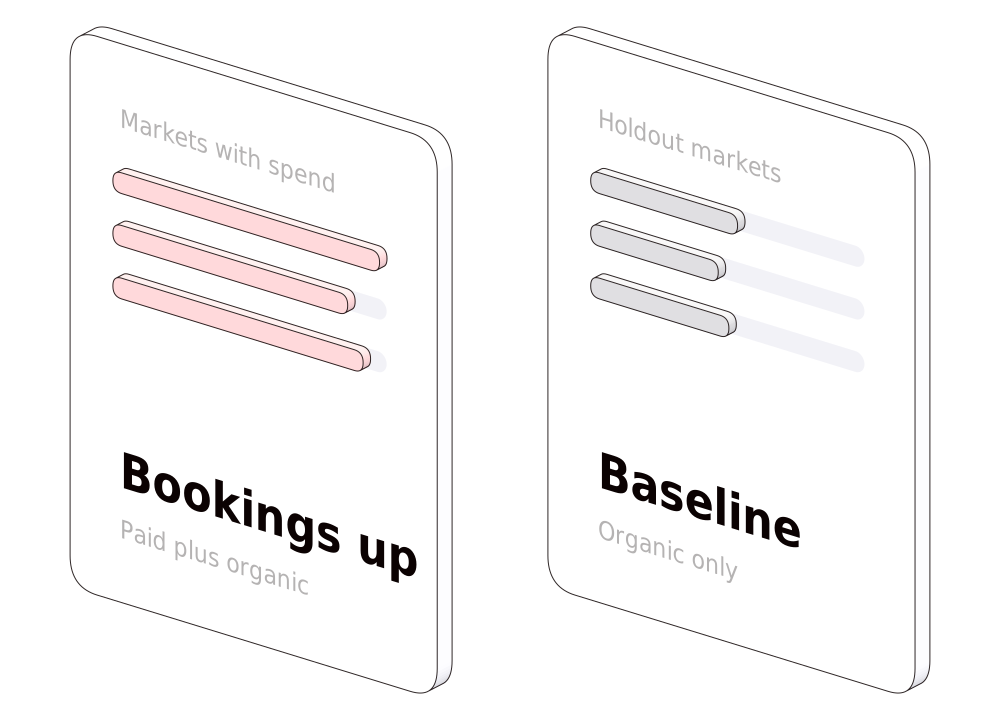
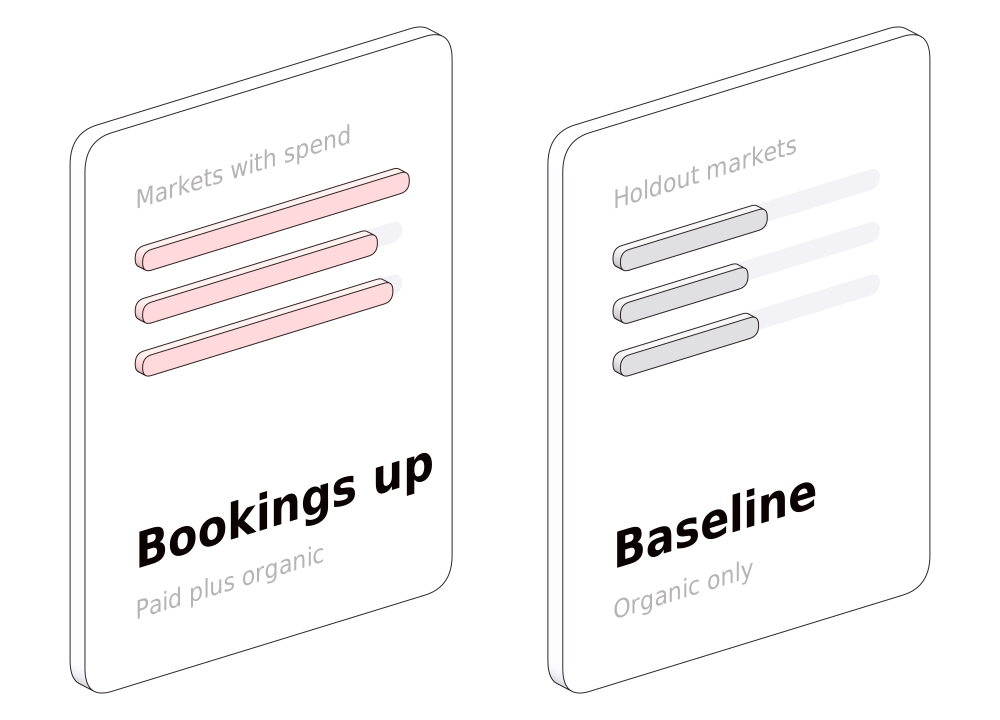
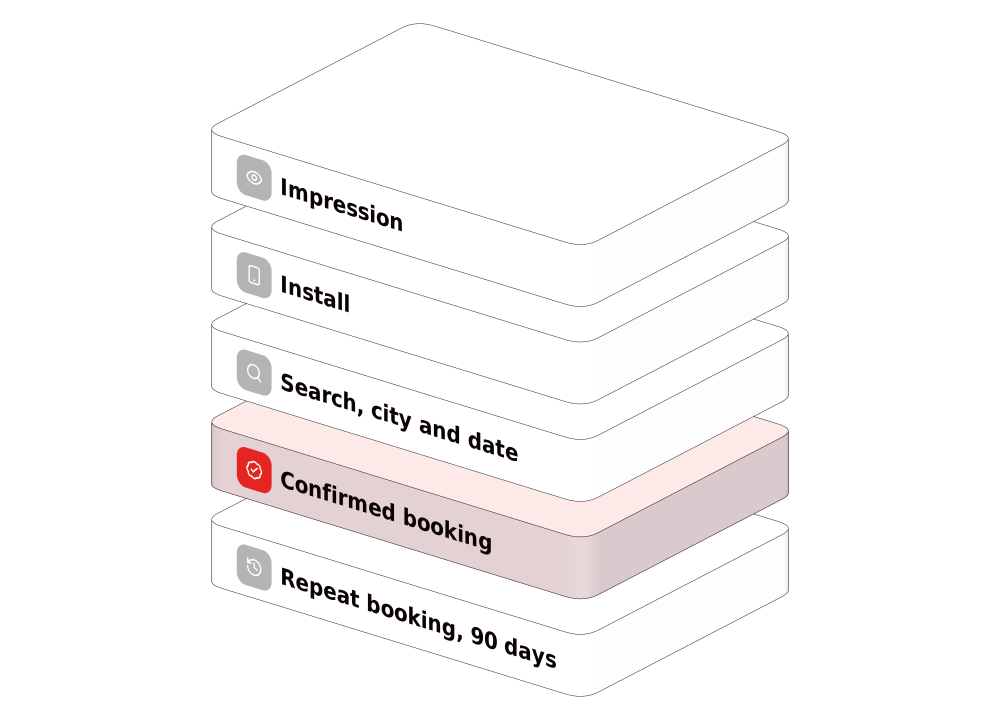
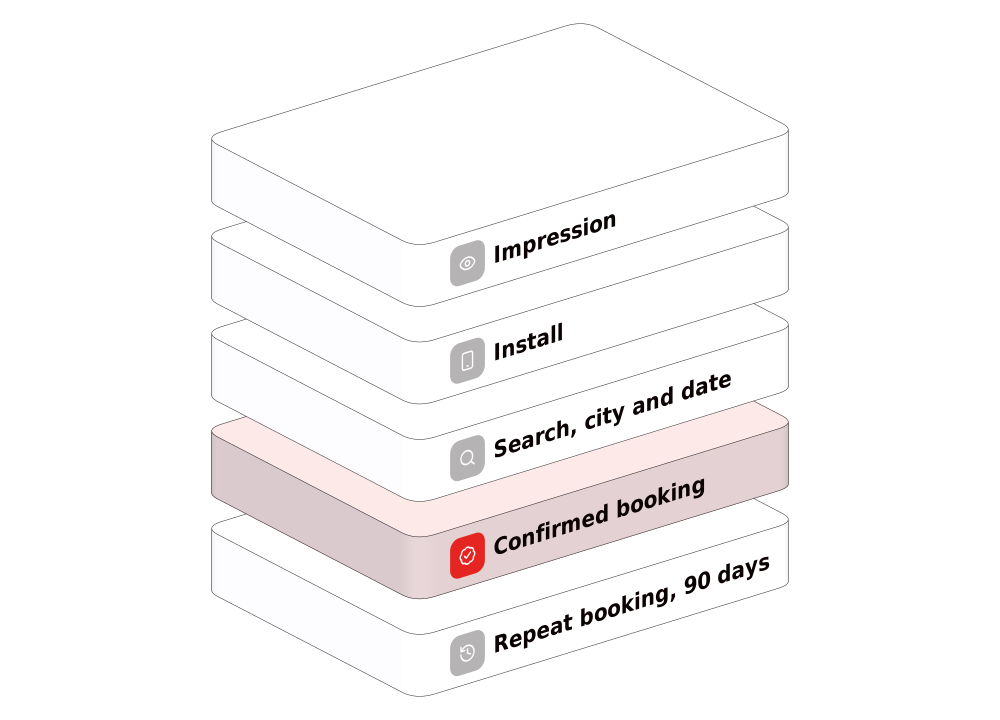
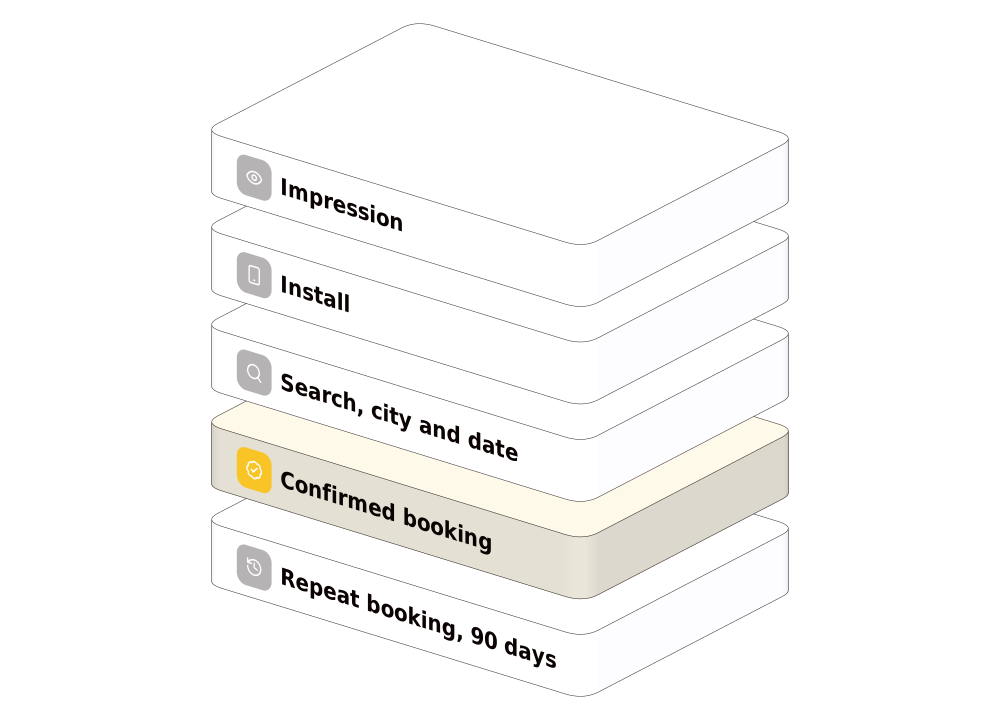
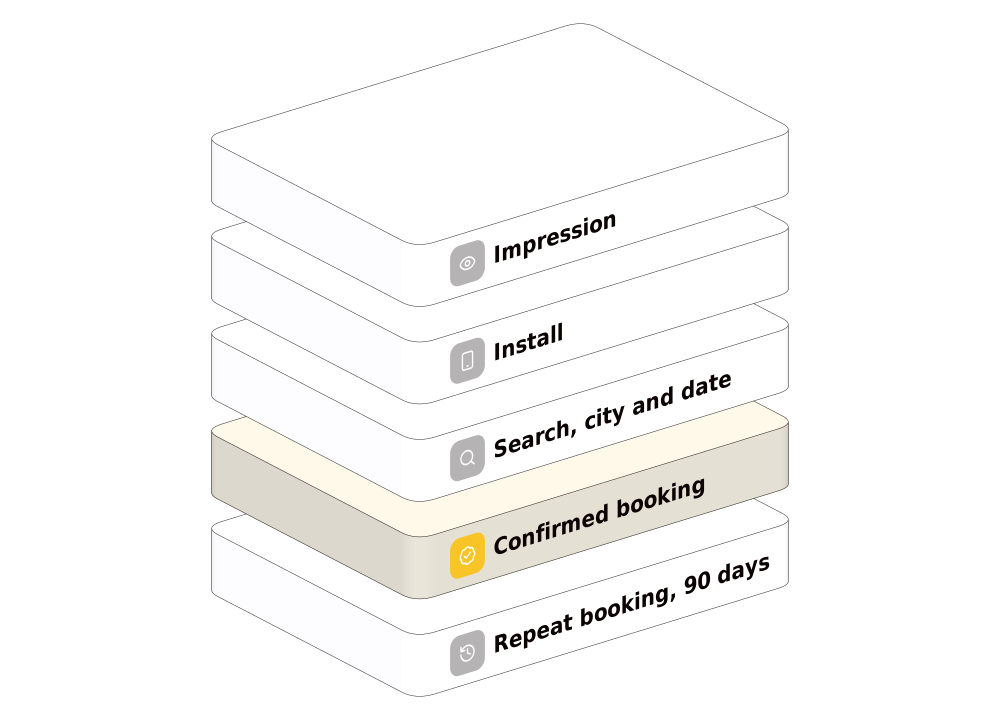
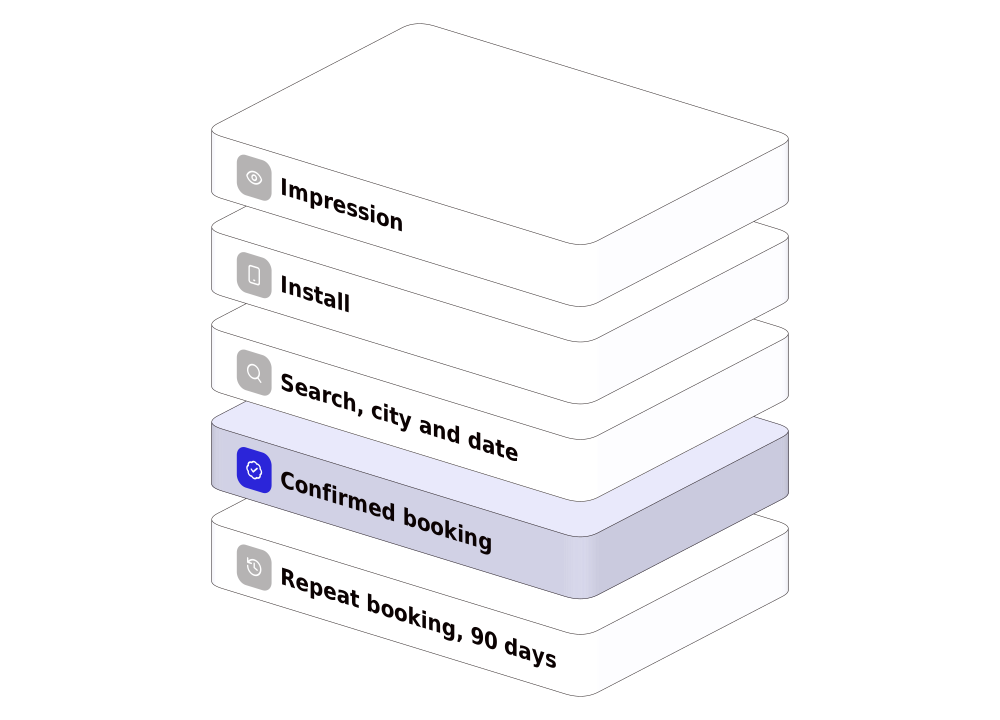
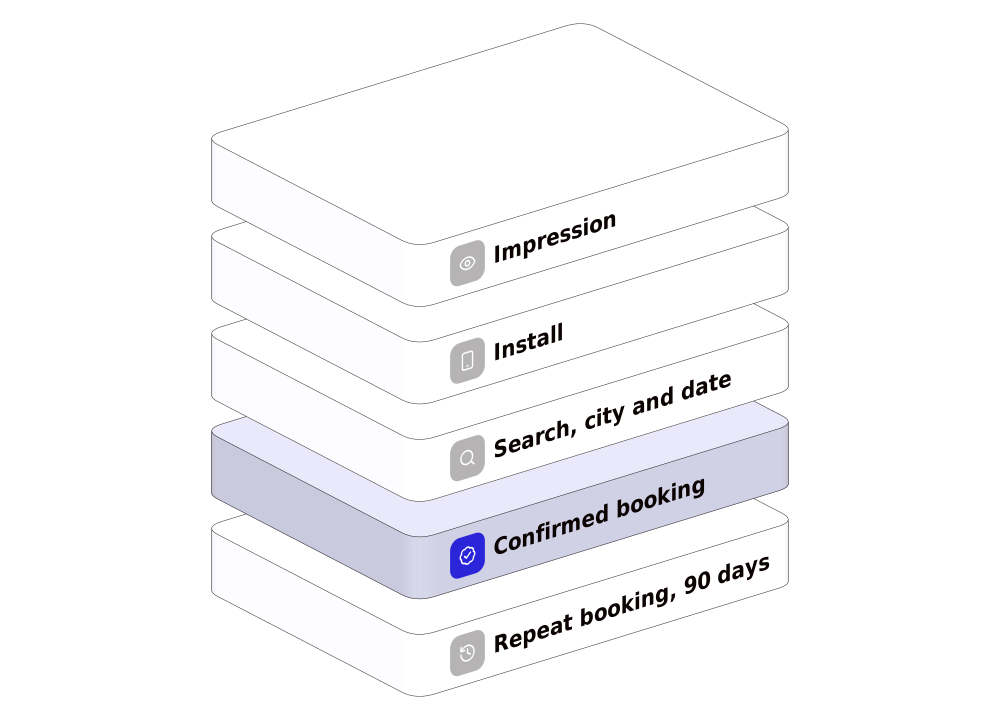
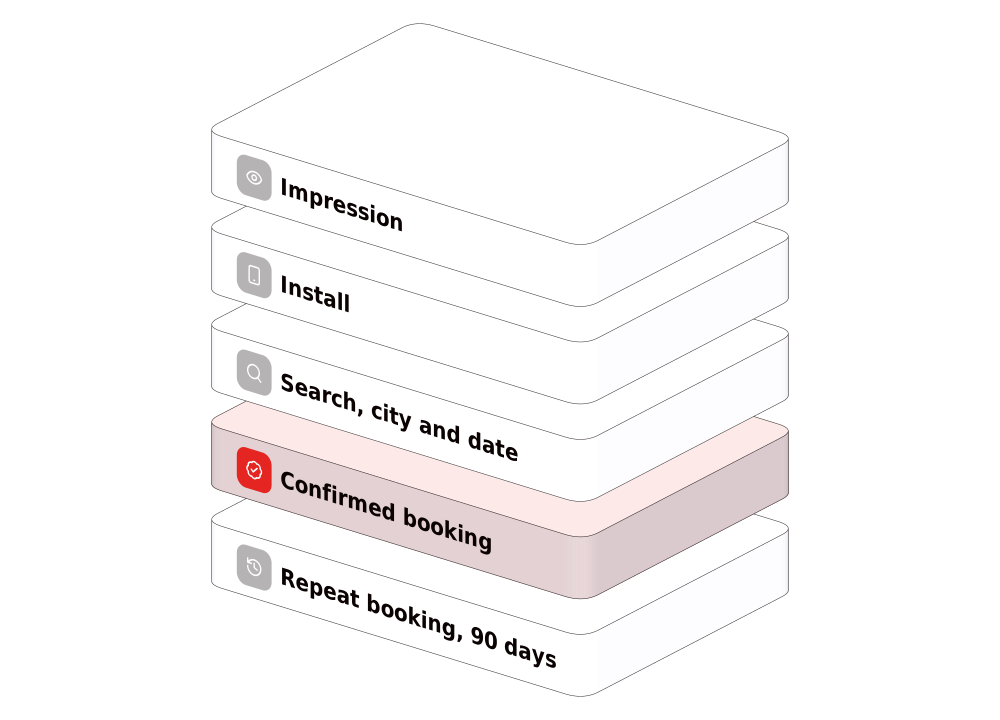
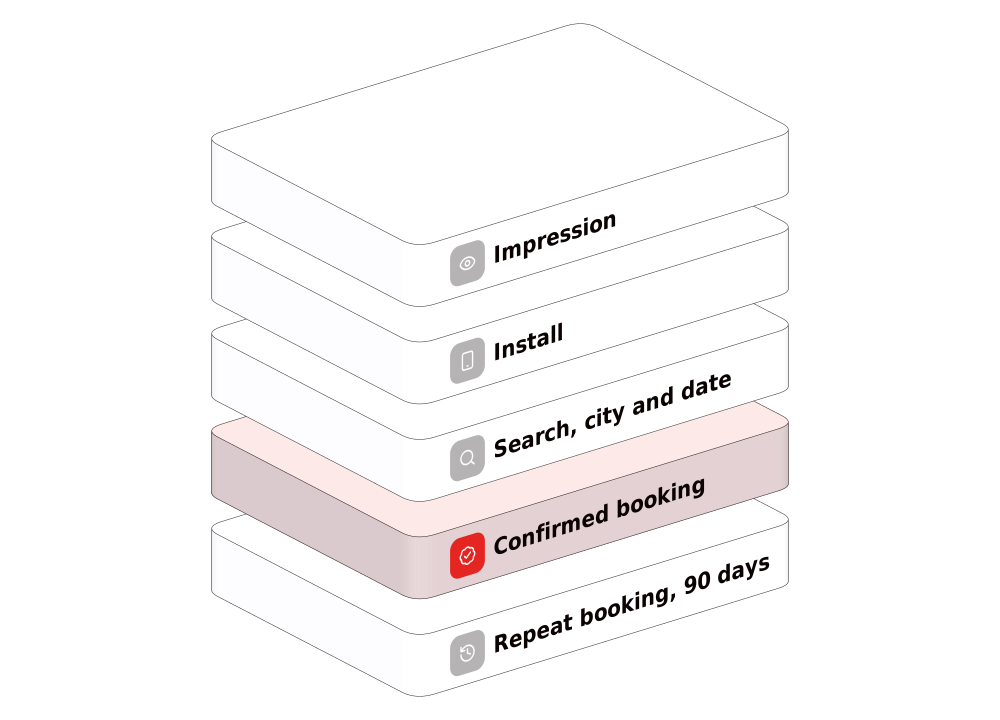
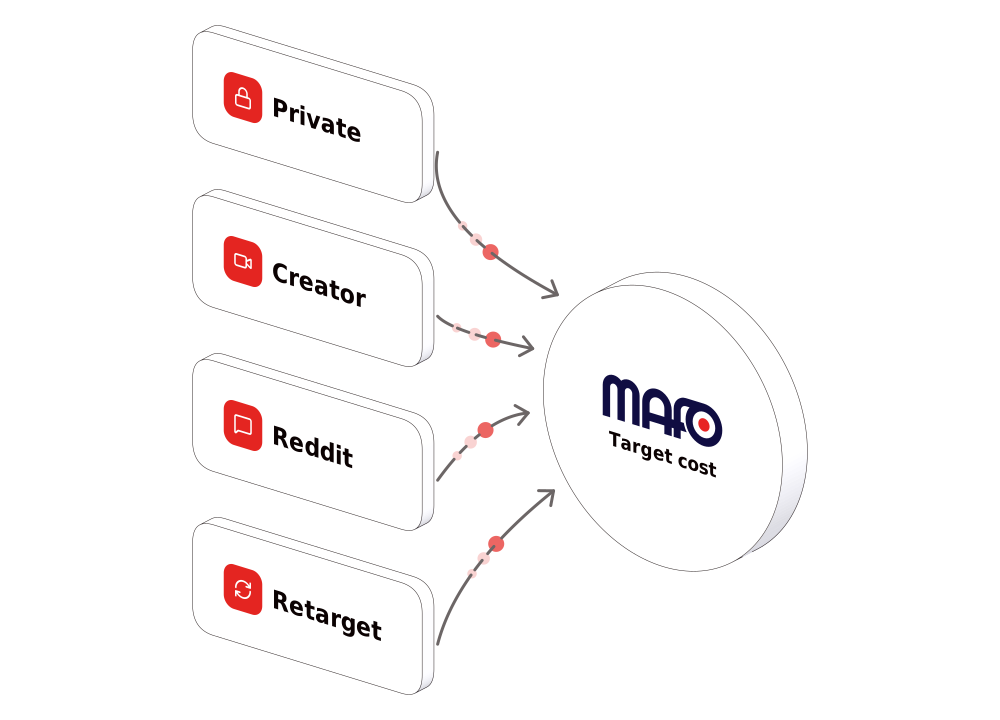
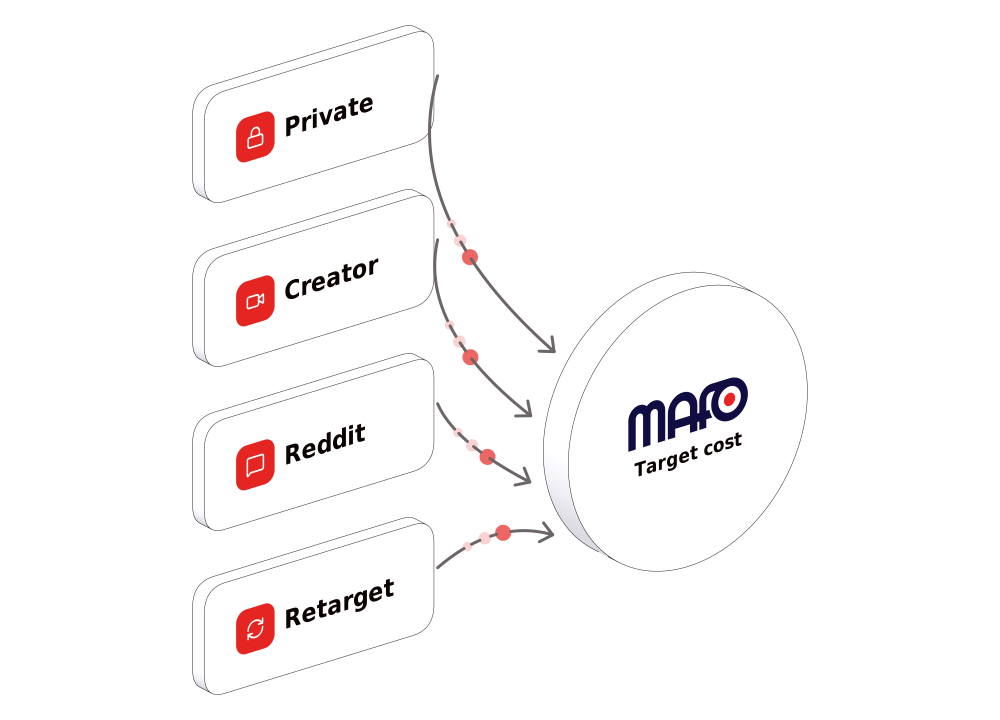
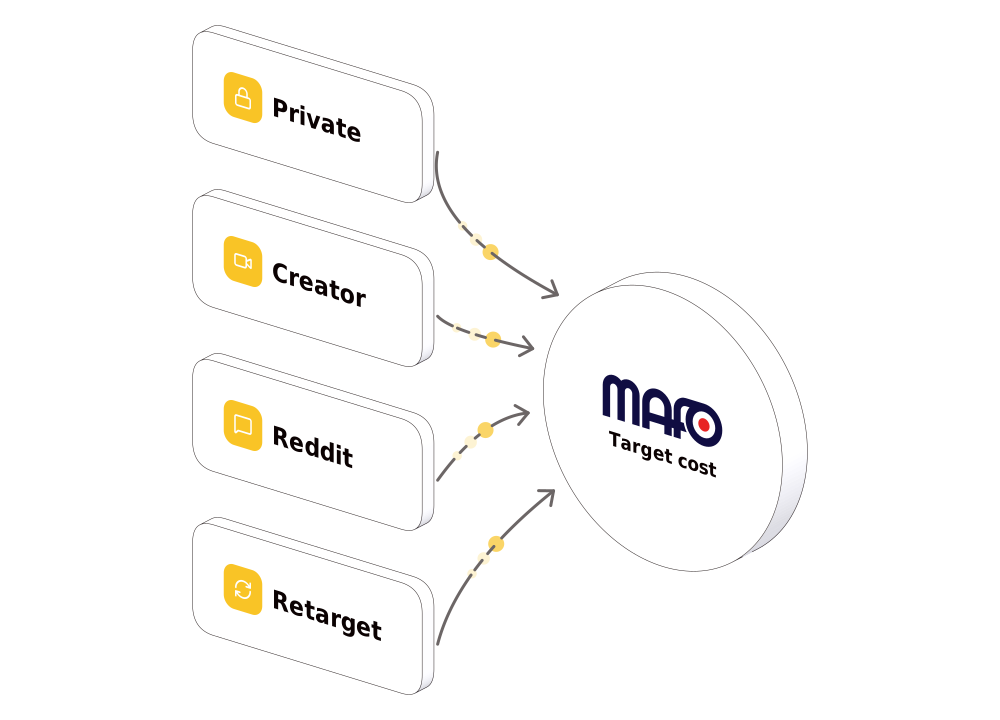
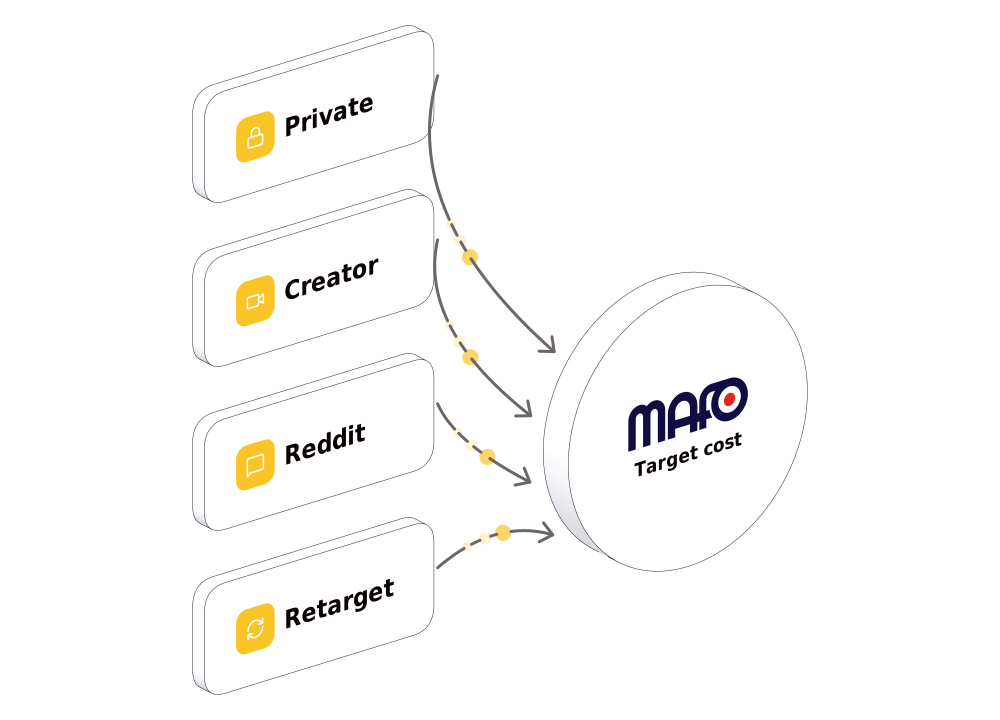
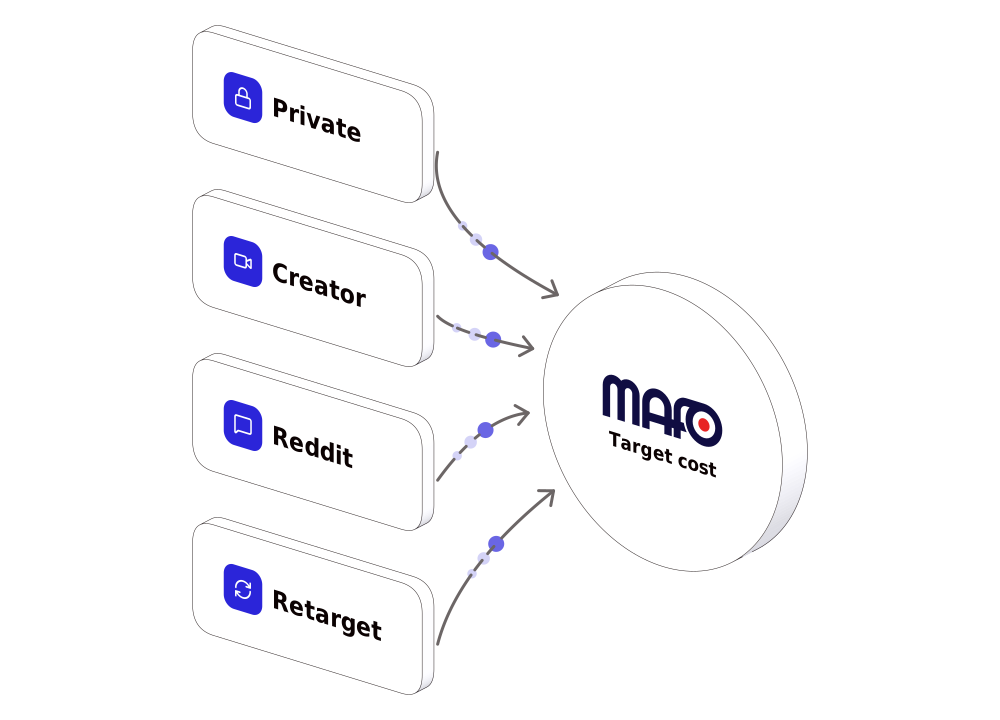
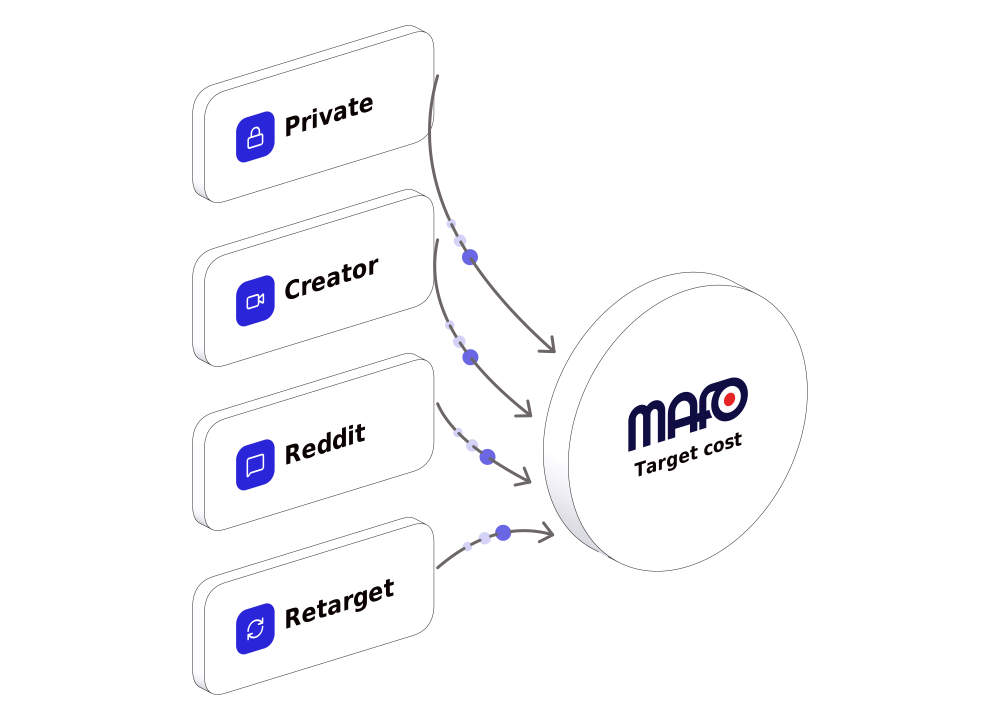
Every object in every palette
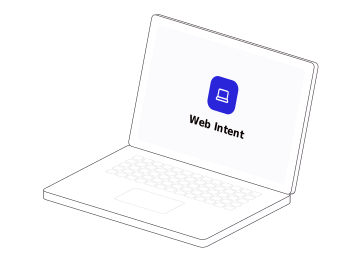
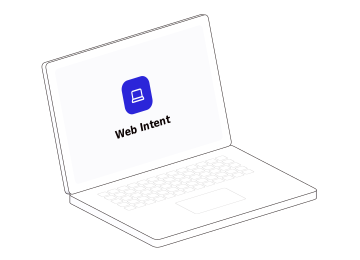
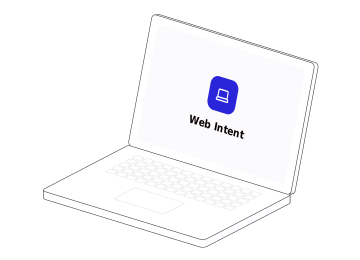
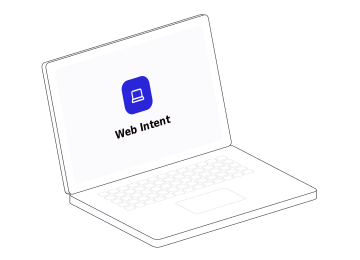
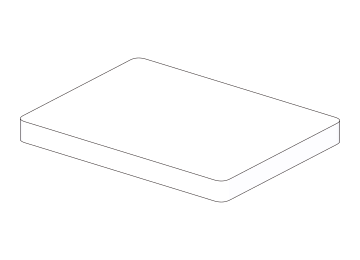
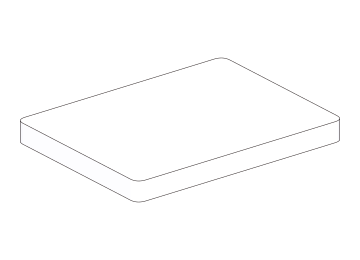
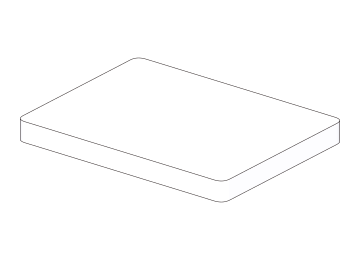
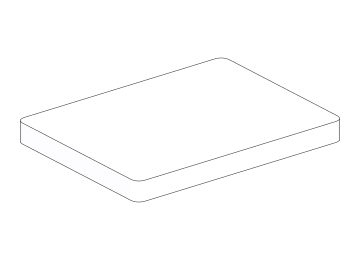
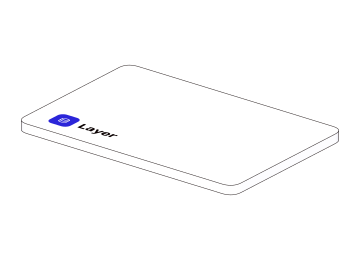
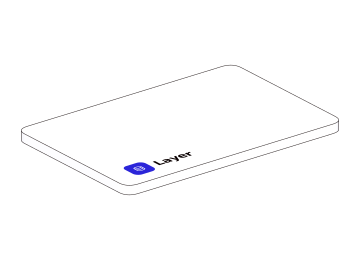
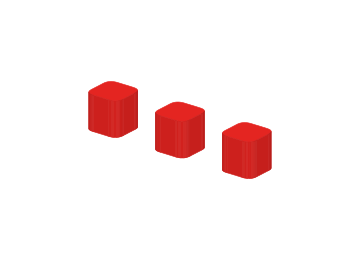
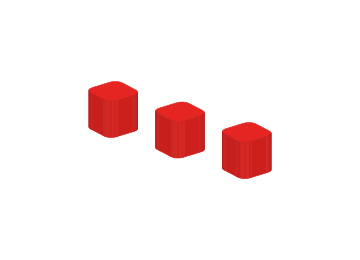
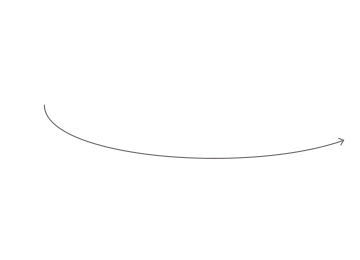
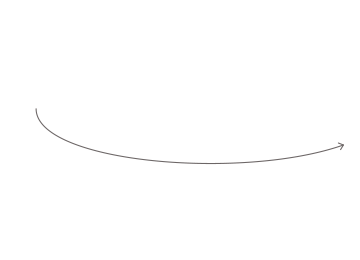
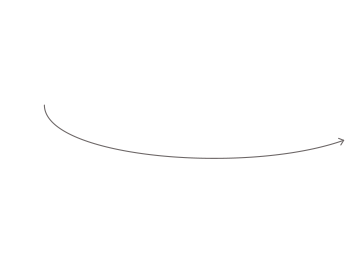
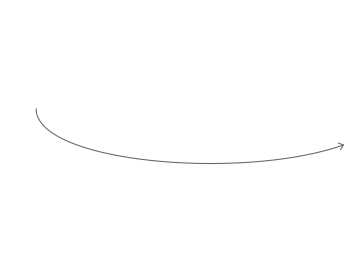
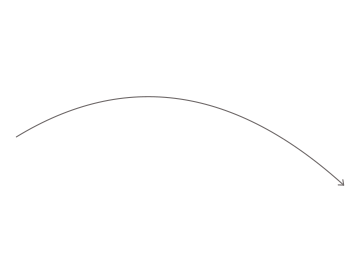
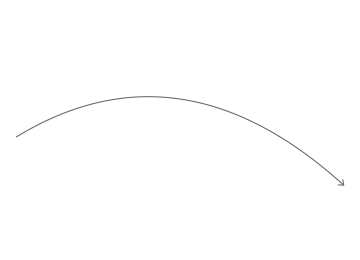
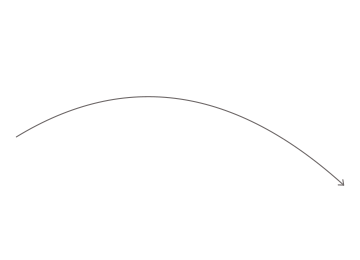
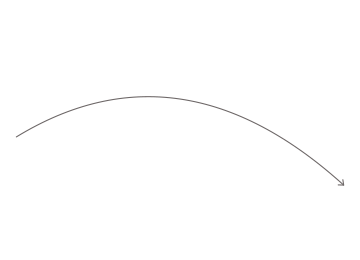
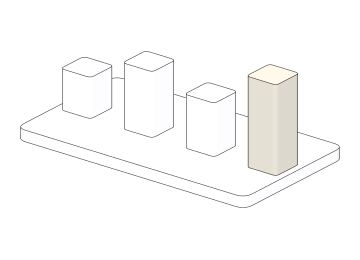
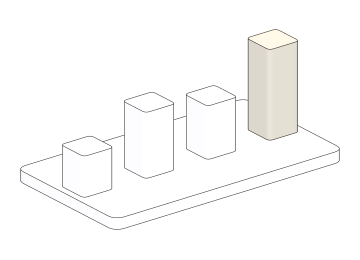
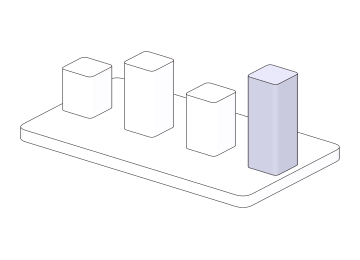
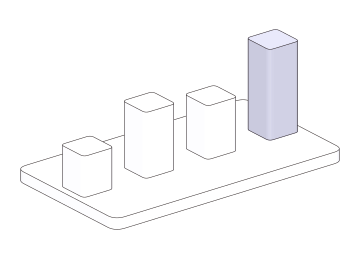
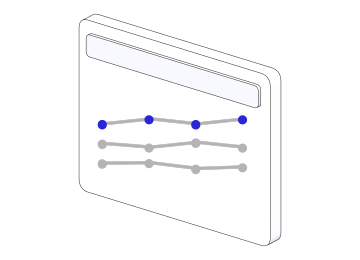
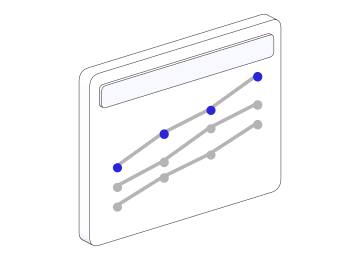
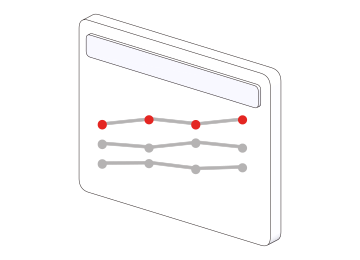
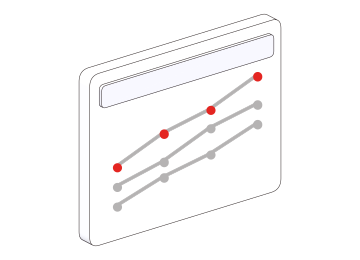
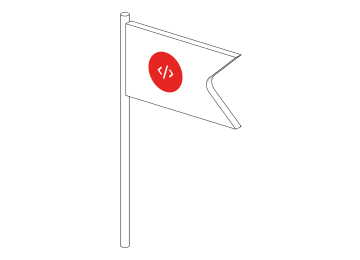
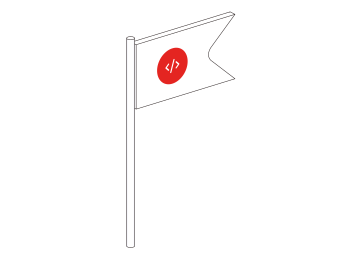
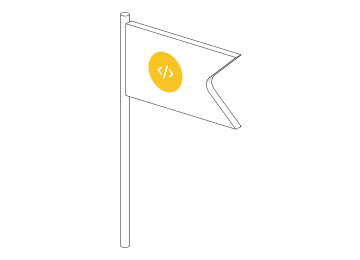
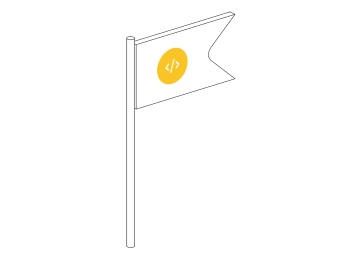
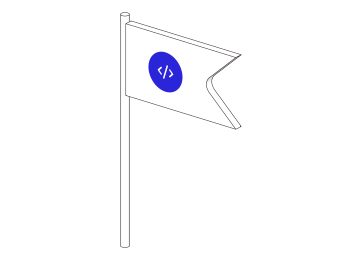
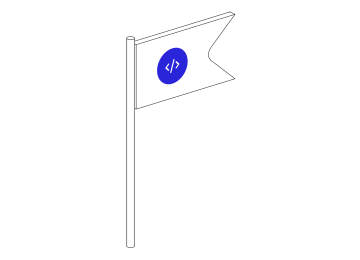
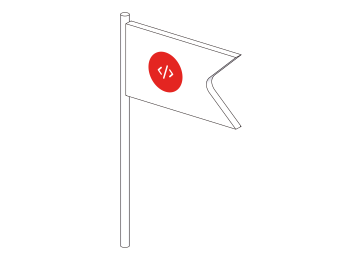
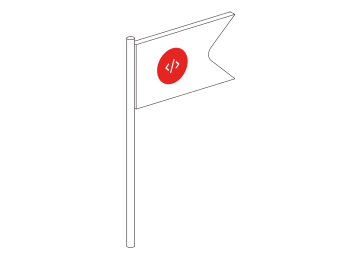
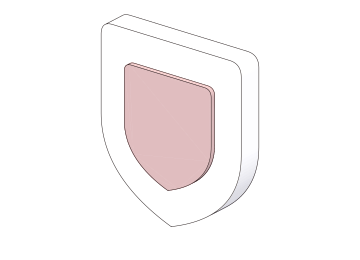
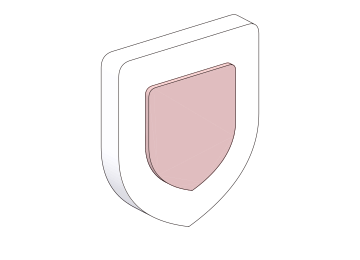
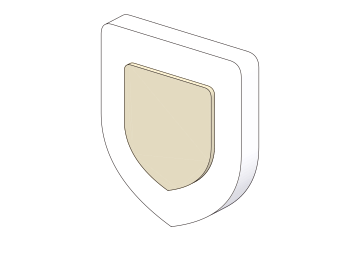
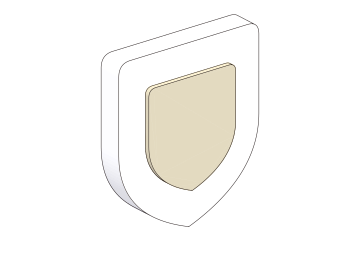
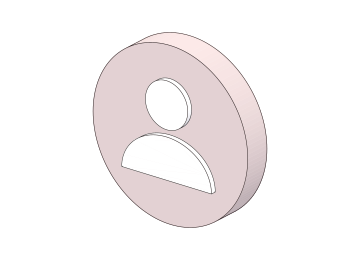
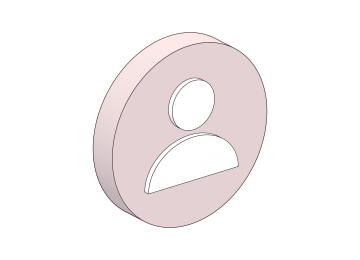
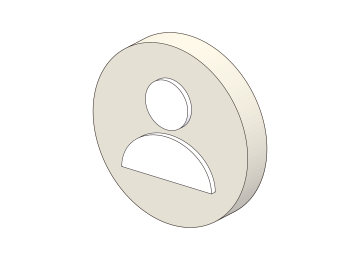
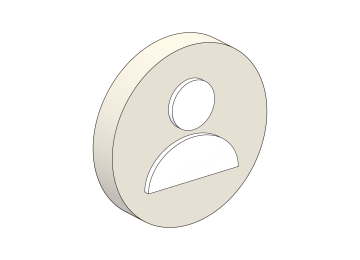
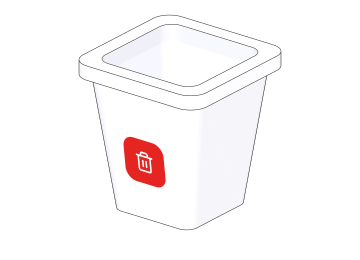
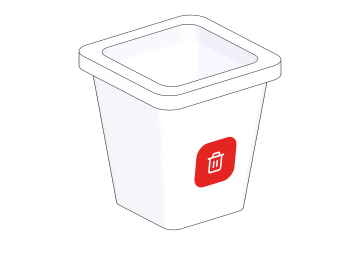
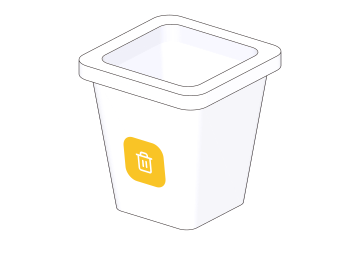
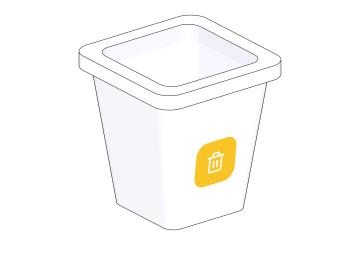
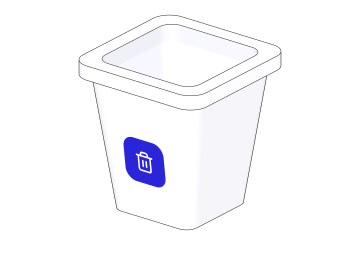
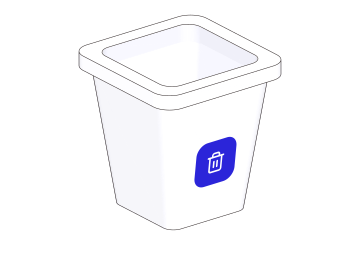
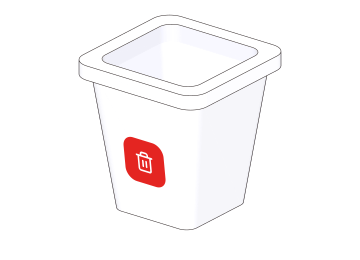
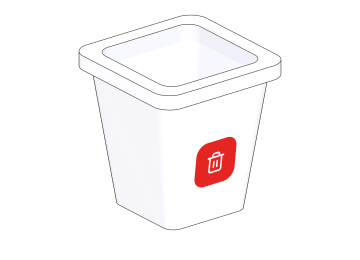
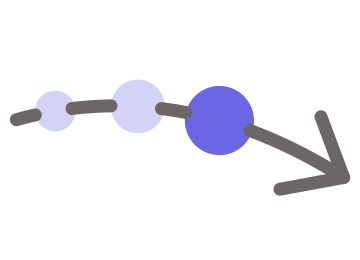
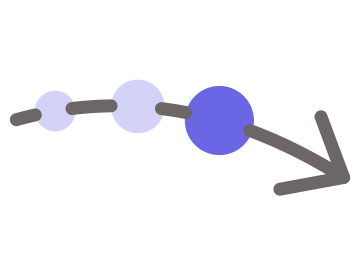
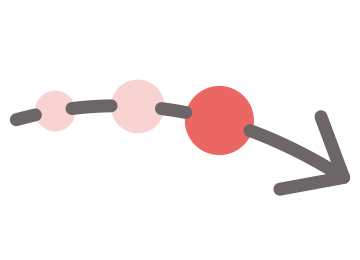
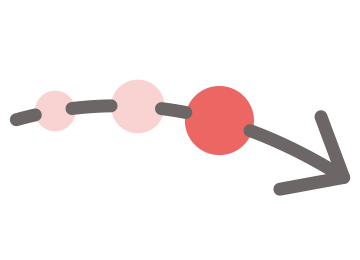
Section titled “Every object in every palette”One object alone is drawn the same way: each object in each palette, facing left and facing right — what the element paints for object, with palette and direction as a scene takes them. An object with a front turns it; the arc, a bare line, draws the same picture both ways.
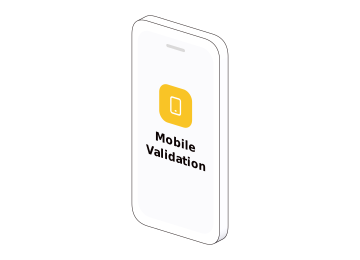
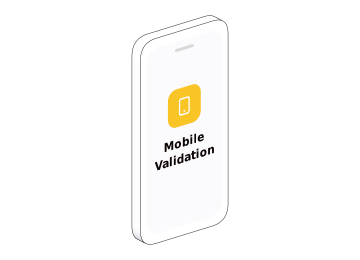
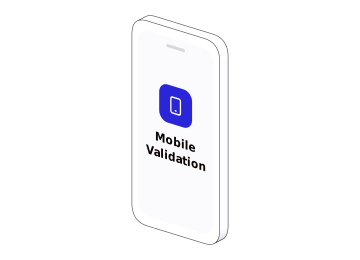
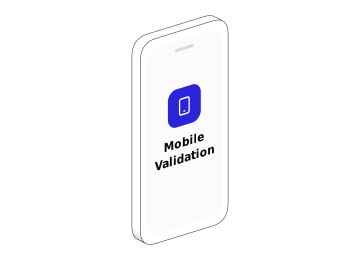
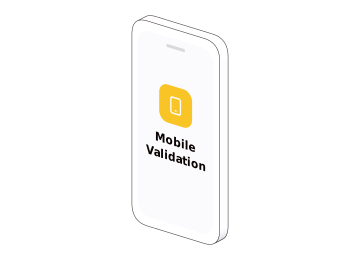
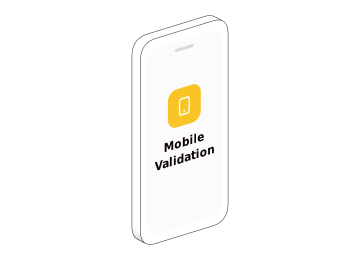
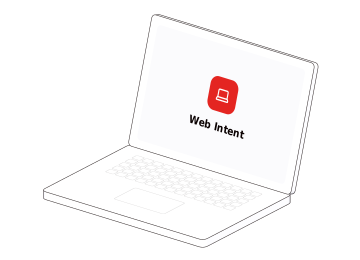
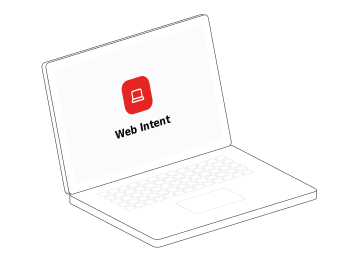






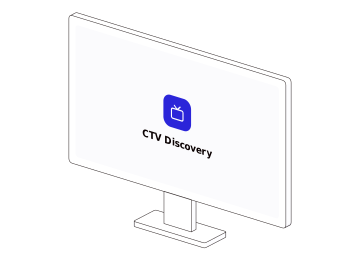
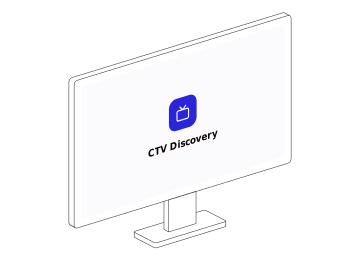


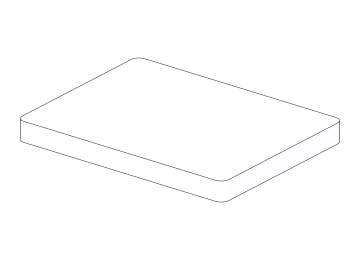
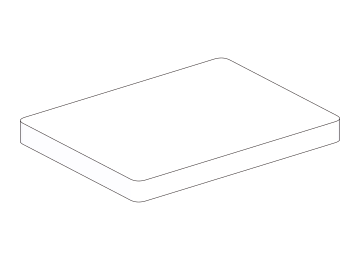
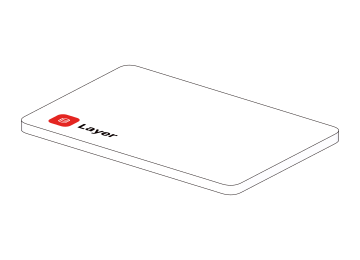
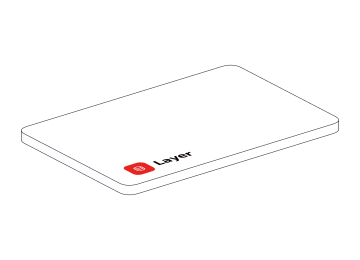
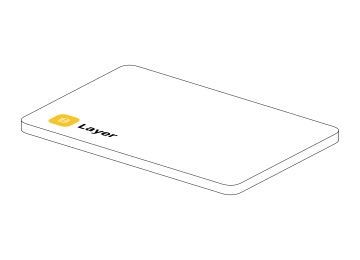
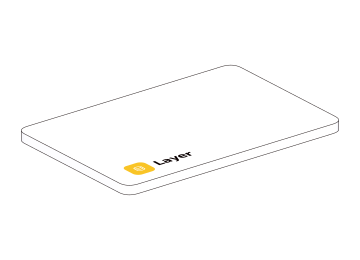
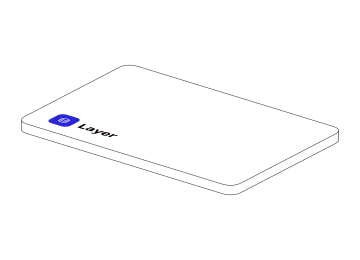
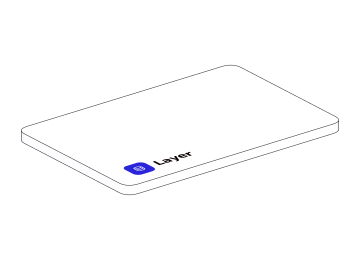
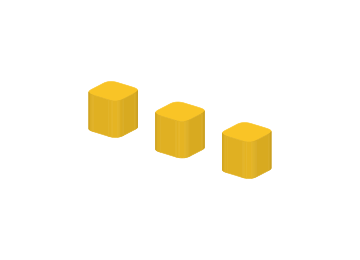
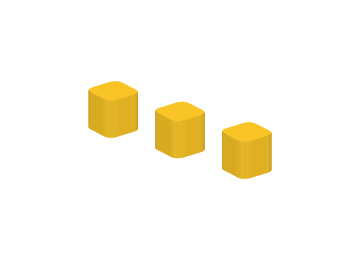
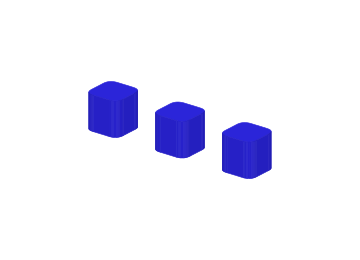
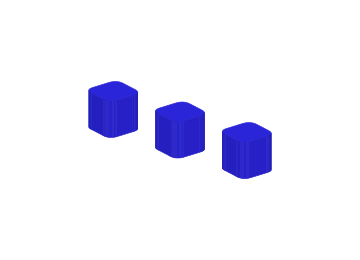
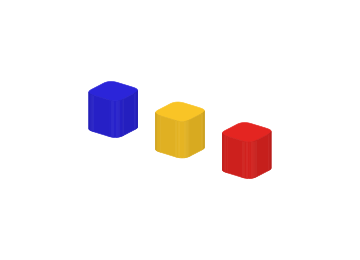
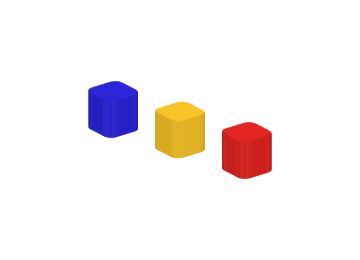
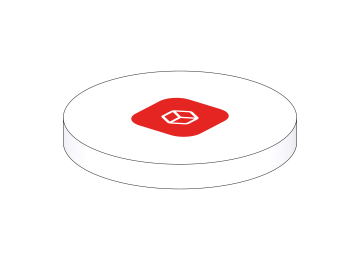
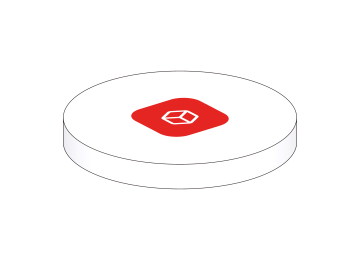
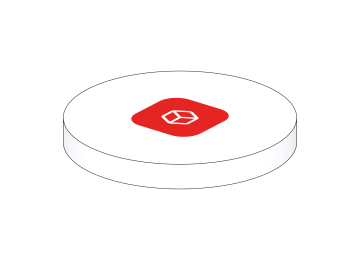
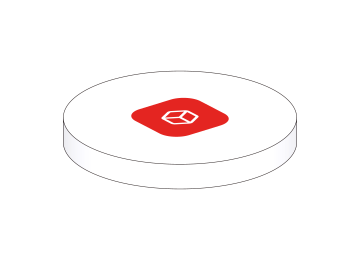
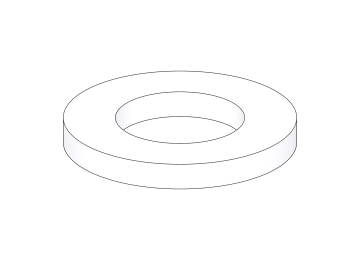
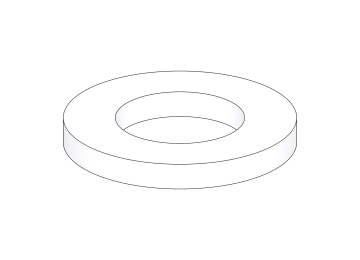
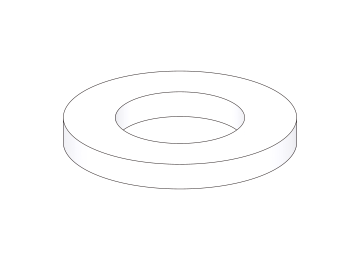
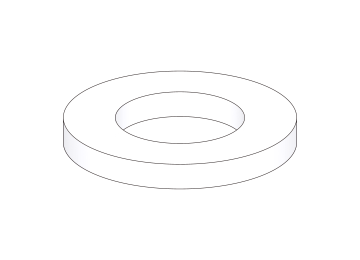
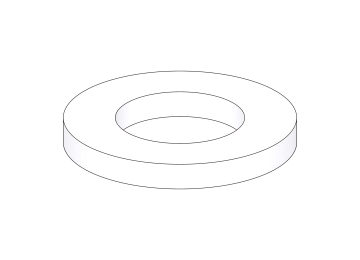
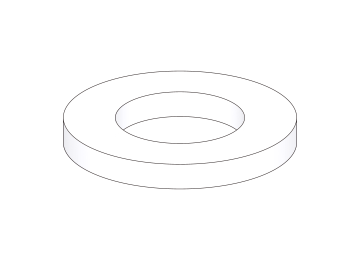
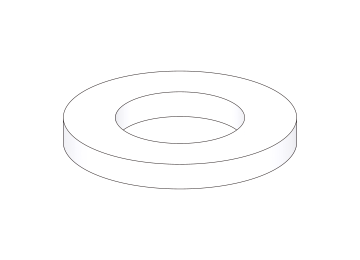
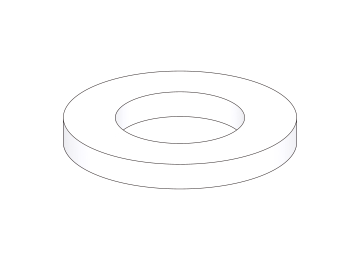
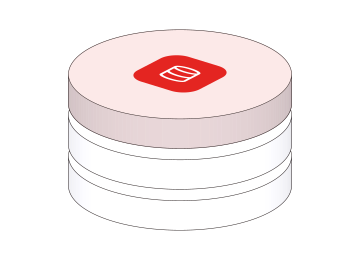
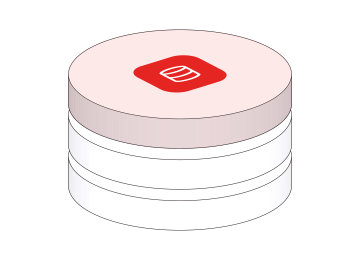
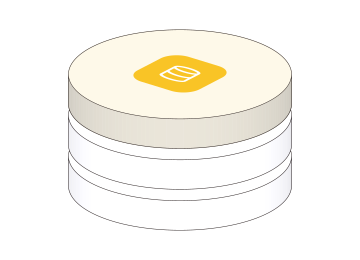
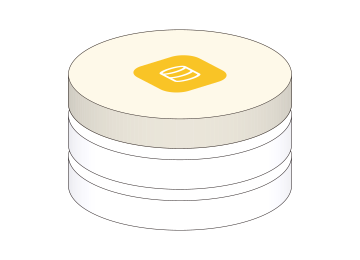
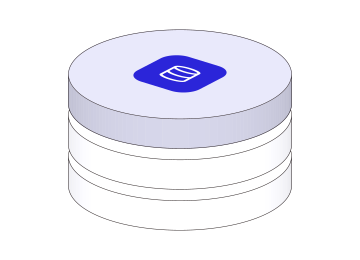
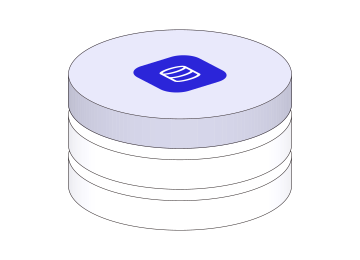
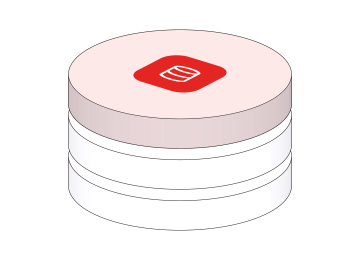
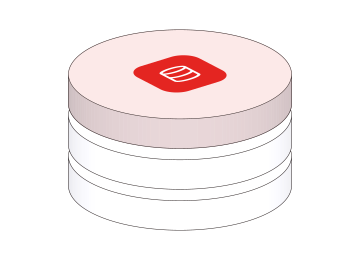
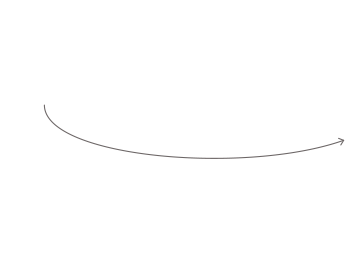
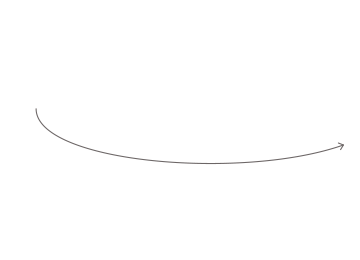
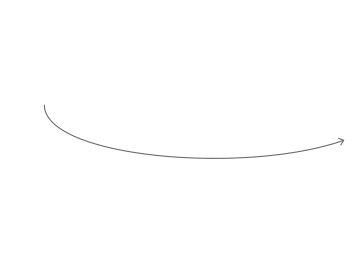
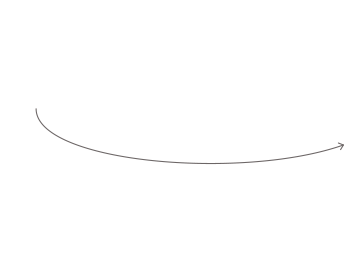
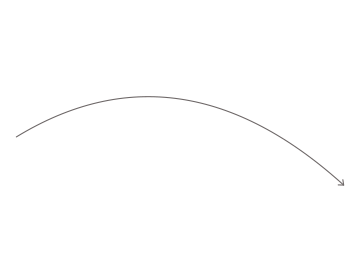
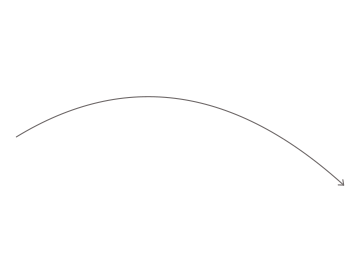
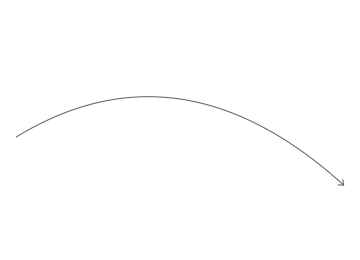
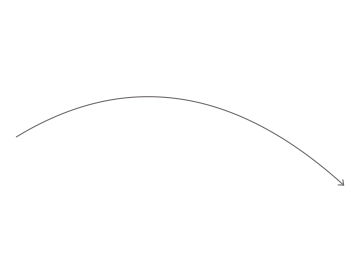
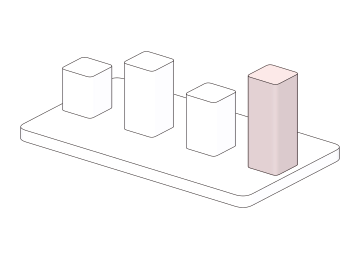
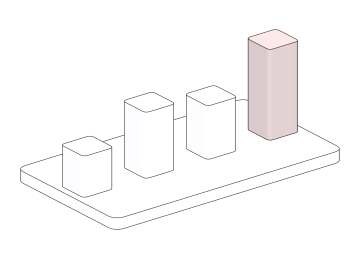
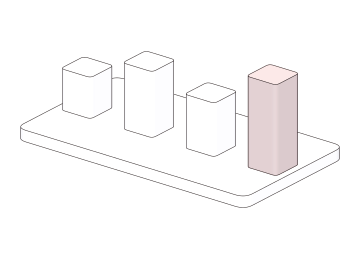
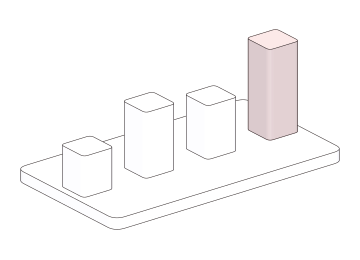
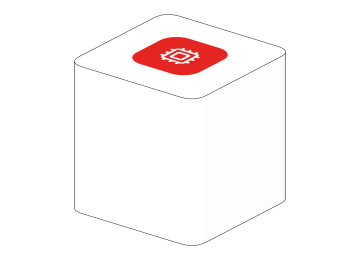
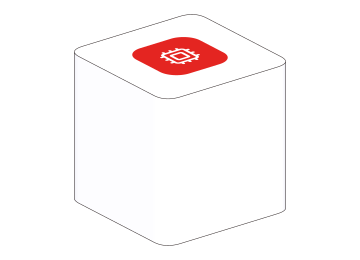
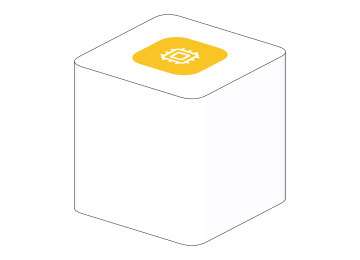
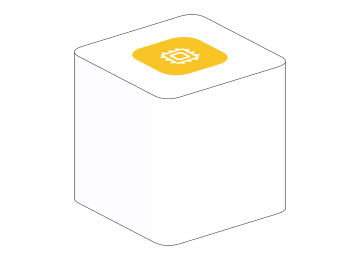
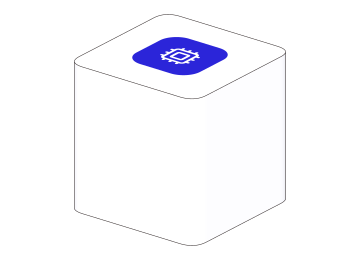
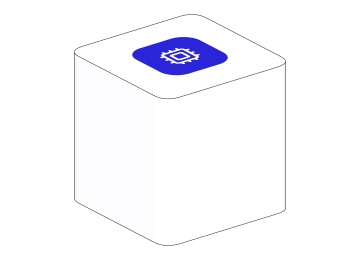
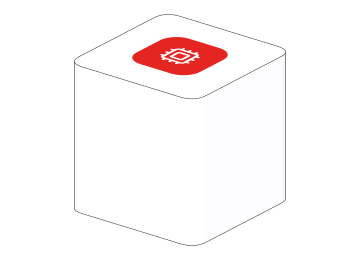
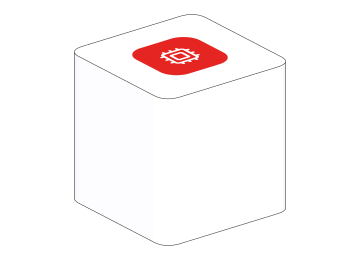
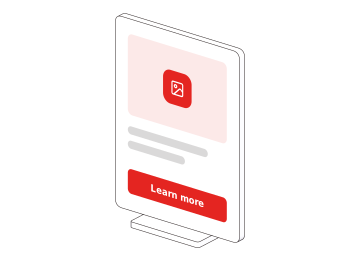
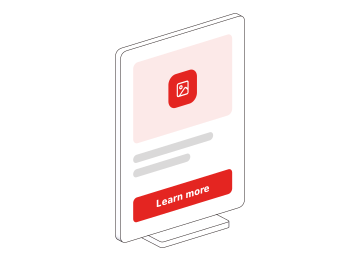


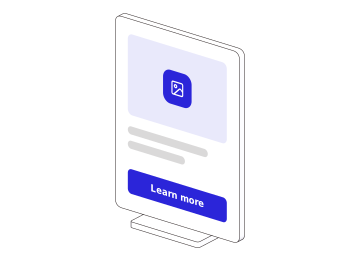
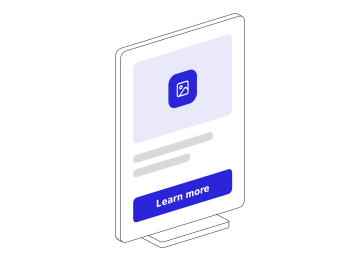
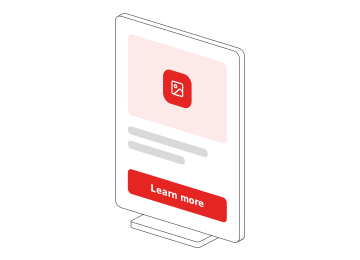
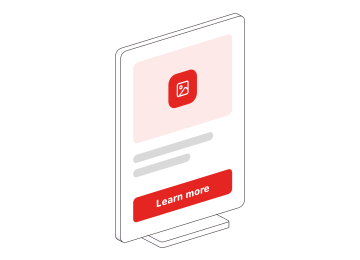
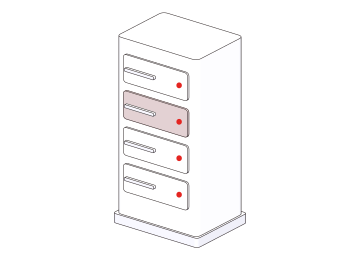
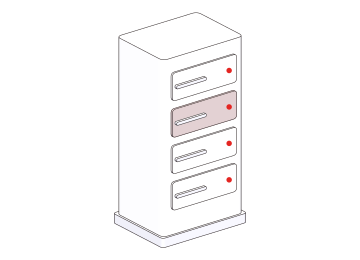
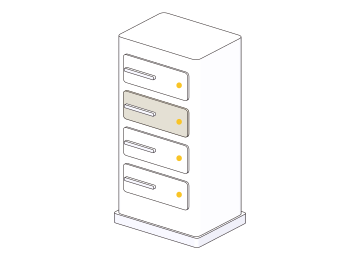
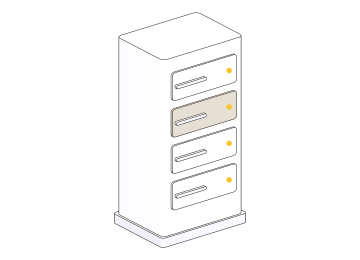
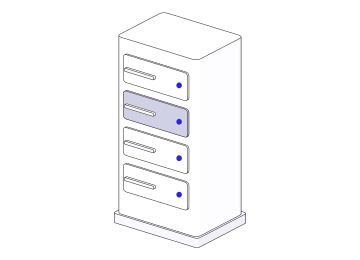
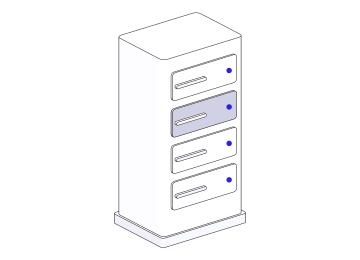
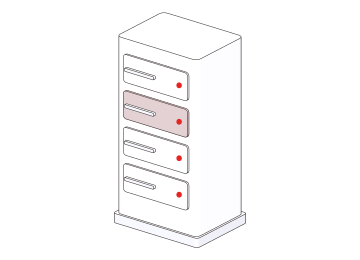
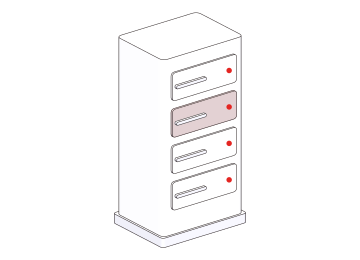
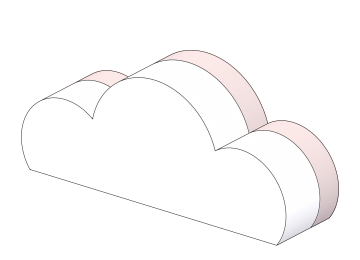
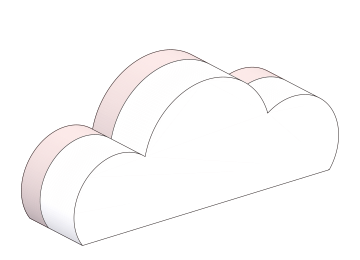
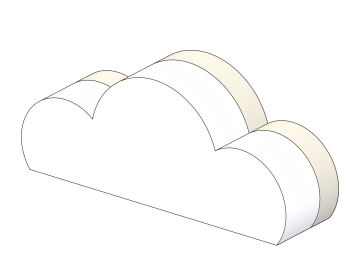
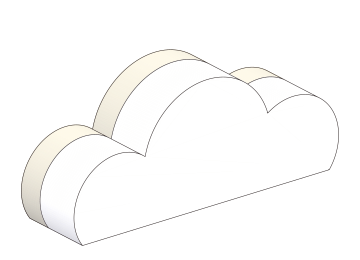
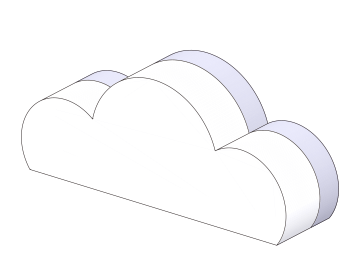
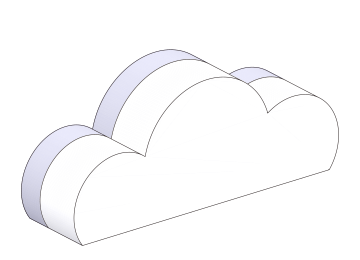
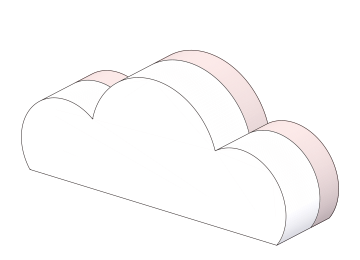
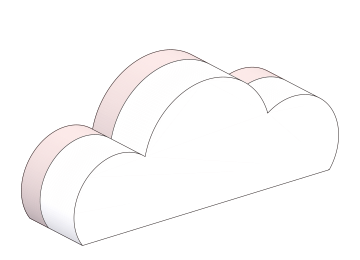
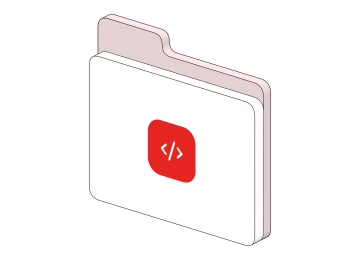
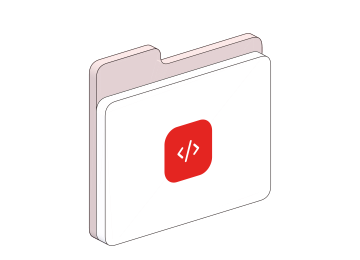
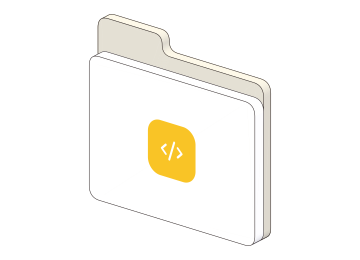
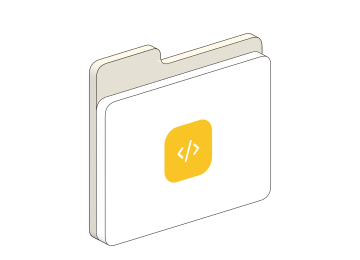
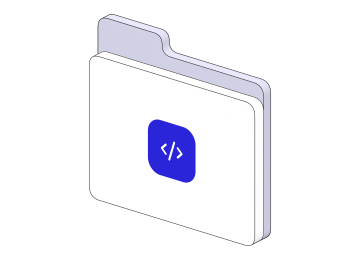
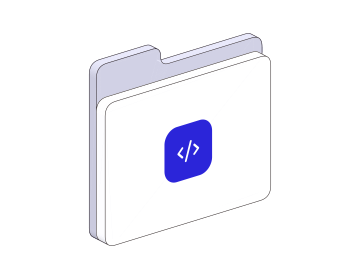
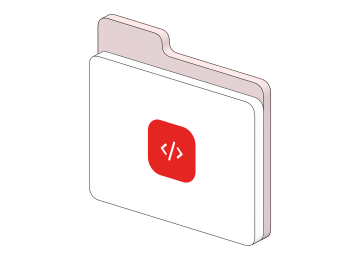
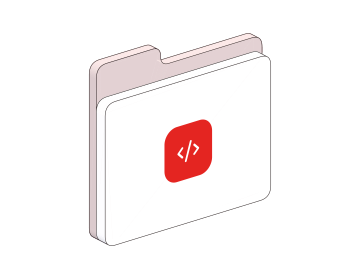
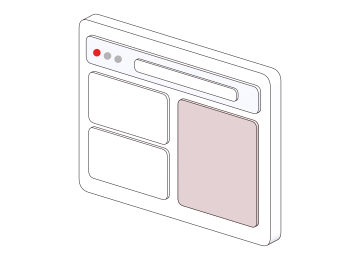
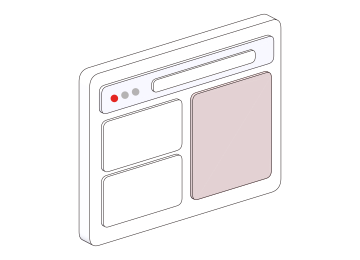
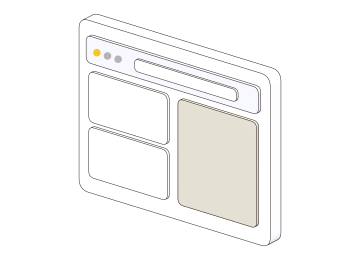
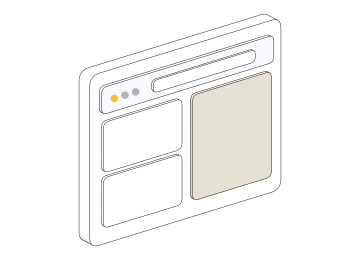
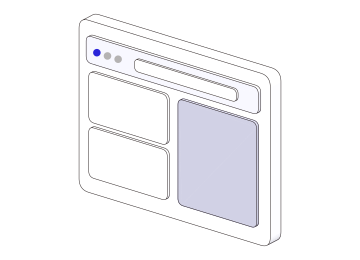
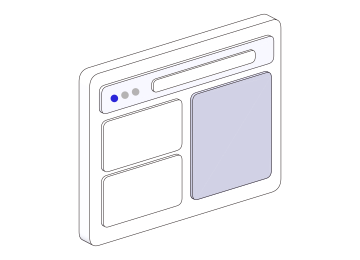
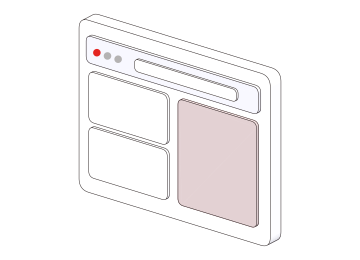
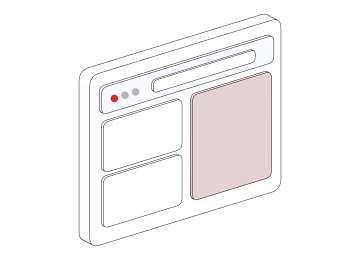
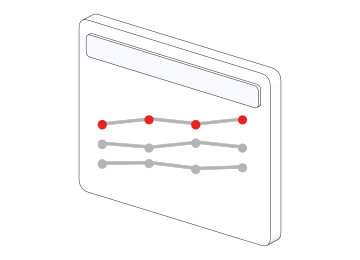
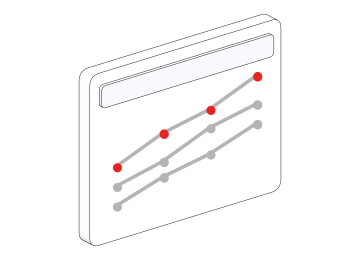
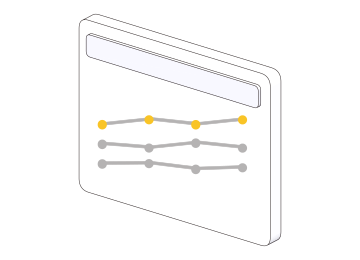
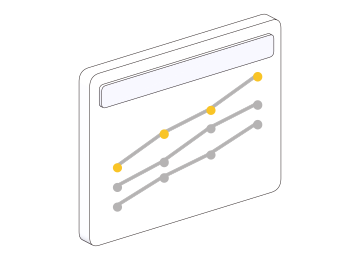
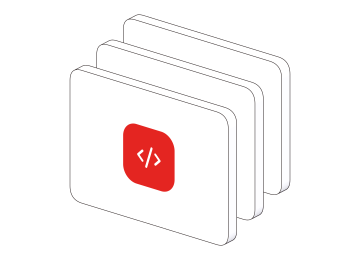
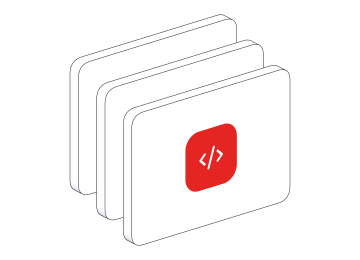
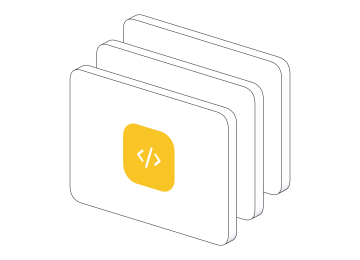
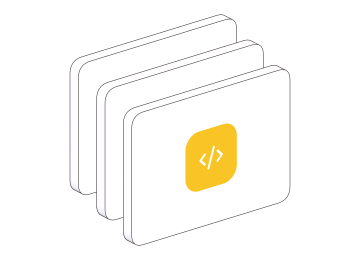
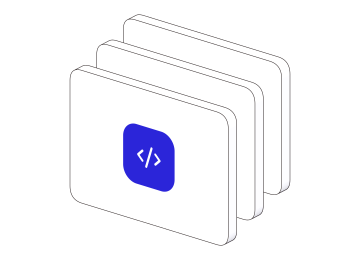
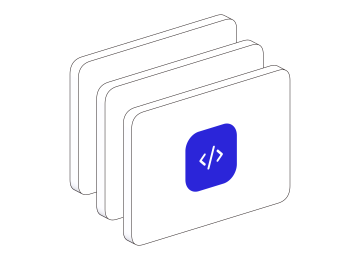
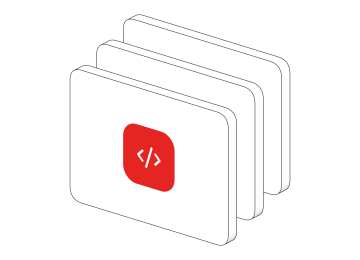
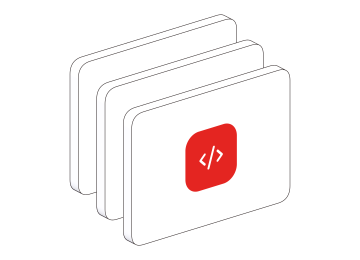
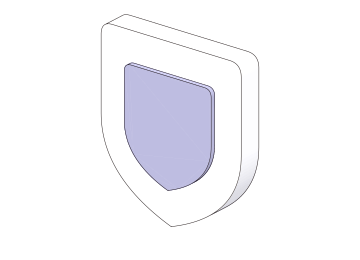
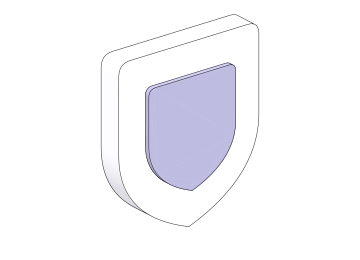
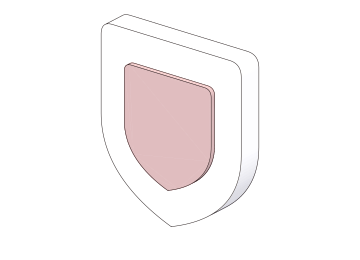
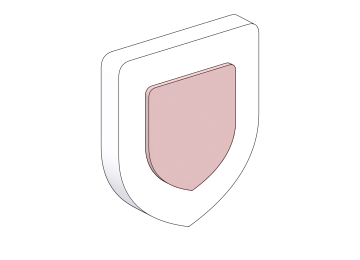
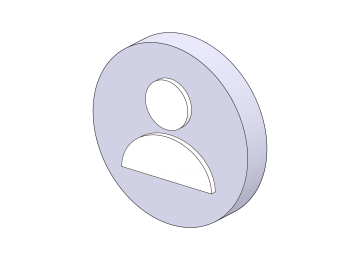
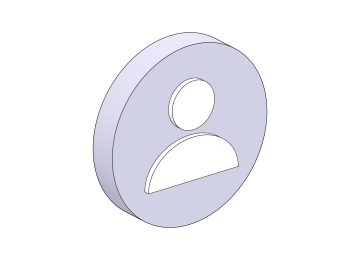
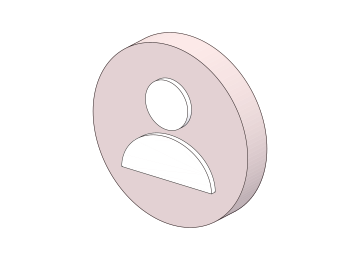
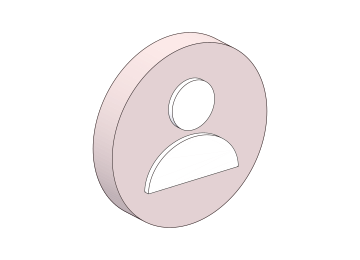

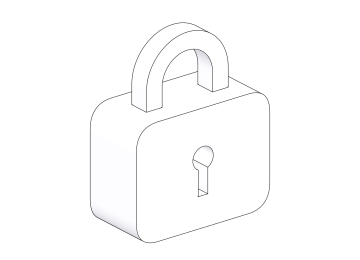

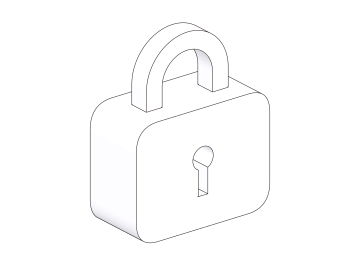

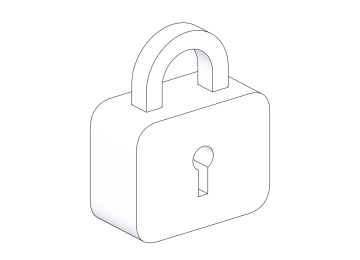

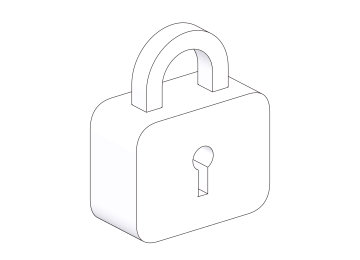
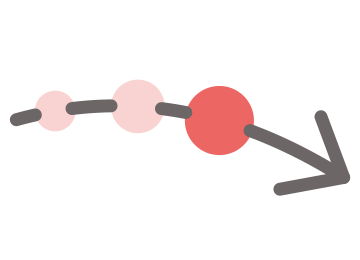
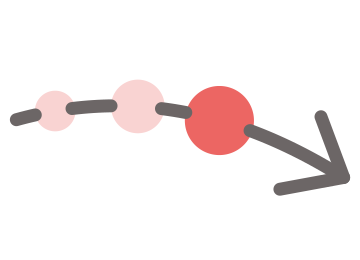
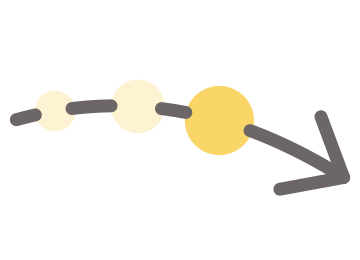
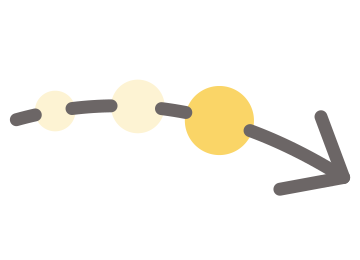
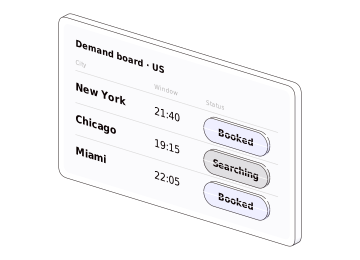
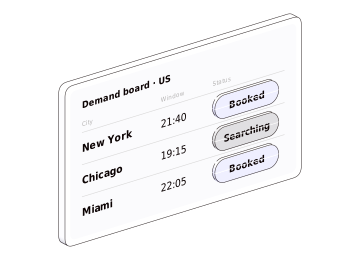
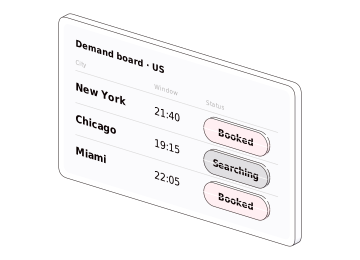
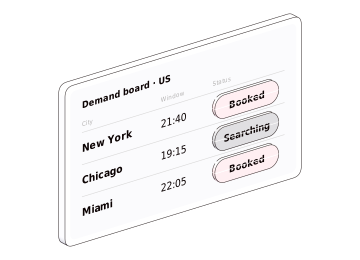








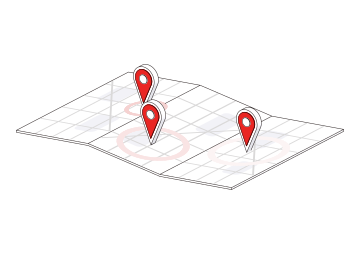
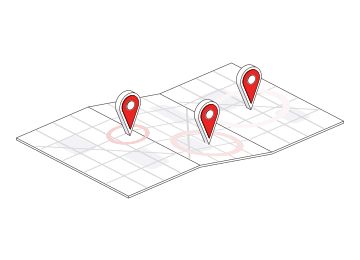
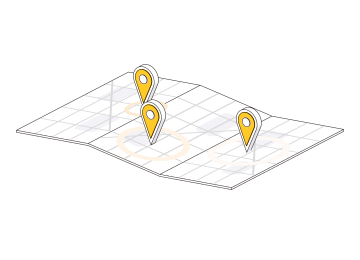
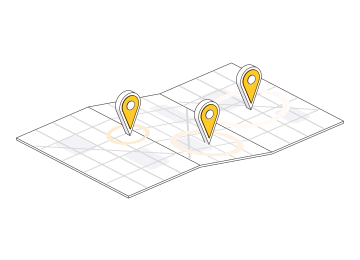
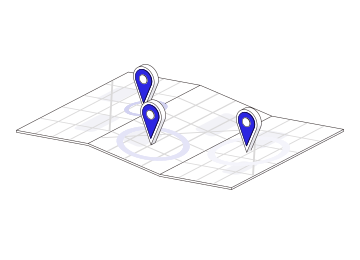
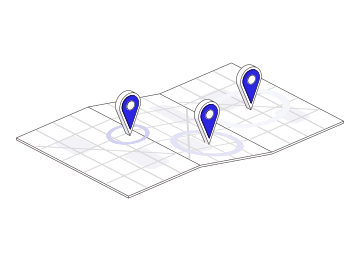
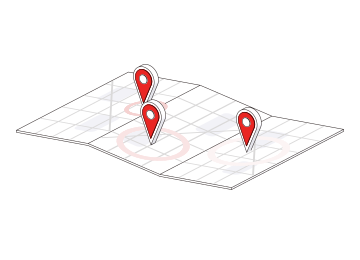
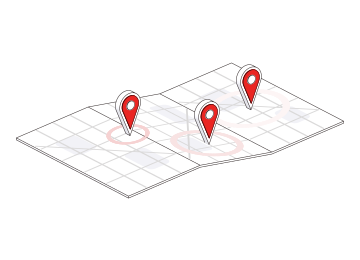
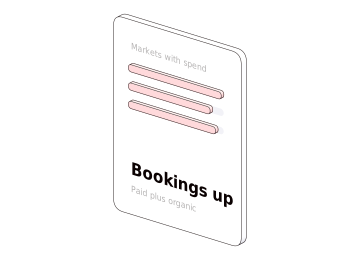
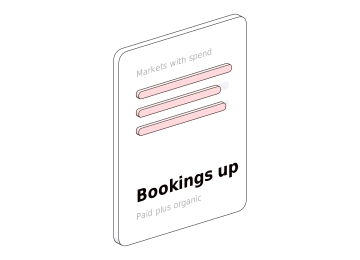
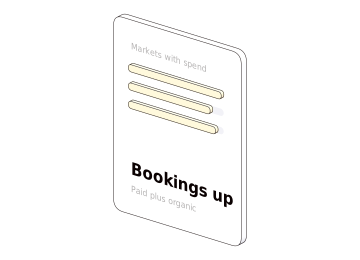
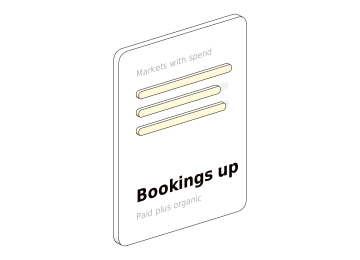
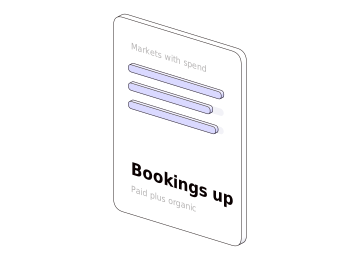
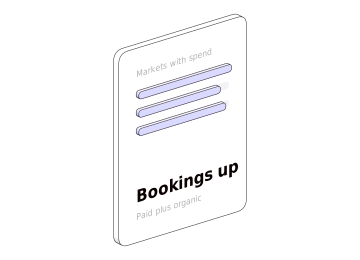
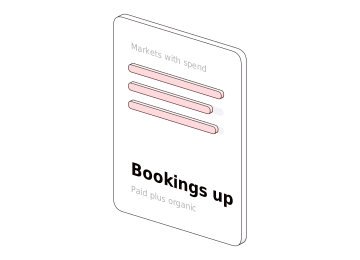
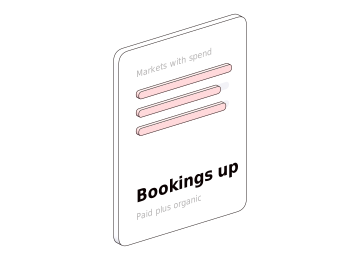




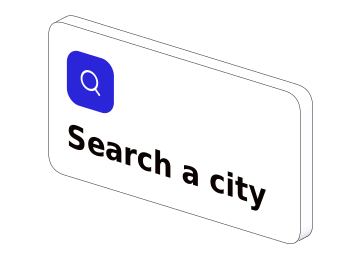



Tokens follow every change
Section titled “Tokens follow every change”No colour and no width is typed in a picture: each is one of these tokens. Change one, rebuild, and every illustration’s lines change, live and still — and so do its colours. The live pictures on a page follow at once. A still already placed in a slide is a file, and does not change by itself: it is exported again and replaced where it is used.
| Token | In CSS | Value |
|---|---|---|
illustration/shell |
--pui-illustration-shell |
#ffffff |
illustration/surface |
--pui-illustration-surface |
#f2f2f7 |
illustration/detail |
--pui-illustration-detail |
#dad9d9 |
illustration/screen |
--pui-illustration-screen |
#fbfbfd |
illustration/deck |
--pui-illustration-deck |
#ffffff |
illustration/text |
--pui-illustration-text |
#0b0202 |
illustration/outline/color |
--pui-illustration-outline-color |
#0b0202 |
illustration/outline/opacity |
--pui-illustration-outline-opacity |
0.85 |
illustration/outline/width |
--pui-illustration-outline-width |
0.5 |
illustration/connector/color |
--pui-illustration-connector-color |
#b5b3b3 |
illustration/connector/radius |
--pui-illustration-connector-radius |
0.028 |
illustration/arrow/color |
--pui-illustration-arrow-color |
#6c6666 |
illustration/arrow/width |
--pui-illustration-arrow-width |
3 |
illustration/arrow/head/length |
--pui-illustration-arrow-head-length |
5 |
illustration/arrow/head/angle |
--pui-illustration-arrow-head-angle |
40 |
The widths are the width of a line in a picture 1000 px wide; the connector’s radius is in the scene’s own units. The colours of a picture’s details are the red, yellow and blue ramps on Colour.
What the checks guarantee
Section titled “What the checks guarantee”A picture reaches this site only after every one of these holds:
- The still is the live picture. Each still is compared with its live version, and a missing or shifted piece fails it.
- An approved picture does not move by accident: every SVG is the committed one, byte for byte, or the same pieces in another order with an identical render.
- The arrows hold their rules: no arrow crosses another object’s outline, and the tightest bend is at least 16 px.
- The colours are the ones asked for: every scene shows exactly the colours it was built in.
- The lines follow the token: the outline’s width is the token’s in both versions.
- The file is whole: every still’s file renders placed as an image as it does inline, and the fonts inside each file are read to check they cover every character the file uses.
- The element stands alone: on a bare page, with no Poppins and no other script, a still is its file and no engine loads; what has no file is drawn by the engine as the live render is, with its own faces; and it moves.
- The page pays only for motion: on a page of one live scene, six stills and two live scenes below the fold, the still is painted before the engine arrives, the two below are not built until they are scrolled to, the three share one WebGL context, and with none in view no frame is drawn.

Pepper UI v1.5.0
The Mobupps design system. 386 tokens, 88 components, 65 pages in the workshop — every page of this site generated from the repository, so nothing here is typed twice.